
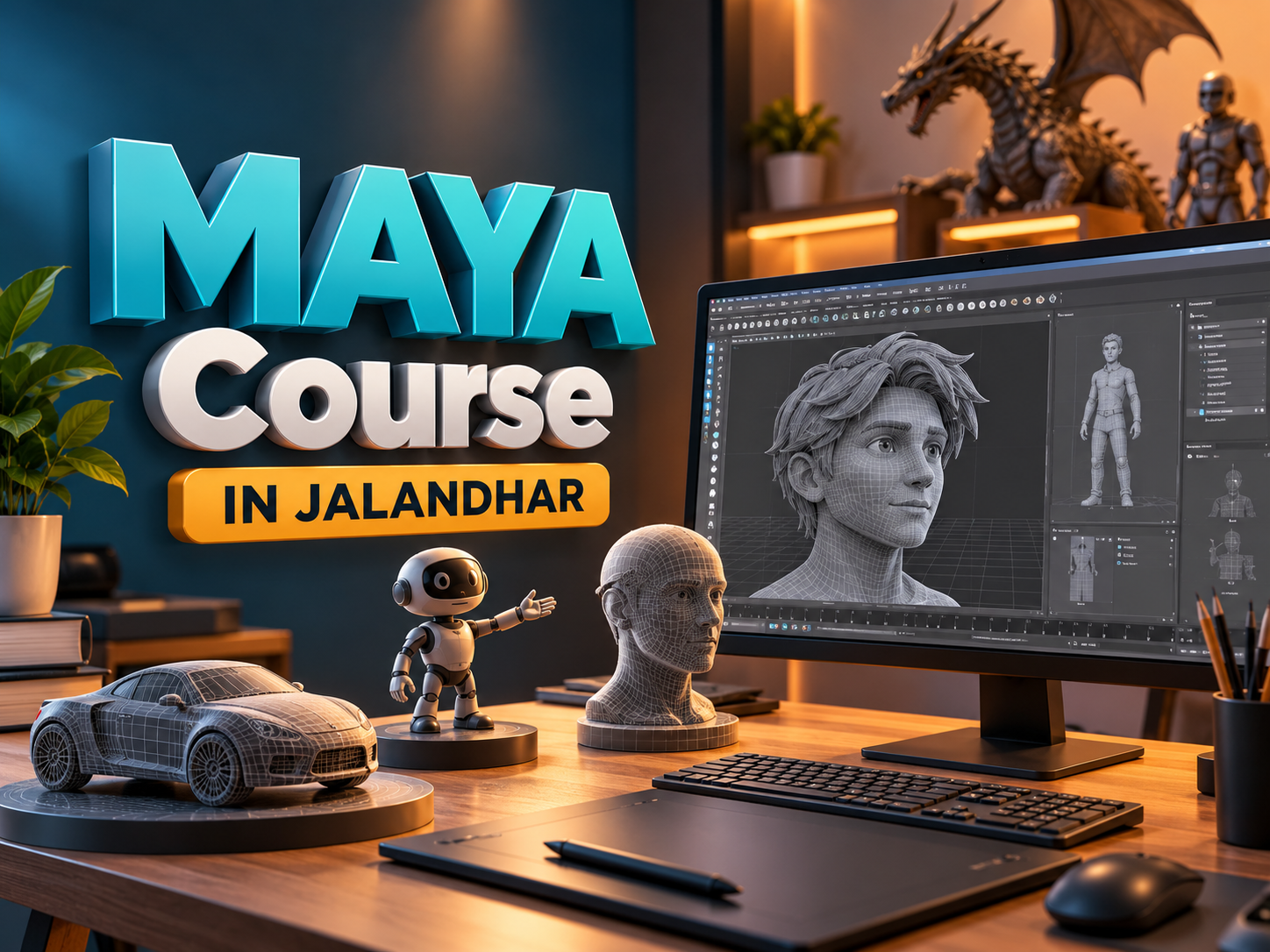
MAYA Course in Jalandhar
Three-dimensional design and animation help transform ideas into characters, objects, environments, and moving sequences. Behind every convincing digital scene is a combination of observation, creativity, technical understanding, and careful revision. Autodesk Maya brings these activities together through tools for modelling, animation, rigging, lighting, and rendering.
A Maya Course in Jalandhar can introduce students to the different stages of 3D production. Beginners can start with simple objects and movement exercises before progressing towards detailed assets and animated scenes.
Students exploring this field can contact Techcadd Jalandhar to discuss their interests, learning requirements, and available training options. Building a strong foundation helps learners understand the software and make purposeful creative decisions.
What Is Autodesk Maya?
Autodesk Maya is a three-dimensional application used to create models, animate movement, develop character controls, and prepare scenes for rendering. It supports workflows involving animation, visual effects, and digital assets for interactive experiences.
The software allows artists to work on individual objects or combine multiple elements into complete scenes. Different projects require different techniques, making it useful to understand the overall workflow before choosing a specialisation.
An Autodesk Maya Course in Jalandhar can introduce applications such as:
Creating characters, props, and environments.
Animating objects and character performances.
Building rigs and movement controls.
Developing materials and surface details.
Positioning lights and cameras.
Producing rendered images and animated sequences.
Who Can Learn Maya?
Maya can appeal to students who enjoy visual storytelling, films, games, drawing, or technical problem-solving. Previous experience with design software may be helpful, but beginners can develop their abilities through structured practice.
Students do not need to decide their specialisation immediately. Exploring several production stages can help them identify their interests.
Potential learners include:
Students interested in animation and digital media.
Graphic designers exploring three-dimensional design.
Beginners interested in character creation.
Aspiring environment and game asset artists.
Creative professionals expanding their technical knowledge.
Learners interested in visual effects workflows.
Before selecting Maya Training in Jalandhar, discuss prerequisites, equipment requirements, and the expected starting level.
Understanding the Interface and Scene Setup
Learning begins with understanding the workspace. Students need to become comfortable with viewports, menus, selection methods, transformation controls, and scene organisation.
These foundations make later tasks easier because almost every project involves selecting, positioning, and managing multiple objects.
Important beginner topics include:
Navigating around a three-dimensional scene.
Moving, rotating, and scaling objects.
Working with suitable units and dimensions.
Understanding object hierarchies.
Naming and grouping scene elements.
Saving files and maintaining project versions.
Students attending Maya Classes in Jalandhar should practise these skills with small scenes. Clear organisation becomes particularly valuable when a project includes numerous objects, materials, cameras, lights, and animation controls.
Understanding the 3D Production Workflow
A complete 3D project usually begins with planning and reference collection. Depending on the project, later stages may include modelling, UV mapping, texturing, rigging, animation, lighting, and rendering.
Understanding these connections helps learners recognise how early decisions affect later work. For example, a character needs suitable geometry around bending areas before it can deform effectively during animation.
Similarly, surface materials need to be evaluated under appropriate lighting before their appearance is finalised.
Through Autodesk Maya Training in Jalandhar, learners can practise completing a small project from planning to presentation. This helps them understand the overall process and identify the production stages they would like to study further.
Developing 3D Modelling Skills
Modelling involves creating the geometry that defines an object’s shape. Beginners generally start with simple forms and gradually learn to construct more detailed assets.
A 3D Modelling Course in Jalandhar can introduce polygon modelling, component editing, and the importance of clean topology.
Useful practice activities include:
Creating furniture, containers, and everyday objects.
Editing vertices, edges, and faces.
Using extrusion and bevel techniques.
Maintaining believable proportions.
Controlling surface smoothness.
Removing unnecessary geometry.
Good modelling involves matching the object to its intended purpose. An animated character may need different topology from a static background prop. Students should understand these requirements instead of assuming that greater detail always produces a better model.
Using References to Improve Creative Work
References help students understand shape, proportion, movement, and surface appearance. They provide information that is difficult to reproduce accurately from memory alone.
A reference might be a photograph, measured drawing, observed action, or collection of material examples. Studying an object from several viewpoints often reveals details that a single image does not show.
During 3D Modelling Training in Jalandhar, learners can practise:
Collecting front, side, and perspective views.
Comparing the dimensions of related parts.
Observing how surfaces respond to light.
Studying movement frame by frame.
Recording sources and respecting usage permissions.
Reference-based practice strengthens observation and helps students explain the decisions behind their work.
UV Mapping, Materials, and Texturing
After creating a model, artists prepare its surfaces for the intended appearance. UV mapping represents a three-dimensional surface in two dimensions so that textures can be positioned on it.
Poor UV layouts can cause stretching, inconsistent texture scale, or visible seams. Learners should understand how to organise UVs and check their results before developing detailed textures.
Maya Modelling and Texturing Training in Jalandhar can also introduce material properties such as colour, roughness, transparency, and surface variation.
Practice should focus on creating suitable materials. Wood, metal, fabric, and painted surfaces behave differently under light. Observing real examples helps learners develop more convincing digital surfaces and identify when a material needs adjustment.
Learning Animation Principles
Animation involves creating movement over time. However, convincing action requires more than moving an object between two positions. Timing, spacing, weight, balance, and clear poses influence how an action is understood.
A 3D Animation Course in Jalandhar can introduce keyframes, playback controls, animation curves, and movement exercises.
Suitable beginner assignments include:
A bouncing ball that communicates weight.
A pendulum showing changes in speed.
A simple mechanical movement.
An object reacting to an impact.
A short character movement exercise.
Students should review their work repeatedly and compare it with appropriate references. Small adjustments to timing or pose can improve the clarity of an action. Regular feedback also helps learners recognise problems they may overlook while working.
Character Rigging and Movement Controls
Rigging creates the structures and controls used to animate a model. A character rig may include joints, constraints, control objects, and relationships that determine how geometry moves.
Learners exploring Character Rigging Training in Jalandhar should first understand hierarchies and transformations. These concepts help explain why moving one control affects particular parts of a model.
Beginner topics can include:
Building simple joint chains.
Understanding forward and inverse kinematics.
Connecting geometry to a skeleton.
Adjusting skin weights.
Testing movement and deformation.
Organising controls for easier use.
A rig needs testing through different poses. This helps identify deformation problems before detailed animation begins and reduces the need for disruptive corrections later.
Lighting, Cameras, and Rendering
Lighting establishes visibility, depth, and mood. Camera placement determines how the scene is framed and which elements receive attention.
Maya Lighting and Rendering Training in Jalandhar can introduce light placement, shadows, exposure, material response, and rendering settings.
Beginners should start with controlled scenes and use test renders to evaluate changes. Adding more lights does not automatically improve the result.
Useful checks include:
Whether the main subject is clearly visible.
Whether shadows support the scene.
Whether reflections distract from important details.
Whether materials appear appropriate.
Whether the composition communicates the intended idea.
Rendering time depends on scene complexity, settings, and hardware. Efficient scene preparation helps learners balance image quality with practical working requirements.
Common Beginner Mistakes to Avoid
Beginners sometimes attempt complex projects before becoming comfortable with basic tools. This can make it difficult to identify whether a problem comes from geometry, materials, lighting, or animation.
A Maya Course for Beginners in Jalandhar should encourage manageable exercises and regular review.
Common issues include:
Creating unnecessarily dense geometry.
Ignoring object names and scene organisation.
Applying textures before checking UV layouts.
Animating without clear key poses.
Skipping test renders and movement checks.
Keeping only one saved version.
Correcting these habits early makes projects easier to manage. Students should focus on understanding why a method works rather than memorising commands without recognising their purpose.
Developing a Consistent Practice Routine
Regular practice supports steady improvement. A useful routine combines short technical exercises with longer projects. One session might focus on modelling a prop, while another concentrates on animation timing or lighting.
Learners considering Techcadd Maya Training in Jalandhar can ask how assignments and feedback support practice.
Keeping a progress journal helps students record problems, solutions, and topics that require further attention. Revisiting earlier work also makes improvement easier to recognise.
A realistic schedule should allow time for observation, experimentation, corrections, and final checks. Completing small exercises consistently helps build confidence before moving towards more demanding projects.
Practical Projects and Portfolio Development
Projects help learners combine individual techniques into a complete process. A small finished project often demonstrates understanding more clearly than an ambitious scene left incomplete.
Useful portfolio exercises include:
A modelled and textured everyday object.
A small environment with organised assets.
A bouncing-ball animation.
A simple character rig.
A short rendered sequence.
Students building a portfolio through Maya Animation Training in Jalandhar should explain the objective, personal contribution, challenges, and revisions for each project.
Alongside final outputs, relevant wireframes, UV layouts, or rig demonstrations can show the process. Clearly credit third-party assets and distinguish personal work from supplied resources.
Exploring Training Options with Techcadd
When considering a Techcadd Maya Course in Jalandhar, discuss the syllabus, training duration, prerequisites, and practical assignments directly with the institute.
Ask which production stages receive the most attention and how feedback is provided. Confirm software access, hardware requirements, batch timings, and any additional costs.
Students interested in modelling may need a different project emphasis from those focused on animation or rigging. Explaining these interests helps establish suitable learning goals.
Clear expectations make it easier to assess whether the training matches your current knowledge, available practice time, and creative direction.
Conclusion
Learning Maya requires patience, observation, and regular practice across modelling, texturing, rigging, animation, lighting, and rendering. A Maya Course in Jalandhar can provide a structured starting point for exploring these connected skills.
Contact Techcadd Jalandhar to discuss suitable learning options. Develop your understanding through focused exercises, careful revisions, and completed portfolio projects that demonstrate both technical knowledge and creative judgement.
Bring Your Creative Ideas into 3D with Maya
Bring new ideas into 3D with Techcadd Jalandhar. Explore Autodesk Maya modelling, animation, rigging and rendering then build creative projects. Get course details today!
Tell us whatyou wantto create.
A few lines about yourself and the course you're interested in. Our admissions team replies within two working days, and you can book a free campus visit or demo class.
Call admissions→Or send an enquiry to your nearest campus- Phone
- +91 98881 22241
- Address
- 1st Floor, IAM, Crystal Plaza, SCS 78, opp. PIMS Hospital, Jalandhar, Punjab 144001