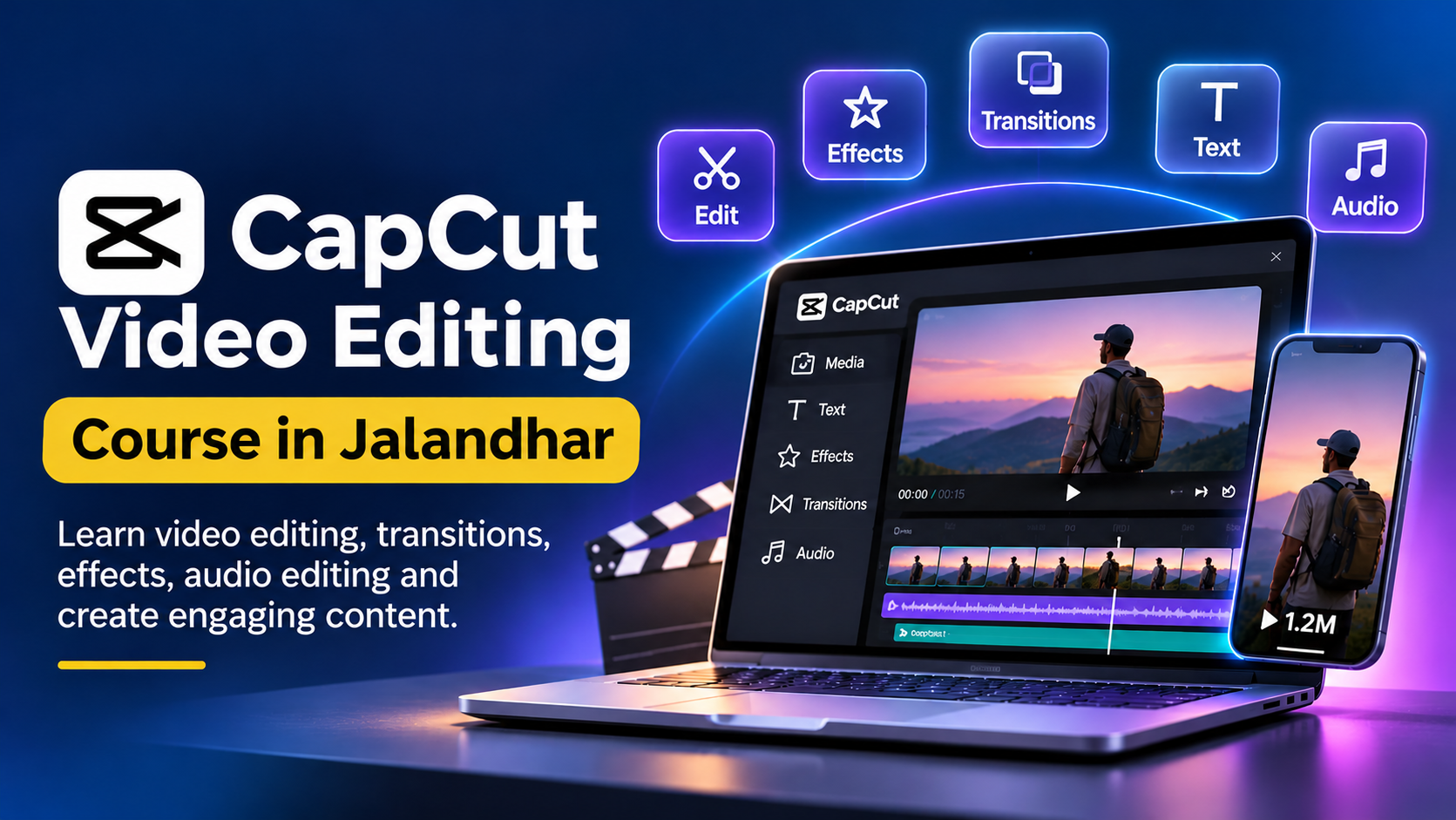
CapCut Video Editing Course in Jalandhar
Turn Your Video Ideas into Engaging Visual Stories
Video content has become an important part of social media, digital marketing, entertainment and online communication. From Instagram Reels and YouTube Shorts to promotional videos and brand campaigns, engaging video editing helps capture attention and communicate ideas effectively.
The CapCut Video Editing Course in Jalandhar at IAM introduces learners to the creative and technical aspects of video editing using CapCut. Explore editing tools, transitions, effects, text animations, audio controls and export settings to create polished videos for different digital platforms.
Whether you are a beginner, content creator, aspiring video editor or digital marketing enthusiast, this course can help you develop practical editing skills and understand modern short-form video production.
What Is CapCut?
CapCut is a video editing application used to create and edit videos for social media and other digital platforms. It offers tools for trimming clips, arranging footage, adding text, applying transitions, editing audio and creating visual effects.
Its editing features make it useful for beginners and creators who want to produce engaging videos without starting with complicated editing workflows.
What Will You Learn in CapCut Video Editing?
1. Introduction to CapCut
Understand the CapCut interface and explore its editing workspace. Learn how to create projects, import media, organise clips and navigate the timeline.
2. Video Cutting and Timeline Editing
Learn how to arrange video clips and build a clear sequence. Explore trimming, splitting, cropping, resizing, rearranging and adjusting clip duration.
3. Transitions and Visual Effects
Discover how to connect different scenes smoothly and make videos more engaging.
Topics include:
Video transitions.
Filters and visual effects.
Speed effects.
Basic motion effects.
Clip overlays.
Creative scene changes.
4. Text, Titles and Captions
Learn how to add information and visual emphasis through text elements.
Explore:
Titles and subtitles.
Animated text.
Text positioning and styling.
Captions and on-screen messages.
Text timing and animation.
5. Audio Editing and Sound Design
Understand how audio contributes to the overall video experience. Learn to add background music, voiceovers and sound effects while adjusting volume and timing.
6. Speed Control and Slow Motion
Explore video speed adjustments to create different visual effects. Learn normal speed changes, slow motion, fast motion and speed ramping where supported by the application and device.
7. Colour Adjustment and Video Enhancement
Learn how to improve the appearance of footage using brightness, contrast, saturation, temperature and other available adjustment tools.
8. Exporting Videos for Social Media
Understand how to prepare videos for different platforms. Explore aspect ratios, resolution, frame rates, file formats and export settings.
Practical Video Editing Projects
Apply your learning through creative editing activities such as:
Instagram Reels editing.
YouTube Shorts creation.
Promotional video editing.
Product and brand videos.
Educational video clips.
Travel and lifestyle edits.
Text-based social media videos.
Short-form storytelling projects.
Practical exercises help you understand how to combine footage, music, text and effects into a complete video.
Platforms and Content Formats You Can Explore
CapCut skills can support video creation for different digital platforms.
Instagram: Reels, stories and promotional content.
YouTube: Shorts, tutorials and video highlights.
Facebook: Promotional videos and social media content.
TikTok: Short-form creative videos where the platform is available.
Business Websites: Product demonstrations and promotional videos.
Skills You Can Develop
During the course, you can develop skills such as:
Video timeline management.
Creative editing and storytelling.
Transition and effect application.
Text and caption animation.
Audio and music synchronisation.
Basic colour correction.
Social media video formatting.
Export and video quality management.
Career Opportunities After CapCut Video Editing Training
Video editing skills are useful across digital marketing, content production, advertising and social media. After developing practical skills and building a portfolio, you can explore opportunities such as:
Video Editor: Edits footage into complete video content.
Short-Form Video Editor: Creates Reels, Shorts and other short videos.
Social Media Content Creator: Produces videos for social media platforms.
Reels Editor: Specialises in short-form vertical video content.
Digital Marketing Assistant: Supports marketing campaigns with video content.
Freelance Video Editor: Provides editing services to creators and businesses.
Content Production Assistant: Supports video production and editing workflows.
Career opportunities depend on your editing abilities, portfolio, creativity and professional experience.
Who Should Join This Course?
The CapCut Video Editing Course can be useful for:
Students interested in video editing.
Beginners who want to learn editing from scratch.
Instagram and YouTube content creators.
Digital marketing students and professionals.
Freelancers interested in video editing services.
Business owners creating promotional content.
Individuals interested in social media production.
No advanced video editing experience is required to begin learning the fundamentals.
Why Learn CapCut Video Editing at IAM Jalandhar?
Creating engaging videos requires more than combining clips. It involves understanding timing, storytelling, audio, visual flow and audience attention.
At IAM Jalandhar, learners can explore CapCut's editing features through structured learning and practical creative activities. The focus is on understanding editing techniques, working with different media elements and developing confidence in video production.
From short-form social media content to promotional videos, build editing skills that can support your creative interests and professional goals.
Start Your CapCut Video Editing Journey at IAM Jalandhar
Every engaging video begins with an idea and the right editing approach. Learning CapCut can help you turn raw footage into creative content for today's digital platforms.
Join the CapCut Video Editing Course in Jalandhar at IAM and explore video editing, transitions, effects, text animation, audio editing and social media content creation.
Enquire today to learn more about course details, practical learning and admission information at IAM Jalandhar.
Frequently Asked Questions
1. What is taught in a CapCut Video Editing Course?
The course covers video cutting, timeline editing, transitions, effects, text animation, audio editing, speed control, colour adjustments and exporting.
2. Is CapCut suitable for beginners?
Yes. CapCut offers an accessible editing interface, making it suitable for beginners who want to learn video editing fundamentals.
3. Can I create Instagram Reels using CapCut?
Yes. CapCut can be used to edit vertical videos, add captions, apply transitions, synchronise audio and prepare content for Reels.
4. Can CapCut be used for YouTube Shorts?
Yes. You can edit short-form videos, add text and music, adjust the video format and export content for YouTube Shorts.
5. Do I need previous editing experience?
No. Beginners can start with the interface and basic editing tools before moving towards more creative editing techniques.
6. What career options are available after CapCut training?
You can explore opportunities in short-form video editing, social media content creation, freelance editing and digital marketing support, depending on your skills and portfolio.
7. Where can I learn CapCut video editing in Jalandhar?
You can enquire about the CapCut Video Editing Course at IAM Jalandhar for course details, practical learning and admission information.
Turn Raw Footage into Engaging Videos
Learn video cutting, transitions, text animations, audio editing and visual effects using CapCut. Create polished videos for digital platforms.
Tell us whatyou wantto create.
A few lines about yourself and the course you're interested in. Our admissions team replies within two working days, and you can book a free campus visit or demo class.
Call admissions→Or send an enquiry to your nearest campus- Phone
- +91 98881 22241
- Address
- 1st Floor, IAM, Crystal Plaza, SCS 78, opp. PIMS Hospital, Jalandhar, Punjab 144001