
What Is Nuke? A Simple Guide to Compositing for Jalandhar Students
VFX & Compositing · Preeti Jalandhar · 26 October 2026
Discover what Nuke is and how compositing combines visual elements. This beginner guide for Jalandhar students explains nodes, masking, keying, and tracking, with learning options at IAM Jalandhar.
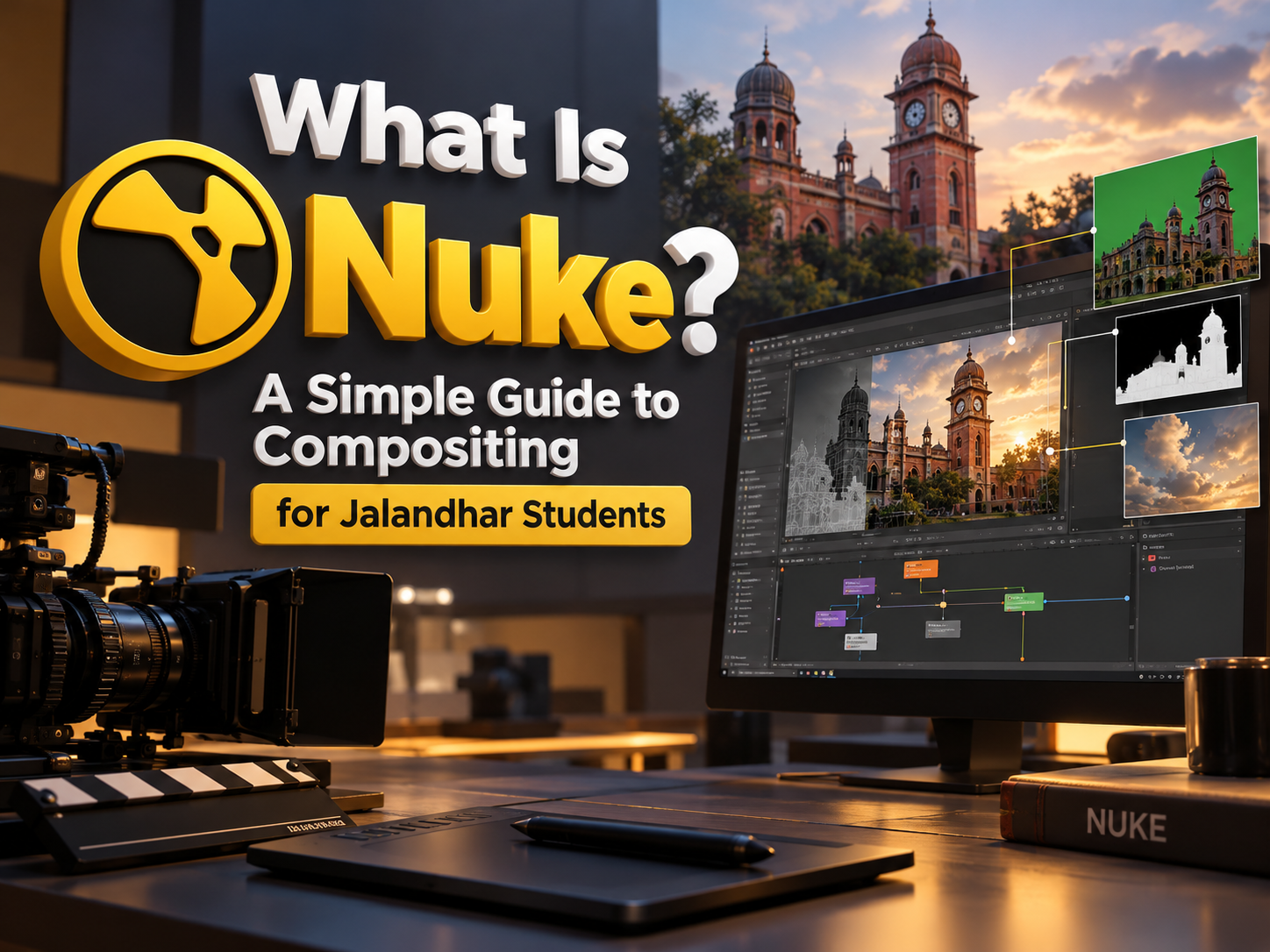
A convincing visual effects shot often combines material that was never captured together. A performer might be recorded against a green screen, a background filmed elsewhere, and additional objects created digitally. Compositing brings these elements into a consistent image.
Nuke is an application used for this work. It helps artists combine images, adjust their relationships, and solve visual problems through a node-based workflow.
This guide introduces Nuke Compositing for Jalandhar Students in straightforward language. It explains essential concepts, common tasks, and a manageable first project.
Students can also contact IAM Jalandhar to discuss relevant learning options, prerequisites, and practical training requirements.
What Is Nuke?
Nuke is compositing software developed by Foundry. Artists use it to process and combine moving images, photographs, rendered elements, masks, and other visual information.
Its node-based structure represents operations as connected steps. These connections show how images move through the composition and how each operation changes the result.
Understanding What Is Nuke begins with recognising its purpose: creating controlled relationships between image elements.
Common activities include:
Combining foreground and background images.
Removing unwanted objects.
Extracting subjects from coloured backgrounds.
Creating animated masks.
Tracking movement.
Adjusting colour and image characteristics.
Preparing finished visual effects shots.
What Is Compositing?
Compositing is the process of combining visual elements into a single result. The aim may be realistic integration, a stylised design, or a specific visual effect.
A simple example involves placing a photographed object into another scene. More demanding work might combine a performer, a digital environment, atmospheric elements, and rendered lighting information.
A Compositing Course in Jalandhar can introduce the decisions that make these combinations believable.
Artists need to consider:
Scale and perspective.
Lighting direction.
Colour and brightness.
Edges and transparency.
Motion and blur.
Texture, grain, and sharpness.
The viewer should understand the intended image without being distracted by inconsistent elements.
Compositing, Editing, and 3D Animation
These activities connect within production, but they address different problems. Editing arranges shots over time to shape a sequence. Compositing works within shots to combine or alter their visual content.
Three-dimensional production creates digital models, movement, materials, and rendered images. Compositing can then combine those renders with other material and refine their appearance.
Students exploring Visual Effects Training in Jalandhar should understand these relationships before choosing a specialisation.
For example, an editor may select the best take, a 3D artist may create a digital object, and a compositor may integrate that object into the selected footage. Clear communication between these roles helps maintain consistency throughout production.
Understanding the Node-Based Workflow
Nodes represent operations within a composition. One node may read an image, another adjust its colour, and another combine it with a background.
Connections determine the processing order. This allows artists to inspect different stages, branch the workflow, and reuse information where appropriate.
Node-Based Compositing Training in Jalandhar can introduce:
Inputs and outputs.
Image-processing order.
Branching connections.
Comparing intermediate results.
Naming important operations.
Organising complex graphs.
Beginners should start with short, understandable node chains. Adding many operations without a clear purpose makes problems harder to diagnose. A readable graph helps both the artist and anyone reviewing the project.
Navigating the Nuke Workspace
Beginners need to become comfortable with the main workspace before attempting demanding shots. Important areas include the node graph, Viewer, properties controls, and timeline.
The Viewer displays selected results, while the node graph shows how the composition is constructed. Properties provide controls for the selected operation.
A Nuke Course for Beginners in Jalandhar can introduce:
Reading source images.
Viewing different nodes.
Navigating the timeline.
Adjusting properties.
Comparing before-and-after results.
Saving organised project files.
Practise identifying which node is being viewed. Confusion between an intermediate image and the final result can lead to unnecessary changes or incorrect conclusions.
Image Channels and Transparency
Images contain channels that describe different kinds of information. RGB channels represent colour, while an alpha channel commonly describes opacity or coverage for compositing.
Understanding alpha helps explain how a foreground can appear over a background without covering the entire frame.
A Nuke Basics Course in Jalandhar should introduce inspecting channels individually rather than judging every problem from the combined colour image.
Students should learn to ask:
Does the foreground contain an alpha channel?
Which areas are opaque or transparent?
Are the edges suitable?
Is the required information connected correctly?
These checks help distinguish a colour problem from a transparency or connection problem.
Merging Images Together
A merge operation combines image inputs according to the selected mathematical relationship. One common use is placing a foreground over a background using its alpha information.
However, combining images successfully requires more than connecting two sources. Students need to understand input order, the selected operation, and the characteristics of the source material.
Begin with a simple foreground that already contains suitable transparency. Place it over a background and inspect the result.
Then compare different settings deliberately. Record what changes and why. This exercise provides a foundation for more complex work without introducing keying, tracking, and cleanup problems simultaneously.
Rotoscoping and Animated Masks
Rotoscoping involves creating shapes or masks that follow selected areas over time. These masks can isolate a subject, protect part of an image, or limit an adjustment.
A simple exercise might involve masking an object in a static shot. Later practice can introduce movement, changing shape, and partial occlusion.
Rotoscoping Training in Jalandhar can develop:
Careful shape placement.
Controlled edge treatment.
Keyframe management.
Frame-by-frame inspection.
Efficient shape organisation.
Understanding where precision matters.
Avoid checking only the first and last frames. A mask may look acceptable at those points while drifting or changing unnaturally during the movement between them.
Green Screen Keying
Keying separates a subject from a background based on selected image characteristics. Green screen footage is a familiar example.
The process produces transparency that can be used to place the subject into another environment. Good results depend heavily on the original recording, including lighting, separation, motion, and image quality.
Green Screen Compositing Training in Jalandhar can introduce:
Inspecting the source.
Producing a useful matte.
Reviewing fine edges.
Managing unwanted colour spill.
Protecting required subject details.
Checking the result over different backgrounds.
Keying should be evaluated across the complete shot. Hair, transparent objects, shadows, and motion blur may require particular attention.
Tracking and Screen Replacement
Tracking analyses movement so another element can follow a feature or surface within the shot. It can support tasks such as attaching a graphic or replacing content on a screen.
The appropriate method depends on the movement and the available image detail. Beginners should start with footage that has clear features and manageable motion.
A Nuke Tracking Course in Jalandhar can introduce:
Choosing suitable tracking information.
Reviewing tracking accuracy.
Identifying drift.
Applying movement to another element.
Checking perspective.
Inspecting the complete frame range.
A successful track is only part of integration. A replacement may also need changes to brightness, reflections, blur, and other image characteristics.
Colour Matching and Image Integration
Elements from different sources often have different exposure, colour balance, contrast, and saturation. These differences can make a composition appear disconnected.
Students should compare the foreground and background carefully before adjusting them. Look at the direction and quality of light as well as overall brightness.
Useful integration checks include:
Whether highlights and shadows are consistent.
Whether colour balance feels compatible.
Whether contrast suits the surrounding image.
Whether sharpness matches.
Whether grain or noise differs noticeably.
Whether the element belongs in the scene spatially.
Nuke Compositing Training in Jalandhar should encourage controlled adjustments. Change one major characteristic at a time and compare the result.
Understanding Colour Management
Colour management helps maintain a consistent interpretation of image values across sources, processing, and viewing.
Beginners should understand that an image’s appearance depends partly on how it is interpreted and displayed. Incorrect settings can create confusion when comparing footage, rendered elements, and exported files.
Students do not need to memorise an entire production pipeline immediately. They should learn to identify the project’s expected settings and avoid changing them without understanding the consequences.
Record the assumptions used for source material and output. When working with supplied footage or a team, follow the agreed workflow and ask about unclear information before making major corrections.
Cleanup and Unwanted Object Removal
Cleanup involves removing or repairing visual details. Examples include replacing a distracting mark or repairing a small area of a background.
The difficulty depends on movement, lighting changes, texture, and whether important elements pass in front of the area.
Beginners should start with a short, controlled exercise. Use simple footage and review the repair throughout the shot.
Useful habits include:
Studying surrounding texture.
Matching movement.
Checking changing light.
Reviewing edges.
Avoiding visible repetition.
Comparing at normal playback speed.
A repair that looks convincing on one frame may become noticeable when the sequence moves. Both still-frame inspection and playback are necessary.
Combining Rendered Elements with Footage
Compositing can bring digitally rendered objects into photographed scenes. This requires coordination between the rendered material and the original footage.
Artists may need information about the camera, lighting, shadows, and available render channels. The level of complexity depends on the shot.
Students exploring 3D Compositing Training in Jalandhar should understand that integration begins before the final merge.
A digital object needs suitable scale, perspective, and contact with its environment. Colour adjustments alone cannot correct every mismatch. Review the source elements and their assumptions before adding layers of correction to an unsuitable render.
A Manageable First Compositing Project
Choose a simple project that introduces a small number of concepts. For example, combine a foreground object with transparency over a background and make basic adjustments.
A beginner exercise can follow these steps:
Collect appropriately licensed source material.
Set the project requirements.
Read and inspect the sources.
Check the foreground alpha.
Position the element.
Merge it over the background.
Adjust appearance carefully.
Review and export.
Useful Nuke Projects for Beginners in Jalandhar should remain achievable. Add tracking or keying later rather than attempting every technique within the first composition.
Reviewing and Organising Compositing Work
A readable project makes revisions easier. Name important nodes, group related operations clearly, and remove unnecessary experiments from the final working version.
Save versions at useful stages and keep source locations organised. Record any assumptions that affect the result.
Review the shot:
Across its complete duration.
At suitable magnification.
At normal playback speed.
Against the original brief.
On the exported output.
With attention to edges and motion.
Avoid judging success from a single attractive frame. A finished composition needs consistent behaviour throughout the shot and should remain understandable to another person reviewing the graph.
Portfolio Development and Learning with IAM
A beginner portfolio can include a simple integration, a roto exercise, a controlled key, and a basic tracked replacement.
Explain the original material, your contribution, the main problem, and the corrections made. Clearly credit supplied footage and distinguish practice exercises from professional production work.
When considering an IAM Nuke Course in Jalandhar, ask about prerequisites, software access, practical assignments, feedback, and independent practice. Confirm duration, batch timings, equipment needs, and any licensing requirements directly with IAM.
Choose work that demonstrates careful observation and consistent finishing. Clear breakdowns help viewers understand the skills behind the final image.
Conclusion
Nuke helps artists combine and refine visual elements through a node-based compositing workflow. For beginners, the most useful starting points are navigation, channels, merging, masks, and careful image comparison.
Students exploring Nuke Compositing for Jalandhar Students can build understanding through short, manageable exercises. Contact IAM Jalandhar to discuss relevant learning options, then develop your skills through organised projects, thoughtful review, and clear documentation.
- Nuke
- Compositing
- Visual Effects
- Node-Based Compositing
- Rotoscoping
- Green Screen Keying
- Jalandhar Students
- IAM Jalandhar