What Is Game Design? A Beginner Guide for Jalandhar Students
Animation & Gaming · Preeti Jalandhar · 4 November 2026
Explore the world of Game Design with IAM Jalandhar. Learn game mechanics, character design, level creation and creative skills to turn your gaming passion into ideas.
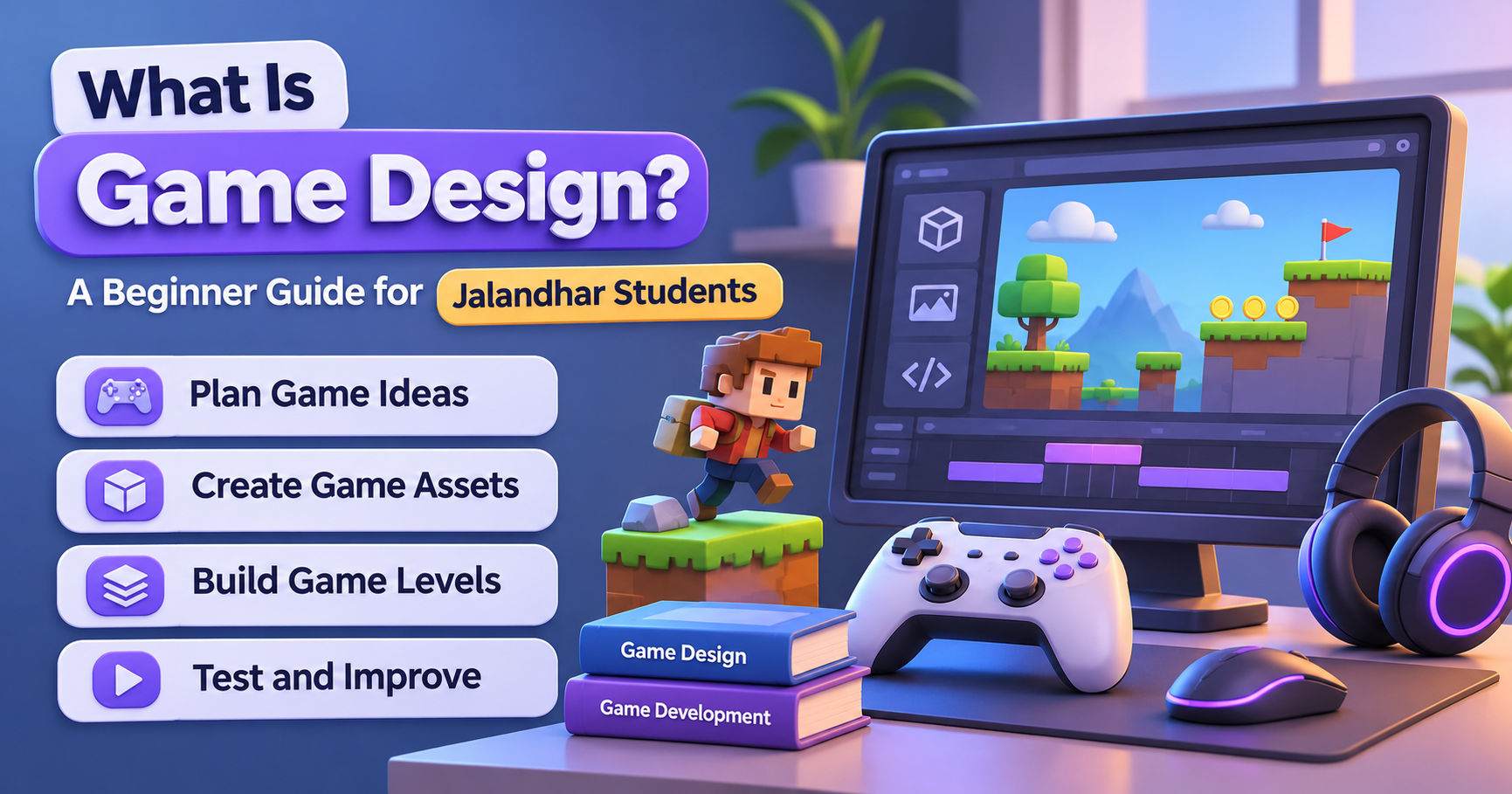
The gaming industry has grown into one of the most exciting areas of technology, creativity, and digital entertainment. From mobile games and computer games to console games and virtual reality experiences, games are now an important part of modern digital culture. Behind every interesting game is a process called game design, which combines creativity, planning, storytelling, technology, and problem-solving.
For students in Jalandhar who enjoy playing video games and want to understand how they are created, learning about game design can be an interesting starting point. Game Design for Beginners introduces students to the concepts, tools, and creative decisions involved in developing an engaging gaming experience.
At IAM, students can explore creative technology and digital design concepts while developing an understanding of how interactive experiences are planned and created. Whether you are a school student, college student, beginner, or someone interested in the gaming industry, understanding game design can help you discover new creative and technical interests.
What Is Game Design?
Game Design is the process of planning, developing, and creating the rules, characters, environments, challenges, objectives, and experiences that make a game enjoyable. It involves deciding how a game works, what players can do, how they progress, and what makes the overall experience interesting.
Game design is not limited to drawing characters or creating attractive backgrounds. It includes understanding player behaviour, developing game concepts, designing levels, creating challenges, planning stories, and deciding how different game elements work together.
For example, when designing a racing game, the designer needs to think about:
The type of vehicles available to players.
Different racing tracks and environments.
Game rules, speed, and difficulty levels.
Rewards, achievements, and challenges.
Controls and the overall player experience.
Visual elements that make the game attractive.
A successful game combines all these elements to create an enjoyable and engaging experience.
Why Is Game Design Interesting for Jalandhar Students?
Students today are surrounded by digital entertainment, mobile applications, online games, and interactive platforms. Many students enjoy gaming but may not know how much planning and creativity go into building a complete game.
Learning Game Design in Jalandhar can introduce students to a different side of gaming. Instead of only playing games, they can begin understanding how characters, levels, stories, rules, and challenges are created.
Some reasons students may find game design interesting include:
Creative Expression: Students can explore their ideas through characters, environments, stories, and visual concepts.
Technical Understanding: They can learn how game mechanics, controls, and interactive elements work.
Problem-Solving Skills: Designing a game involves identifying problems and developing solutions to improve gameplay.
Storytelling: Students can create interesting characters, missions, and fictional worlds.
Digital Skills: Game design introduces concepts related to digital creativity, interactive media, and technology.
Project-Based Learning: Small game concepts and design projects can help beginners understand the creative process.
For students in Jalandhar, exploring game design can be a useful way to connect their interest in gaming with creative and technical learning.
Main Elements of Game Design
Every game is made up of different elements that work together. Understanding these components is important for anyone beginning their journey in Game Design Training.
1. Game Concept
The game concept is the basic idea behind a game. It explains what the game is about, what players need to do, and what makes the experience different.
For example, a student might imagine a game in which a character explores a mysterious island, solves puzzles, and collects hidden objects. This idea becomes the starting point for planning the game.
A good game concept generally includes:
The main theme and idea.
The target audience.
The game genre.
The main objective.
The unique features of the game.
2. Game Mechanics
Game Mechanics are the rules and actions that determine how a game works. They explain what players can do and how the game responds to their actions.
Examples include jumping, running, collecting coins, solving puzzles, fighting opponents, and completing missions.
Game mechanics are important because they directly influence how players interact with a game. Well-planned mechanics make gameplay understandable, enjoyable, and balanced.
3. Game Storytelling
Storytelling gives a game a purpose and helps players connect with its characters and world. Some games focus on simple objectives, while others include detailed stories, missions, and character development.
A game designer may plan:
The main storyline.
Characters and their backgrounds.
Missions and objectives.
Dialogue and conversations.
Important events and challenges.
Students interested in writing and creativity can explore storytelling as an important part of Game Design and Development.
4. Character Design
Characters are often one of the most memorable parts of a game. They can be heroes, villains, animals, fantasy creatures, or other fictional personalities.
Character Design involves planning a character's appearance, personality, clothing, abilities, and role in the game.
Important character design considerations include:
Character shape and appearance.
Facial expressions and emotions.
Costumes and accessories.
Special abilities.
Character movement and animation.
The character's role in the story.
A well-designed character should fit the theme and visual style of the game.
5. Level Design
Level Design is the process of creating different stages, locations, and challenges within a game. Each level should provide an interesting experience while helping players progress.
For example, a beginner level may introduce basic controls, while later levels may include more difficult obstacles and complex challenges.
Level designers consider:
The layout of each level.
Obstacles and challenges.
Player movement and navigation.
Difficulty progression.
Rewards and hidden elements.
The placement of important objects.
Good level design keeps players interested and encourages them to continue playing.
6. User Interface and User Experience
The user interface includes the visual elements through which players interact with a game. It may include menus, buttons, health indicators, maps, settings, and score displays.
Game UI/UX Design focuses on making these elements easy to understand and use.
A well-designed interface should be:
Simple and easy to navigate.
Visually consistent.
Readable on different screen sizes.
Comfortable for players to use.
Suitable for the game's overall style.
A confusing interface can affect the player experience, even when the game itself has interesting features.
7. Sound and Music
Sound effects and background music help create the atmosphere of a game. Sounds can communicate actions, provide feedback, and make different scenes more engaging.
Examples include footsteps, background music, vehicle sounds, button clicks, environmental sounds, and character voices.
Game designers may work with sound designers and audio professionals to make sure that the audio matches the game's theme and gameplay.
Different Types of Game Design
The gaming industry includes different genres, and each type requires its own creative approach. Beginners should understand these categories before developing their own game ideas.
1. Mobile Game Design
Mobile game design focuses on games created for smartphones and tablets. These games often use touch controls and are designed for different screen sizes.
Examples include puzzle games, racing games, strategy games, and casual games.
2. PC Game Design
PC game design involves creating games for desktop and laptop computers. These games may include complex controls, detailed environments, multiplayer features, and advanced gameplay systems.
3. Console Game Design
Console games are developed for gaming systems and controllers. Designers need to consider controller layouts, screen presentation, gameplay flow, and player interaction.
4. 2D Game Design
2D Game Design involves creating games that use two-dimensional graphics. These games generally use height and width to represent characters, objects, and environments.
Examples include platform games, side-scrolling adventures, and classic arcade games.
5. 3D Game Design
3D Game Design involves creating environments and objects with depth, height, and width. It allows designers to develop realistic or imaginative worlds that players can explore.
Three-dimensional games may include detailed characters, buildings, vehicles, landscapes, and interactive objects.
6. Virtual Reality Game Design
Virtual reality games create interactive experiences using VR devices. Players can explore digital environments and interact with objects in a more immersive way.
This area combines creative design with technology, interaction, and spatial awareness.
Important Skills Required for Game Design
Students do not need to be professional gamers to begin learning game design. However, certain creative and technical skills can make the learning process easier.
Some useful skills include:
Creativity: Developing original ideas, characters, stories, and environments.
Visual Design: Understanding colours, shapes, layouts, and visual composition.
Problem-Solving: Finding solutions to gameplay and design challenges.
Storytelling: Creating interesting narratives and missions.
Logical Thinking: Understanding rules, systems, and player interactions.
Communication: Explaining ideas and working with other team members.
Attention to Detail: Improving small elements that affect the overall experience.
Adaptability: Learning new tools and understanding changing design techniques.
Programming knowledge can also be useful, especially when students move from designing game concepts to building functional games. However, beginners can first explore the basic principles of game design without becoming advanced programmers.
Popular Tools Used in Game Design
Different software tools help designers create game concepts, graphics, characters, environments, and interactive experiences. The right tool depends on the type of project and the student's learning goals.
Some commonly used tools include:
1. Unity
Unity is a widely used game development platform that supports 2D and 3D projects. It can be used to build interactive games for multiple platforms.
2. Unreal Engine
Unreal Engine is known for its powerful real-time 3D graphics capabilities. It is used for developing detailed environments, immersive experiences, and advanced games.
3. Blender
Blender is a 3D creation tool used for modelling, animation, rendering, and creating digital assets. It can help students understand how 3D objects and characters are developed.
4. Adobe Photoshop
Photoshop is used for creating and editing visual assets, textures, concept art, and other graphic elements that may be used in game projects.
5. Figma
Figma can be used to plan user interfaces, menus, layouts, and interactive prototypes. It is useful when learning the visual and experience-design side of games.
6. Godot
Godot is an open-source game engine that supports 2D and 3D game development. Beginners can explore it while learning basic game creation concepts.
Students should understand that each tool serves a different purpose. Learning the fundamentals of Game Design is important before focusing on any particular software.
How Does the Game Design Process Work?
Creating a game involves multiple stages. Even a small beginner project needs planning, testing, and improvement.
A typical game design process includes the following steps:
Step 1: Develop a Game Idea
Start with a simple concept. Decide what type of game you want to create and what players will experience.
Step 2: Identify the Target Audience
Think about who will play the game. A game designed for children may have different visuals, rules, and difficulty levels compared with a strategy game for experienced players.
Step 3: Plan the Gameplay
Decide what players can do, what their objectives are, and how they can complete different challenges.
Step 4: Create a Game Design Document
A game design document is a planning reference that describes the game's concept, mechanics, characters, levels, story, and other important elements.
Step 5: Develop Visual Concepts
Plan the appearance of characters, objects, backgrounds, menus, and environments.
Step 6: Build a Prototype
A prototype is a basic version of the game used to test the main idea and gameplay mechanics.
Step 7: Test the Game
Testing helps identify confusing controls, difficult levels, technical problems, and areas that need improvement.
Step 8: Improve the Experience
Use feedback to refine the design, adjust gameplay, improve visuals, and make the game more enjoyable.
This process shows that Game Design and Development require both creative thinking and continuous improvement.
How Can Beginners Start Learning Game Design?
Students who are new to game design should begin with small projects instead of trying to create a large, complicated game immediately.
Here are some practical ways to get started:
Understand Basic Concepts: Learn about game genres, mechanics, levels, characters, and player experience.
Study Existing Games: Observe how different games use challenges, rewards, controls, and storytelling.
Sketch Your Ideas: Draw simple characters, maps, objects, and level layouts.
Explore Beginner Tools: Try introductory projects using accessible game design and development software.
Create a Simple Game Concept: Plan a basic puzzle, platform, or maze game.
Learn Through Practice: Experiment with different ideas and improve your designs.
Build a Portfolio: Save your concepts, sketches, prototypes, and completed projects to demonstrate your learning.
At IAM, beginners can explore creative and technology-related learning opportunities and understand how structured learning and practical exercises can support skill development. Students interested in game design can use these initial steps to identify which area they would like to explore further.
Why Learn Game Design at IAM in Jalandhar?
Choosing the right learning environment can help students understand new concepts and develop their interests. IAM provides students in Jalandhar with an opportunity to explore creative and technology-oriented learning.
Students interested in Game Design in Jalandhar can begin by understanding the fundamentals of digital design, visual creativity, interactive concepts, and related software skills.
Some important learning considerations include:
Beginner-Friendly Learning: Start by understanding basic concepts before moving towards advanced topics.
Practical Exposure: Work on small creative exercises and project ideas to understand how design concepts are applied.
Software Familiarity: Explore relevant digital tools based on your learning goals.
Creative Development: Improve your ability to think visually and develop original concepts.
Project Understanding: Learn how ideas can be organised into structured design projects.
Skill Improvement: Develop problem-solving, visual communication, and logical thinking abilities.
Before choosing a course, students should discuss the available curriculum, software coverage, practical projects, duration, and eligibility with the IAM team. This helps them select a learning path that matches their interests and current skill level.
Career Areas Related to Game Design
Game design is connected with several creative and technical fields. The career path a student chooses depends on their skills, interests, portfolio, and further learning.
Some related roles include:
1. Game Designer
A game designer plans the concept, rules, mechanics, objectives, and overall gameplay experience.
2. Level Designer
A level designer creates stages, environments, obstacles, and challenges that guide players through a game.
3. Character Designer
A character designer develops the visual appearance, personality, and design concepts of game characters.
4. 2D Artist
A 2D artist creates illustrations, backgrounds, icons, sprites, and other two-dimensional visual assets.
5. 3D Artist
A 3D artist creates models of characters, objects, buildings, and environments for interactive projects.
6. Game UI/UX Designer
A game UI/UX designer works on menus, navigation, controls, and other interface elements to improve the player's experience.
7. Game Animator
A game animator creates movement for characters, objects, and other elements to make a game feel more dynamic.
8. Game Developer
A game developer works on the technical implementation of a game, often using programming languages and game engines.
These roles may require different levels of education, software knowledge, technical skills, and practical experience. A strong portfolio can help demonstrate a student's abilities when applying for relevant opportunities.
Benefits of Learning Game Design as a Student
Learning game design can be valuable even for students who are still exploring their future career interests. It encourages them to combine creativity with structured thinking.
Key benefits include:
Creative Confidence: Students get opportunities to turn their ideas into visual concepts.
Technical Awareness: They learn how digital games and interactive experiences are planned.
Critical Thinking: Designing challenges encourages students to consider different solutions.
Visual Communication: Students learn to communicate ideas through layouts, characters, and environments.
Collaboration: Game projects can involve working with designers, artists, developers, and other team members.
Portfolio Development: Small projects provide examples of practical learning and creative progress.
Technology Exploration: Students become familiar with tools and concepts used in digital creative industries.
These skills can also be useful in related areas such as animation, graphic design, digital media, interactive design, and 3D visualisation.
Common Mistakes Beginners Should Avoid
When starting with Game Design for Beginners, students may make mistakes that affect their learning experience. Understanding these mistakes can help them develop better habits.
Starting with a Very Complex Project: Begin with a small game concept that is easier to plan and test.
Ignoring Gameplay: Attractive graphics are not enough if the game is difficult or confusing to play.
Not Understanding the Audience: Always consider the type of players for whom the game is being designed.
Skipping Planning: Create a basic outline before starting a project.
Ignoring Feedback: Testing and feedback can reveal problems that may not be obvious during design.
Focusing Only on Software: Learn design principles along with software tools.
Not Saving Projects: Maintain a record of your work so you can track progress and build a portfolio.
A consistent learning approach and regular practice can help beginners improve their design understanding over time.
Conclusion
Game design is an exciting field that brings together creativity, storytelling, technology, visual communication, and problem-solving. It is much more than playing video games; it is about understanding how interactive experiences are planned, designed, and improved.
For students in Jalandhar who are interested in gaming, animation, digital art, and creative technology, learning the fundamentals of Game Design can be a valuable first step. Understanding game mechanics, character design, level planning, user experience, and popular software tools can help beginners discover different areas of this field.
IAM can be a starting point for students who want to explore creative and technology-related learning opportunities in Jalandhar. Before enrolling, students can connect with the institute to understand the relevant course options, curriculum, and practical learning opportunities.
Start with a simple idea, explore the tools, practise your skills, and keep developing your creativity. Your interest in games could become the beginning of a journey into digital design and interactive experiences.