
Start 3ds Max in Jalandhar: Modelling Basics for Interior Students
Preeti Jalandhar · 22 October 2026
Learn 3ds Max modelling basics for interior students in Jalandhar. Explore room layouts, furniture modelling, materials, and scene organisation with this beginner guide, and discover learning options at Techcadd.
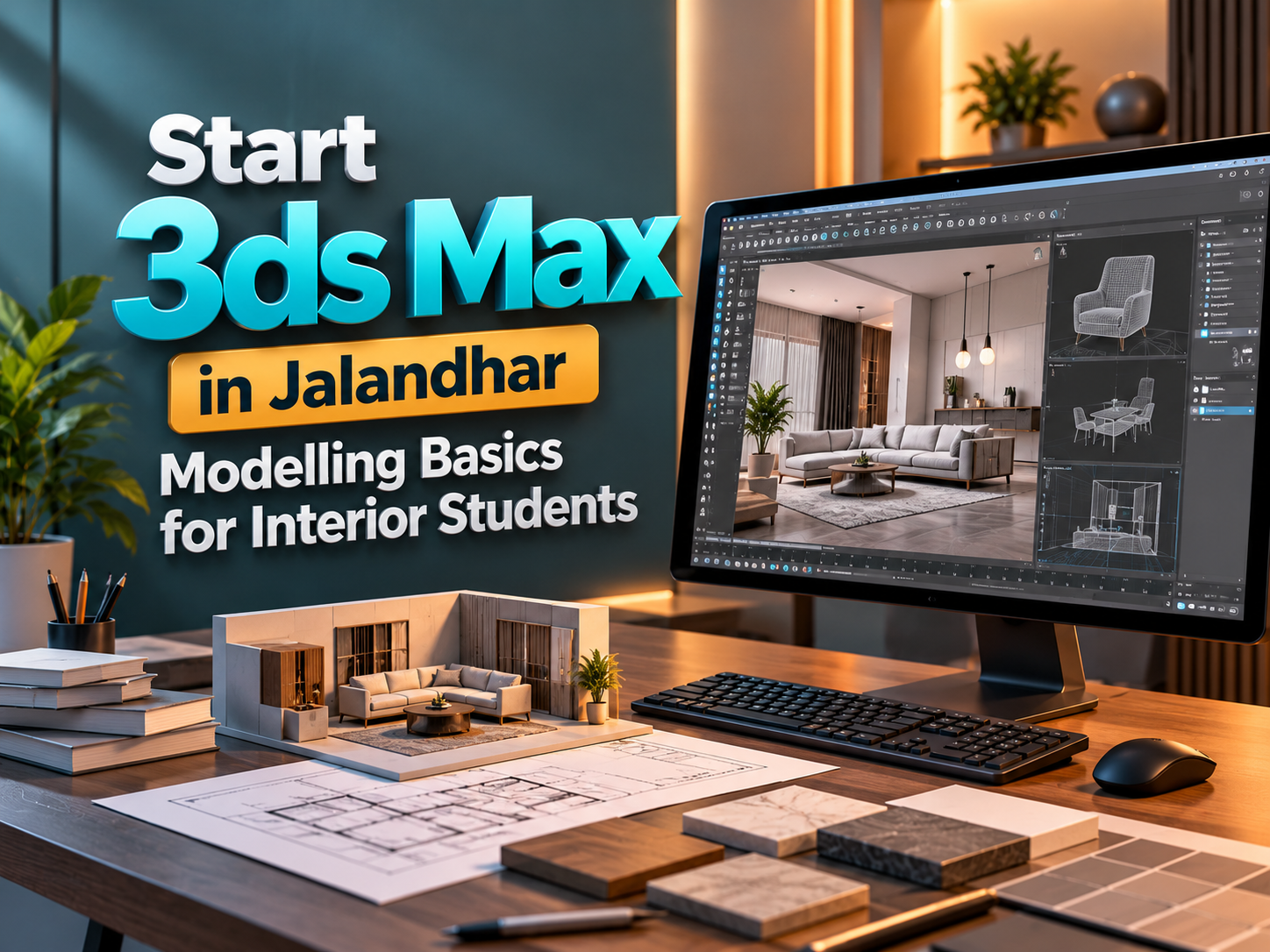
Start 3ds Max in Jalandhar: Modelling Basics for Interior Students
Introduction to 3ds Max for Interior Design
Interior design begins with understanding spaces, people, and the activities a room needs to support. Before selecting decorative finishes, designers must consider dimensions, circulation, furniture placement, and the relationship between different elements. Three-dimensional modelling helps make these decisions visible and easier to evaluate.
For students exploring 3ds Max for Interior Design in Jalandhar, learning modelling basics provides a useful starting point. Autodesk 3ds Max allows learners to construct digital rooms, create furniture, organise objects, and prepare scenes for materials, lighting, and rendering.
This guide explains the foundations interior students should understand before attempting detailed visualisations. Students can also contact Techcadd Jalandhar to discuss training requirements, learning objectives, and available course options.
What Is 3ds Max?
Autodesk 3ds Max is software used for three-dimensional modelling, animation, and rendering. Interior designers can use it to represent walls, floors, ceilings, furniture, fixtures, and other elements within a digital scene.
A model helps communicate spatial relationships that may be difficult to explain through words alone. It also allows designers to inspect a room from different viewpoints and compare alternative arrangements.
An Autodesk 3ds Max Course in Jalandhar can introduce the software alongside essential design considerations. Learning the tools becomes more meaningful when students understand the purpose behind each modelling decision.
Why Interior Students Should Learn Modelling Basics
Modelling gives interior students a way to test ideas before presenting them. A digital room can reveal whether furniture appears oversized, circulation feels restricted, or important elements compete for attention.
However, a visual model is only useful when its dimensions and assumptions are reliable. Students should connect modelling practice with drawings, measurements, and design requirements.
Benefits of learning 3D Interior Modelling in Jalandhar include:
Understanding room proportions more clearly.
Comparing furniture arrangements.
Communicating design concepts visually.
Identifying obvious spatial conflicts.
Preparing scenes for material and lighting studies.
Developing presentation and portfolio projects.
These skills support design exploration while complementing technical drawings and other project documentation.
Start with a Simple Interior Project
Beginners should choose a manageable room rather than attempting an entire building. A small bedroom, study, or living room provides enough variety to practise essential techniques without becoming overwhelming.
Prepare a basic project brief before opening the software. Record the room dimensions, intended users, required furniture, and the main design objective.
For a first exercise, include:
Four walls with suitable openings.
A floor and a simple ceiling.
One door and one window.
A few essential furniture pieces.
Basic materials and a camera view.
Students exploring a 3ds Max Course for Beginners in Jalandhar should prioritise completing this simple scene accurately before adding decorative complexity.
Understand the Workspace and Viewports
The workspace provides different views of the same three-dimensional scene. Top, front, side, and perspective views help students position objects and inspect their relationships.
Learning navigation early prevents frustration during modelling. Practise zooming, panning, orbiting, selecting objects, and framing the selected item.
Students attending 3ds Max Classes in Jalandhar should become comfortable with:
Switching between useful viewpoints.
Selecting objects without disturbing others.
Moving, rotating, and scaling accurately.
Reading position and dimension values.
Using alignment and snapping tools.
Finding objects within an organised scene.
These actions are repeated throughout most projects, so confidence with them supports every later stage.
Set Units Before Building the Room
Interior modelling depends on consistent measurements. Before creating geometry, decide which units suit the project and check the relevant unit settings.
Avoid estimating dimensions by appearance alone. A chair that looks acceptable in isolation may appear incorrect when placed beside a door or desk.
During 3ds Max Training in Jalandhar, students should practise entering known dimensions and checking imported references for scale.
Useful habits include:
Recording the measurement system used.
Checking room dimensions against the source drawing.
Confirming the size of imported objects.
Using numerical values for important elements.
Avoiding unnecessary scaling after detailed work begins.
Accurate setup reduces corrections and supports more believable material and lighting results later.
Build Walls, Floors, and Ceilings
A room shell establishes the boundaries of the interior. Students can begin with simple geometry and suitable dimensions before exploring more flexible modelling methods.
The floor should provide a reliable reference for furniture placement. Walls need appropriate heights and thicknesses, while the ceiling should match the intended room design.
A 3D Modelling Course in Jalandhar can introduce several approaches to constructing these elements. The most suitable method depends on the project and the edits expected.
Inspect the room from multiple views. Check corners, intersections, and surface alignment before adding furniture. Small errors in the shell can become distracting once materials and lighting are introduced.
Create Doors and Windows Carefully
Doors and windows influence circulation, daylight, privacy, and furniture placement. Their position should follow the design brief rather than being added wherever space remains.
Beginners can represent openings with simplified geometry, provided the dimensions and relationships are clear. Detailed frames, handles, and fittings can be introduced after the room structure is correct.
When learning Interior Design Modelling in Jalandhar, check:
Opening width and height.
Distance from nearby walls.
Door swing and usable clearance.
Window sill and head positions.
Conflicts with furniture or fittings.
A visually attractive opening still needs to make sense within the room. Review its placement in both plan and perspective views.
Learn Basic Polygon Modelling
Polygon modelling allows students to adjust an object’s shape through its components. Understanding vertices, edges, and polygons provides more control than relying entirely on ready-made objects.
Start with familiar items such as a side table, shelf, cabinet, or simple seating element. These exercises connect software operations with recognisable forms.
Important modelling skills include:
Selecting and moving components.
Extruding surfaces.
Creating controlled edge bevels.
Adding geometry where the form requires it.
Maintaining clean connections.
Removing unnecessary detail.
3ds Max Modelling Basics in Jalandhar should include observing real objects. Understanding construction and proportions helps students decide where geometry is needed.
Model Furniture Using Real Dimensions
Furniture gives a room scale and helps communicate how it will be used. Students should work from measured references or reliable product dimensions whenever possible.
A basic table can teach more than a complicated decorative object because its proportions, alignment, and construction are easier to evaluate.
For early furniture exercises, practise:
Tables with consistent leg placement.
Shelves with suitable spacing.
Cabinets with clear divisions.
Beds represented at believable dimensions.
Chairs built from simplified forms.
Students exploring Furniture Modelling in 3ds Max in Jalandhar should also check how objects fit within the room. Furniture dimensions and circulation need to be considered together.
Use Modifiers with a Clear Purpose
Modifiers provide ways to change geometry without rebuilding an object from the beginning. They can help introduce thickness, bending, symmetry, smoothing, and other adjustments.
Beginners should understand what each modifier changes and how its position in the stack affects the result. Applying several unfamiliar operations at once makes problems harder to diagnose.
During practice, compare the object before and after each adjustment. Check whether the modifier improves the intended shape or introduces unwanted distortion.
Learning Autodesk 3ds Max Training in Jalandhar should involve understanding these relationships rather than memorising a sequence of clicks. Keep editable versions when exploring different approaches.
Organise the Scene from the Beginning
Interior scenes can quickly accumulate walls, furniture, lighting fixtures, decorative items, cameras, and materials. Without organisation, selecting or revising the correct element becomes difficult.
Give objects meaningful names and use suitable layers or other scene-management methods. Keep related elements easy to identify.
Useful habits include:
Naming objects according to their purpose.
Separating room structure from furniture.
Hiding elements temporarily when needed.
Removing abandoned test objects.
Saving clear project versions.
Keeping reference files in an organised folder.
Good organisation supports individual work and makes future collaboration easier. It also reduces the chance of accidentally changing an important object.
Understand Geometry, Scale, and Scene Efficiency
A detailed model does not automatically produce a better interior presentation. Geometry should support the form, camera distance, and purpose of the project.
An object far from the camera may need less detail than a feature shown in close-up. Excessively complex furniture can make a beginner scene difficult to manage.
Students learning Architectural Visualisation in Jalandhar should review imported assets before adding them to a project. Check their scale, complexity, materials, and suitability.
Use detail where it affects the final presentation. Clean, purposeful geometry helps students work efficiently and makes errors easier to identify during revisions.
Introduce Materials After Checking the Model
Materials describe surface appearance, while textures can add details such as wood grain, fabric patterns, or tile variation. These elements become easier to manage when the geometry and dimensions are already reliable.
Begin with a limited selection of materials. A simple room using painted walls, wood, fabric, and glass offers enough variety for early practice.
Check:
Whether texture patterns have believable scale.
Whether surfaces stretch or distort the image.
Whether reflective properties suit the material.
Whether repeated finishes remain consistent.
Whether the material supports the design concept.
An Interior Visualisation Course in Jalandhar should connect material decisions with real-world observation and the intended presentation.
Add Lighting and Cameras Gradually
Lighting and camera placement help communicate a model clearly. Beginners should first aim for a readable scene that shows the room’s proportions and main design features.
Choose viewpoints that explain the space rather than hiding unresolved areas. Avoid extreme camera settings that make the room appear misleadingly large or distorted.
When exploring 3D Rendering Training in Jalandhar, practise:
Setting a clear focal point.
Balancing visible light and shadow.
Reviewing material appearance under the chosen lighting.
Checking distracting reflections.
Producing small test renders.
Adjusting one major variable at a time.
Rendering becomes easier to evaluate when modelling errors have already been addressed.
Common Beginner Mistakes to Avoid
Many early problems arise from rushing into decoration before checking the room structure. Others come from importing too many assets or changing dimensions without reviewing the consequences.
Common mistakes include:
Building without confirmed measurements.
Using furniture at inconsistent scales.
Ignoring door movement and circulation.
Adding excessive geometry.
Leaving overlapping or unwanted surfaces.
Applying textures without checking their scale.
Saving only one project version.
Students should review their scene regularly instead of postponing every correction until rendering. A short checklist at each stage helps keep the project manageable and improves the quality of the final presentation.
Build a Portfolio That Shows Your Process
A useful interior portfolio explains how a design developed. Final images matter, but process views can demonstrate modelling knowledge and decision-making.
For a beginner room project, include the brief, references, room shell, furniture arrangement, selected modelling details, and final presentation.
Clearly identify any third-party assets and explain your own contribution. If you use downloaded furniture, avoid presenting it as independently modelled work.
Students considering 3ds Max Interior Design Training in Jalandhar should aim to complete a few carefully reviewed projects. Consistent proportions, organised scenes, and thoughtful revisions communicate stronger understanding than numerous unfinished images.
Explore Learning Options with Techcadd
Before selecting a Techcadd 3ds Max Course in Jalandhar, discuss your current knowledge and the type of projects you want to create. Interior students may need particular attention to measurements, room construction, furniture layouts, and presentation.
Ask about the syllabus, practical assignments, instructor feedback, and available practice support. Confirm software requirements, rendering tools, course duration, batch timings, and any additional costs directly with the institute.
A suitable learning plan should connect technical exercises with complete interior projects. Clear expectations help students understand what they will practise and how progress will be assessed.
Conclusion
Starting 3ds Max becomes more manageable when interior students focus on accurate measurements, simple geometry, clear organisation, and purposeful practice. Building a small room provides a foundation for learning furniture modelling, materials, lighting, and rendering.
For learners exploring 3ds Max for Interior Design in Jalandhar, progress comes from completing projects and reviewing each stage carefully. Contact Techcadd Jalandhar to discuss relevant training options, then strengthen your skills through measured, well-organised interior scenes that communicate design ideas clearly.
- 3ds Max
- Interior Design
- 3D Modelling
- Furniture Modelling
- Interior Visualisation
- Autodesk 3ds Max
- Jalandhar Students
- Techcadd Jalandhar