
Nuke 3D Tracking and Camera Projection Workflow in Jalandhar
3D Animation & Modelling · Nidhi Jalandhar · 27 October 2026
Learn Nuke 3D Tracking and Camera Projection Workflow in Jalandhar at IAM (Institute of Animation and Multimedia). Explore camera tracking, 3D scene reconstruction, projection mapping and compositing techniques used in visual effects production.
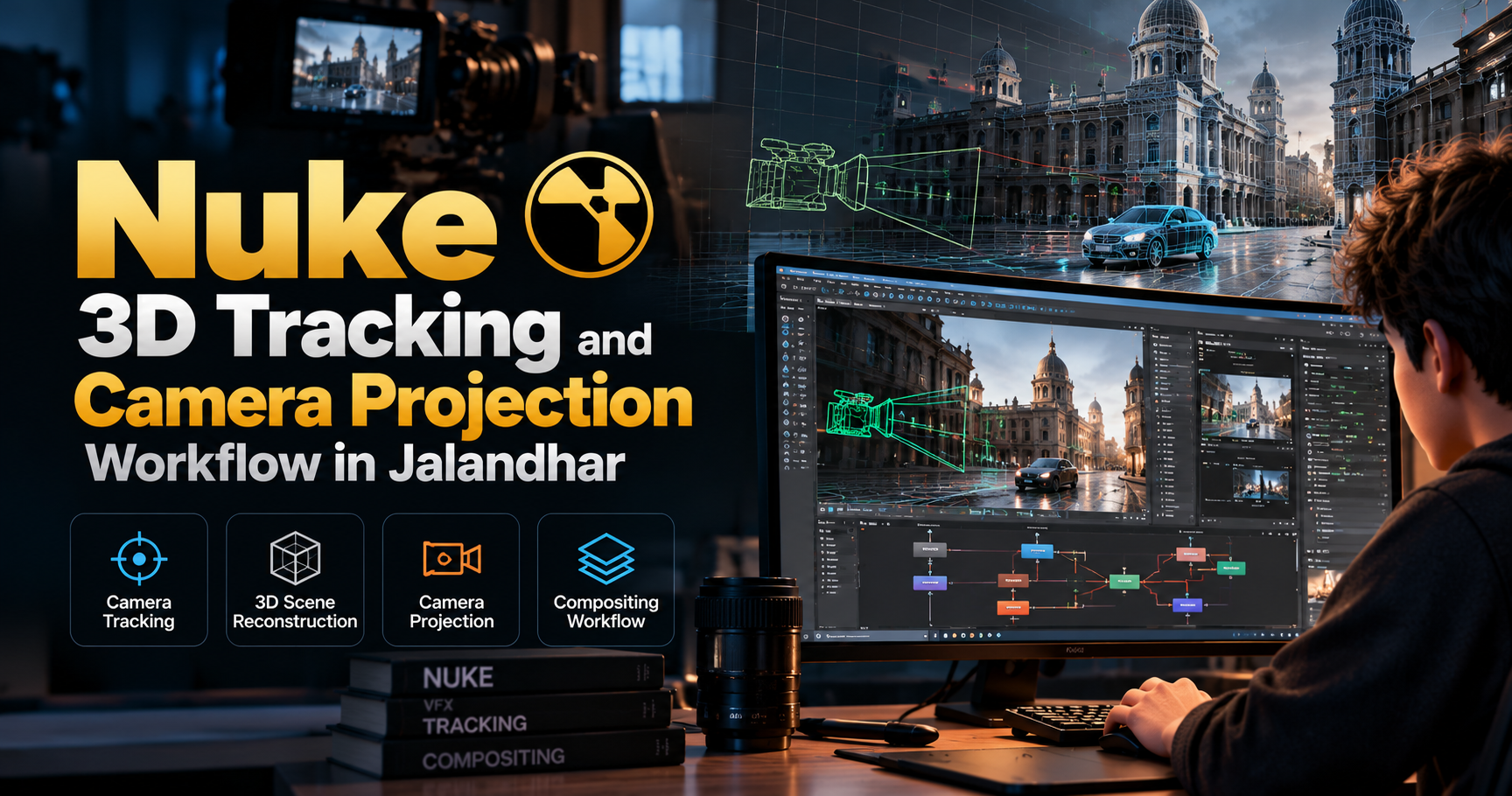
Nuke 3D Tracking and Camera Projection Workflow in Jalandhar
Creating believable visual effects requires more than combining images. Artists must understand camera movement, scene geometry, perspective and how digital elements interact with real footage. The Nuke 3D Tracking and Camera Projection Workflow in Jalandhar introduces learners to essential techniques used to integrate computer-generated elements into live-action shots.
At IAM (Institute of Animation and Multimedia), prospective learners can explore this specialised area of visual effects and understand how camera tracking, 3D scene setup, camera projection and compositing contribute to a professional VFX workflow.
Whether a shot requires adding a digital environment, extending a background or integrating 3D elements into moving footage, these techniques help create a consistent visual result.
What Is Nuke 3D Tracking?
Nuke is a node-based compositing application widely used in film, television and visual effects production. Its 3D environment supports camera tracking, scene reconstruction, geometry, projections and the integration of 3D elements into composited shots.
3D tracking, often called camera tracking or matchmoving, involves analysing movement in live-action footage to estimate the original camera's motion and position. This information can help artists place digital objects and environments into a scene so that they appear connected to the filmed footage.
Important concepts include:
Understanding camera movement and perspective
Identifying trackable features in footage
Analysing camera motion and scene movement
Creating and evaluating camera tracks
Establishing scene scale and coordinate systems
Working with 3D cameras and reference geometry
Checking track accuracy against the original footage
A reliable camera track is an important foundation for many visual effects tasks because errors in camera movement can make inserted elements appear to slide, drift or float unnaturally.
Understanding Camera Projection Workflow
Camera projection is a technique that uses an image or footage as a texture projected onto 3D geometry. It can help artists create the appearance of a three-dimensional environment from existing visual material without modelling every detail from scratch.
For example, a photograph of a building or landscape can be projected onto suitable geometry and viewed through a matched camera. When the camera moves within the intended range, the scene can produce a convincing sense of depth and perspective.
Camera projection is useful for environment work, set extensions, background reconstruction and selected visual effects shots.
The workflow may involve:
Preparing footage or source images
Understanding the projection camera
Creating basic proxy geometry
Setting up image projections
Aligning projection cameras with the original shot
Evaluating parallax and perspective
Identifying projection stretching and distortion
Integrating projected elements into a composite
Projection results depend on the source imagery, geometry, camera movement and viewing angle. Complex camera moves may require additional geometry or multiple projections.
What You Will Learn in the Nuke 3D Tracking Course
The programme can cover the following learning areas, subject to IAM's confirmed curriculum.
1. Introduction to Nuke and Node-Based Compositing
Understand how Nuke's node graph organises image-processing operations and how compositing workflows connect individual elements into a final shot.
Topics may include:
Nuke interface and workspace
Node graph fundamentals
Importing footage and image sequences
Basic image operations and compositing
Project organisation and file management
Working with frame ranges and image formats
2. Camera Tracking Fundamentals
Explore the principles behind extracting camera movement from footage and preparing the results for 3D integration.
Topics may include:
Analysing camera movement and shot characteristics
Understanding trackable image features
Tracking quality and common problem areas
Camera solve fundamentals
Reviewing the reconstructed camera movement
Understanding coordinate systems and scene scale
Evaluating track accuracy
3. Nuke 3D Scene Setup
Learn how camera information and scene elements work together inside a 3D compositing environment.
Topics may include:
Understanding the 3D workspace
Working with 3D cameras
Creating basic geometry and reference surfaces
Positioning objects within a tracked scene
Establishing scene orientation
Previewing 3D elements through the camera
Preparing tracked scenes for compositing
4. Camera Projection Techniques
Explore how images can be mapped onto geometry to create projected environments and background elements.
Topics may include:
Introduction to projection mapping
Projecting images onto proxy geometry
Projection camera alignment
Working with textures and surface mapping
Understanding depth and parallax
Managing stretching and distortion
Evaluating projection quality during camera movement
5. Integrating 3D Elements into Footage
Understand how tracked cameras and projected environments can support the integration of digital elements into live-action scenes.
Topics may include:
Matching perspective and camera movement
Positioning digital elements in the scene
Checking scale and spatial relationships
Maintaining visual consistency
Basic compositing of 3D elements
Reviewing common integration errors
6. Final Compositing and Shot Review
Learn how to review the combined result and identify issues that affect the credibility of a visual effects shot.
Topics may include:
Combining footage and digital elements
Checking edges, alignment and perspective
Reviewing camera motion and projection stability
Identifying visible tracking errors
Managing project files and render outputs
Preparing the final shot for presentation
Practical Projects You Can Explore
Project-based learning can help connect individual techniques to complete visual effects tasks. Depending on the course curriculum, suitable exercises may include:
Project 1: Camera Tracking Exercise
Analyse a moving shot, generate a camera track and evaluate whether reference geometry remains aligned with the footage.
Project 2: 3D Object Integration
Use a tracked camera to position a simple digital object within a live-action environment and assess its perspective and movement.
Project 3: Camera Projection Scene
Project a source image onto basic geometry and examine how the environment behaves when viewed through the projection camera.
Project 4: Environment Extension
Explore how projected imagery and additional digital elements can contribute to a wider environment beyond the original filmed area.
Project 5: Final VFX Shot
Combine selected tracking, projection and compositing techniques into a short demonstration shot for review or portfolio development.
The actual projects, software features and deliverables should be confirmed with IAM before publishing them as guaranteed course inclusions.
Who Should Learn Nuke 3D Tracking and Camera Projection?
This specialised training area may be relevant for:
Students interested in film and visual effects
Aspiring VFX and compositing artists
Learners exploring matchmoving and camera tracking
Artists interested in digital environments and set extensions
Multimedia students expanding their technical skills
Beginners who want to understand 3D compositing workflows
Existing compositing learners seeking to explore Nuke's 3D capabilities
A basic understanding of image composition, perspective and visual effects can be helpful. Beginners should confirm the required skill level and recommended prerequisites with the training team.
Career Opportunities in Visual Effects
Camera tracking, projection and compositing are relevant to several areas of visual effects production. With suitable practical skills and a strong portfolio, learners may explore roles such as:
Matchmove Artist: Helps reconstruct camera movement and scene information from live-action footage.
Compositing Artist: Combines footage, rendered elements and other visual layers into a cohesive shot.
Roto and Prep Artist: Supports compositing by preparing footage, masks and clean plates for downstream work.
Environment Artist: Contributes to digital backgrounds, projected environments and scene extensions, depending on additional modelling and texturing skills.
Junior VFX Artist: Assists with tracking, scene preparation, compositing and related production tasks according to the studio's requirements.
Career progression depends on practical ability, portfolio quality, experience and the requirements of individual employers. Learning one workflow alone does not guarantee a specific job.
Why Explore VFX Training at IAM in Jalandhar?
Visual effects production involves several connected stages, and understanding how they work together is essential for creating convincing results. A focused learning programme can help learners develop a clearer understanding of the relationship between camera movement, 3D space, projection and compositing.
At IAM (Institute of Animation and Multimedia) in Jalandhar, prospective learners can enquire about the Nuke 3D Tracking and Camera Projection Workflow programme to understand the available training, practical exercises and admission requirements.
Before enrolling, ask about the course duration, fees, software version, instructor support, workstation facilities and portfolio projects. These details will help you determine whether the programme fits your learning goals.
Frequently Asked Questions
1. What is Nuke 3D tracking?
Nuke 3D tracking involves using footage and camera-tracking information to establish a 3D scene that supports the integration of digital elements into live-action shots.
2. What is camera projection in visual effects?
Camera projection maps an image onto 3D geometry using a projection camera. It is often used to create environments, background extensions and depth from existing imagery.
3. Is Nuke used for compositing?
Yes. Nuke is a node-based compositing application used to combine and process visual elements for film, television and other visual effects projects.
4. What is the difference between 2D tracking and 3D camera tracking?
2D tracking follows image features across frames, while 3D camera tracking estimates camera movement in three-dimensional space using information from the footage.
5. Is this course suitable for beginners?
It may be suitable for beginners if the programme includes the required foundations. Contact IAM to confirm prerequisites and the expected starting level.
6. What projects can I create after learning these techniques?
Depending on your training and practice, you may create camera-tracking demonstrations, projected environments, 3D integration shots and compositing exercises.
7. What career options are available after learning Nuke?
Potential pathways include matchmove, compositing, VFX preparation and environment-related work, depending on your wider skill set and portfolio.
8. Where can I enquire about Nuke training in Jalandhar?
Contact IAM (Institute of Animation and Multimedia) to ask about programme availability, curriculum, fees, duration and upcoming batches.
Start Exploring Nuke 3D Tracking and Camera Projection
Interested in understanding how real-world camera movement connects with digital environments? Explore the Nuke 3D Tracking and Camera Projection Workflow in Jalandhar at IAM (Institute of Animation and Multimedia).
Build your understanding of tracking, 3D scene setup, projection techniques and compositing workflows while working towards visual effects projects that demonstrate your developing skills.
Contact IAM to enquire about course details, upcoming batches and admission in information.
- Nuke
- 3D Tracking
- Camera Projection
- Camera Tracking
- Matchmoving
- Nuke Compositing
- Visual Effects