
Learn Maya in Jalandhar: Tools, Modelling and First Prop
Product Modeling & Visualization · Preeti Jalandhar · 26 October 2026
Learn Maya in Jalandhar with this beginner guide to essential tools, modelling basics, and your first 3D prop. Explore navigation, geometry, materials, and presentation, plus learning options at IAM Jalandhar.
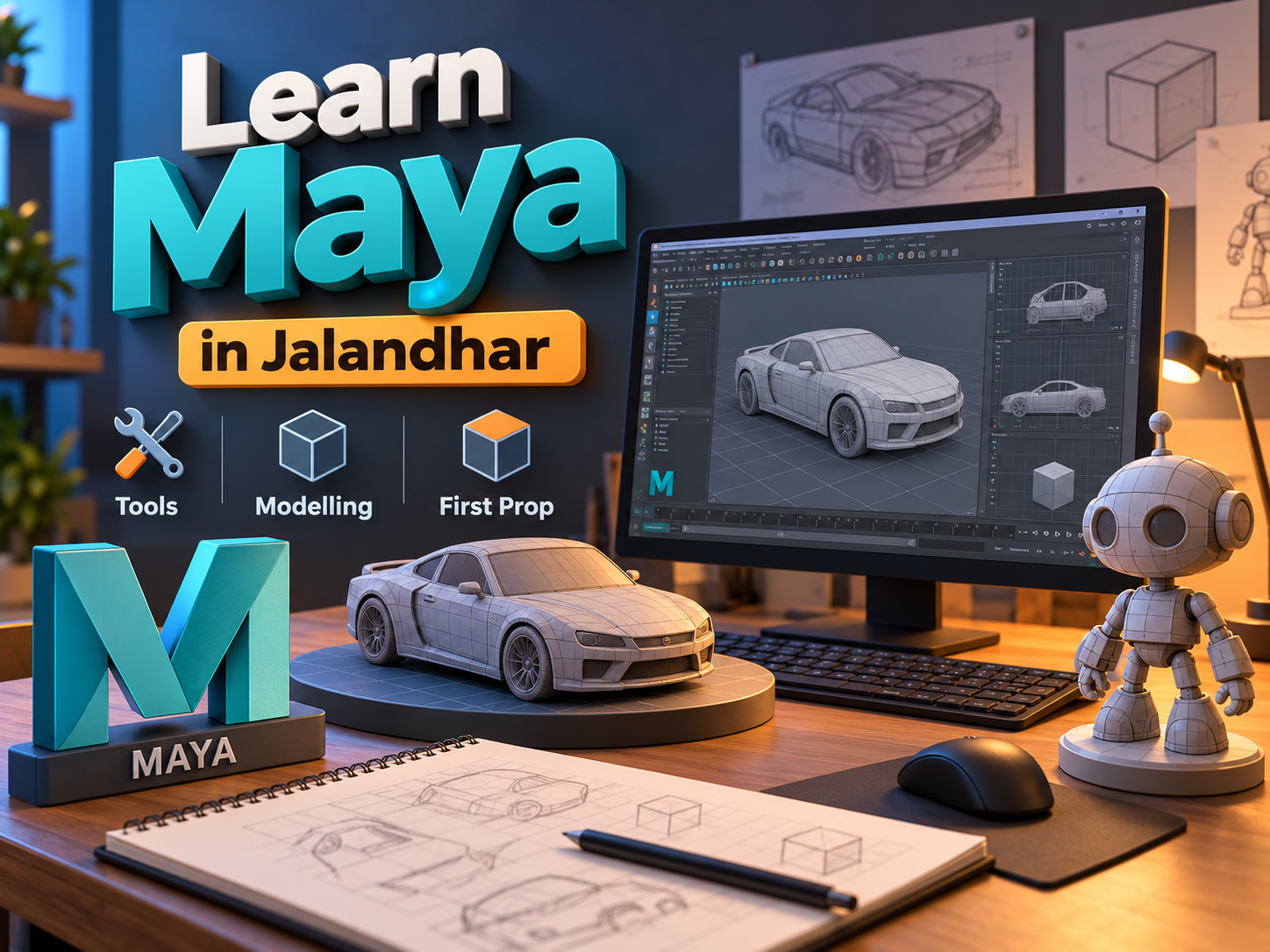
Learning a three-dimensional application becomes easier when you have a clear project and a manageable sequence of tasks. Instead of exploring every feature immediately, beginners can start with navigation, basic geometry, and a familiar object. This approach connects software operations with a visible result.
For students planning to Learn Maya in Jalandhar, creating a first prop provides a useful introduction. A prop is an object used within a scene, such as a table, storage box, lamp, or chair.
This guide explains essential tools, modelling habits, and a practical first project. Students can also contact IAM Jalandhar to discuss their learning goals, training requirements, and available course options.
What Is Autodesk Maya?
Autodesk Maya is a three-dimensional application used for modelling, animation, rigging, simulation, and rendering. Artists use it to construct digital assets and develop scenes for different creative projects.
Beginners do not need to study every production stage at once. Understanding how to create and organise a simple model provides a foundation for later work.
An Autodesk Maya Course in Jalandhar can introduce activities such as:
Building objects from basic geometry.
Editing vertices, edges, and faces.
Preparing surfaces for materials.
Creating movement through animation.
Developing character controls.
Presenting scenes with lighting and cameras.
The appropriate learning path depends on the type of work the student wants to create.
Why Start with a Prop?
A simple prop keeps the learning process focused. It provides enough variety to practise tools without introducing the additional challenges of anatomy, character deformation, or large environments.
A small wooden side table makes a useful first project. Its main forms are easy to recognise, and students can evaluate its dimensions, alignment, construction, and surface details.
Through Maya Training for Beginners in Jalandhar, learners can use this exercise to practise:
Interpreting references.
Creating objects at a suitable scale.
Editing geometry.
Positioning repeated parts.
Organising the scene.
Preparing a basic presentation.
Completing the project also provides a reference point for reviewing progress and identifying topics that need more practice.
Understand the Modelling Workflow
Before opening the software, define what you want to create and how it will be presented. This prevents unnecessary detail and keeps the project achievable.
A beginner workflow can follow these stages:
Choose a simple reference.
Record important dimensions.
Establish project organisation.
Block out the main forms.
Refine selected details.
Check geometry and proportions.
Prepare materials and presentation.
Review and save the final version.
Students exploring 3D Modelling Training in Jalandhar should understand why these stages matter. A clear sequence helps identify problems before they affect later work.
Get Comfortable with the Interface
Maya contains different panels, menus, editors, and controls. Beginners should first identify the areas used for everyday modelling tasks rather than trying to memorise the entire interface.
Become familiar with the viewport, Outliner, transformation controls, component selection, and object properties. Learn how to find objects and inspect their relationships.
Useful starting exercises include:
Selecting and deselecting objects.
Switching between useful views.
Opening and saving a scene.
Finding an object in the Outliner.
Reviewing numerical values.
Undoing an unwanted operation.
A Maya Basics Course in Jalandhar should give learners time to repeat these actions until they can work without constantly searching for controls.
Practise Viewport Navigation
Navigation allows you to inspect a model from different angles. It is difficult to judge proportions or edit accurately if you cannot move around the scene comfortably.
Practise orbiting, panning, zooming, and framing selected objects. Compare perspective and orthographic views to understand what each reveals.
Use a simple cube for early exercises. Inspect its top, sides, and underside without moving the object itself.
Students should also learn to recover when they lose sight of their work. Knowing how to locate and frame an object reduces frustration and prevents unnecessary scene changes. Navigation practice may seem basic, but it supports almost every later task.
Learn Move, Rotate and Scale
Transformation tools control an object’s position, orientation, and size. Students should understand the three axes and practise making deliberate changes.
Start by creating several simple objects. Move them into an arrangement, rotate selected parts, and compare their dimensions.
Important habits include:
Using numerical values where accuracy matters.
Checking which axis is active.
Distinguishing movement from component editing.
Reviewing changes from more than one view.
Understanding the effect of an object’s pivot.
Avoiding unnecessary transformations.
During Maya Modelling Classes in Jalandhar, these exercises should connect tool use with practical outcomes, such as aligning table legs or positioning a shelf correctly.
Understand Polygon Components
Polygon models are built from vertices, edges, and faces. Editing these components gives artists control over an object’s form.
A vertex is a point, an edge connects vertices, and a face forms a surface bounded by edges. Beginners should learn to select each component type and observe how adjustments affect the shape.
Polygon Modelling Training in Jalandhar can introduce:
Moving selected vertices.
Adjusting edges.
Editing faces.
Adding necessary geometry.
Maintaining connected surfaces.
Inspecting the model from several angles.
Start with small changes. Large edits made without checking surrounding geometry can create unintended shapes that become difficult to correct.
Essential Tools: Extrude and Bevel
Extrusion extends selected geometry and can help develop an object’s form. Beveling introduces additional surfaces along selected edges, which can soften an otherwise sharp appearance.
Both tools are useful, but their settings need attention. Excessive extrusion or bevel detail can make a beginner model unnecessarily complicated.
Practise each operation on a test object before applying it to the first prop. Compare the model before and after the change.
Students should inspect whether the result matches the reference and whether the geometry remains understandable. A tool should solve a specific modelling problem rather than be applied simply because it is available.
Collect References for the First Prop
Choose a simple side table with a rectangular top and four legs. Avoid drawers, curved supports, ornate carving, or complex hardware for this exercise.
Collect clear images showing its general shape and construction. Where reliable dimensions are available, record them. If you create your own practice design, establish a consistent set of measurements.
Useful reference notes include:
Overall height.
Tabletop width and depth.
Top thickness.
Leg dimensions and placement.
Supporting elements.
Edge treatment.
A Maya Prop Modelling Course in Jalandhar should encourage careful observation. Understanding how an object is assembled helps students decide which parts to model separately.
Set Up an Organised Project
Create a project folder before detailed work begins. Keep scene files, references, textures, and rendered images in clearly identified locations.
Choose suitable units and check that the planned dimensions make sense within the scene. Name objects according to their purpose.
For the table exercise, use clear names for the tabletop, legs, and supports. Save versions at useful stages, such as the initial blockout and the refined model.
Good organisation supports revision and feedback. It also reduces confusion when a model contains several similar parts. Students should be able to reopen the project later and understand its structure without guessing.
Step One: Block Out the Tabletop
Begin with simple geometry representing the tabletop. Enter its intended dimensions and position it at the appropriate height.
At this stage, concentrate on the main volume rather than materials or small details. Inspect the shape from top, front, and side views.
Check:
Whether width and depth match the plan.
Whether the thickness looks believable.
Whether the top is positioned correctly.
Whether its proportions suit the reference.
Whether the object has a meaningful name.
This initial blockout establishes the visual foundation. Correcting proportions now is easier than adjusting them after supports and surface details have been added.
Step Two: Create and Position the Legs
Create one simple leg and establish its dimensions. Position it beneath the tabletop, checking its relationship to the edges.
Duplicate it to create the remaining legs. Review placement numerically and visually rather than assuming the arrangement is symmetrical.
Useful checks include:
Consistent leg sizes.
Suitable spacing from the tabletop edges.
Correct contact with the supporting surfaces.
No unintended intersections.
Alignment with the floor.
Believable overall balance.
Students learning Maya Modelling for Beginners in Jalandhar should inspect the complete object from several viewpoints. An arrangement that looks correct from the front may reveal errors in the top view.
Step Three: Add Simple Supports
If the reference includes straightforward support rails, add them after the tabletop and legs are positioned correctly.
Keep their construction simple. Their purpose is to explain the object’s form and structure, not introduce unnecessary complexity.
Check that supports connect logically and remain consistent in thickness. Avoid adding hidden details that do not improve the exercise.
At this stage, compare the model with the original reference again. Review the silhouette and the relationship between the main parts. If the object does not yet resemble the intended design, correct its proportions before spending time on smaller features.
Step Four: Refine Edges and Inspect Geometry
Once the main structure is stable, introduce modest edge treatment where appropriate. Small bevels can help define edges in the final presentation.
Inspect the result closely. Check for unwanted geometry, uneven surfaces, accidental duplicates, and shading problems.
A practical review list includes:
Clear, consistent forms.
Appropriate detail levels.
No unnecessary overlapping surfaces.
Understandable component connections.
Clean object organisation.
Editable geometry.
Save a new version before major corrections. Learners should understand what caused a problem rather than repeatedly applying operations until the surface appears acceptable from one angle.
Step Five: Introduce UVs and Materials
UV mapping describes how a three-dimensional surface is represented in two dimensions for texture placement. A simple table provides an opportunity to inspect texture direction and scale.
Begin with a basic material before introducing detailed image textures. If using a wood texture, check that the grain direction suits each part.
Maya Modelling and Texturing Training in Jalandhar can introduce:
Basic UV preparation.
Material assignment.
Texture placement.
Consistent surface scale.
Roughness and reflection.
Reviewing seams and stretching.
Use appropriately licensed resources and keep source information organised. Materials should support the model without hiding unresolved geometry problems.
Step Six: Prepare Lighting and Camera Views
A first prop does not require a complex environment. A simple background and controlled lighting can present the form clearly.
Choose a camera angle that shows the tabletop, legs, and supports without excessive distortion. Add another view if important details remain hidden.
Students exploring Maya Lighting and Rendering Training in Jalandhar can practise:
Establishing a clear focal point.
Keeping the object separate from the background.
Reviewing shadow placement.
Checking material appearance.
Producing small test renders.
Adjusting one variable at a time.
The objective is a readable presentation. Dramatic lighting should not make the model difficult to evaluate.
Review the First Prop and Record Progress
Inspect the complete project before calling it finished. Compare the model with the brief, references, and measurements.
Check the exported images as well as the scene itself. Confirm that the selected views communicate the object clearly.
Write a short review covering:
What you created.
Which tools you used.
Where mistakes occurred.
How you corrected them.
What you would improve next.
Which resources require credit.
For a portfolio, include a final view and useful process images. Honest documentation helps demonstrate understanding and makes it easier to compare this project with later work.
Continue Learning with IAM Jalandhar
After completing the table, choose another manageable prop that introduces one additional challenge. A cabinet, lamp, or small shelf can extend your skills without requiring an entirely new workflow.
When considering an IAM Maya Course in Jalandhar, explain your current experience and the projects you want to create. Ask about software coverage, practical assignments, instructor feedback, and expected independent practice.
Confirm duration, batch timings, equipment needs, and additional costs directly with IAM. A suitable learning plan should connect essential tools with completed projects and clear review points.
Regular practice will help turn individual operations into a more confident modelling process.
Conclusion
To Learn Maya in Jalandhar, begin with navigation, transformations, polygon components, and a simple prop. A carefully completed side table can introduce reference use, accurate modelling, organisation, materials, and presentation.
Contact IAM Jalandhar to discuss relevant learning options. Keep the first project manageable, review each stage thoughtfully, and use the finished result to guide your next modelling exercise.
- Autodesk Maya
- 3D Modelling
- Maya for Beginners
- Prop Modelling
- Polygon Modelling
- Maya Tools
- Jalandhar Students
- IAM Jalandhar