
Illustrator vs Photoshop: Which Should You Learn First?
Design, AI & Marketing · Preeti Jalandhar · 19 October 2026
Learn the key differences between Adobe Illustrator and Photoshop, explore their features and uses, and discover which design software you should learn first based on your creative goals.
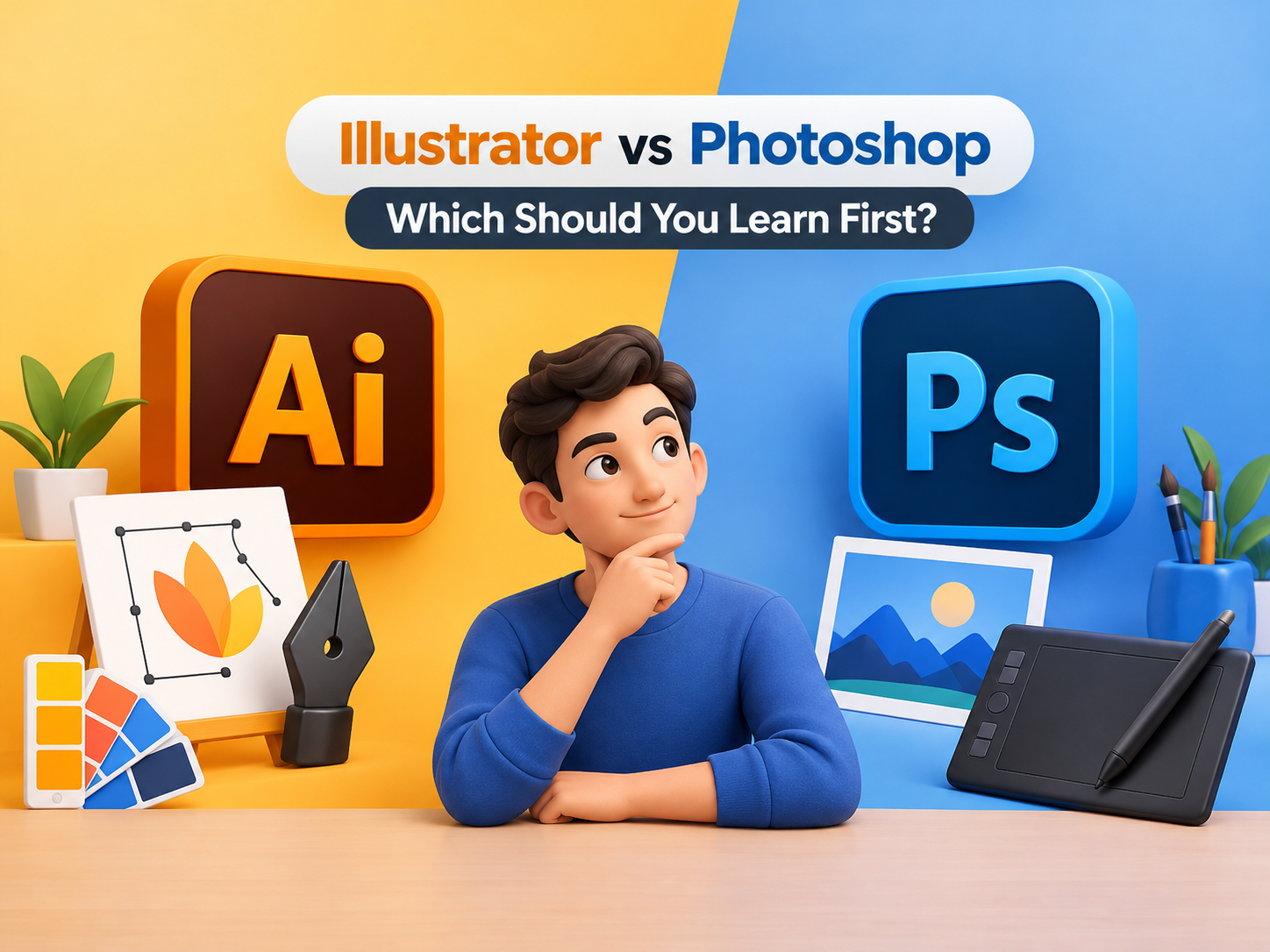
Choosing between Adobe Illustrator and Photoshop depends on your creative goals. Illustrator is ideal for vector graphics, logo design, icons, illustrations, and branding materials that need to remain sharp at any size. Photoshop is best suited for photo editing, image retouching, digital painting, and creative image manipulation. Both tools are widely used in graphic design, advertising, digital marketing, and visual content creation.
If you are a beginner, start with the software that matches your interests. Choose Illustrator if you enjoy creating logos, shapes, and illustrations. Choose Photoshop if you want to edit photographs, enhance images, and create engaging digital graphics. Learning both tools can help you develop a broader understanding of graphic design and handle a wider range of creative projects.
At IAM, learners interested in graphic designing can explore relevant software training and build practical skills through creative projects. Before choosing a course, consider your career goals, preferred design style, and the topics covered in the curriculum. With regular practice and a strong portfolio, you can gradually improve your design abilities and prepare for further opportunities in the creative industry.
- Illustrator vs Photoshop
- Adobe Illustrator
- Adobe Photoshop
- Graphic Design Software
- Illustrator Course
- Photoshop Course
- Logo Design
- Photo Editing