How to Create Game Animations for Mobile Games – Jalandhar
Animation & Gaming · Nidhi Jalandhar · 21 November 2026
Learn how to create mobile game animations using character rigging, keyframes, animation cycles and tools like Maya, Blender and Unity. Explore game animation skills and careers in Jalandhar with IAM.
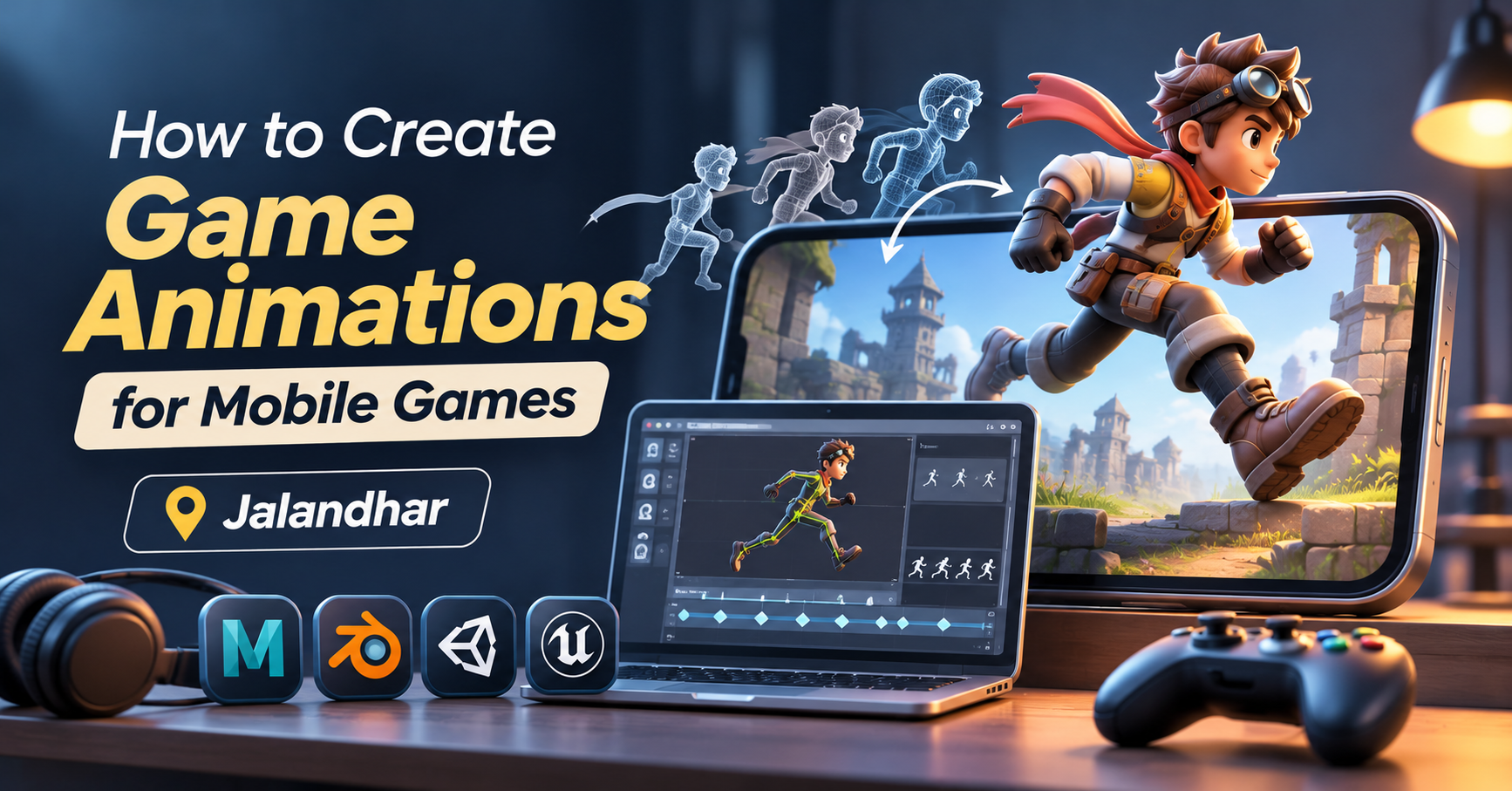
Bring Mobile Game Characters to Life Through Animation
Have you ever wondered how a game character runs, jumps, attacks or celebrates after completing a level? These movements are created through game animation, an important part of making mobile games interactive and enjoyable.
From simple character movements to complex combat sequences, animation helps communicate actions, emotions and responses during gameplay. Mobile game developers use different animation techniques to make characters, objects and environments feel responsive.
For students interested in gaming and digital creativity, learning game animation can be a starting point towards exploring the animation and game development industry.
What Is Game Animation?
Game animation is the process of creating movement for characters, objects and visual elements inside a video game. Unlike traditional animation, game animation often needs to respond to player input and gameplay events.
For example, when a player presses a movement button, the character may start walking or running. When an opponent appears, the character may perform an attack animation. These actions are connected to the game's controls and animation system.
Mobile game animation is designed with performance, screen size and user interaction in mind.
How to Create Animations for Mobile Games
Creating game animations involves several stages. Each stage contributes to the final movement and visual experience.
1. Plan the Character and Its Movements
Before starting animation, decide what the character needs to do in the game.
Common movements include:
Idle and breathing animations.
Walking and running cycles.
Jumping and landing.
Attacking and defending.
Climbing and interacting with objects.
Victory and defeat animations.
Planning these actions helps maintain consistency throughout the game.
2. Create or Prepare a 3D Character
For 3D mobile games, characters are first designed and modelled using suitable 3D software.
The model should be prepared with animation in mind. Its proportions, geometry and overall structure affect how easily it can move.
Popular software includes Autodesk Maya and Blender.
3. Rig the Character
Rigging involves creating a digital skeleton and controls that allow a 3D character to move.
A rig typically includes joints, bones and controllers for body parts such as the arms, legs, spine and head. A good rig makes it easier to create different movements without manually adjusting every part of the model.
4. Create Keyframe Animations
Keyframe animation is commonly used to create character movements. The animator places important poses at selected points in time, and the software generates the movement between them.
For example, a jumping animation may include:
Starting pose.
Crouching before the jump.
Taking off from the ground.
Reaching the highest point.
Landing.
Returning to the idle position.
Good timing and spacing help make the movement look natural.
5. Develop Animation Cycles
Many mobile games use repeating animation cycles for regular actions.
A walking cycle, for example, repeats a sequence of leg and arm movements. Running, swimming and idle animations can also be designed as loops.
Seamless cycles help prevent visible interruptions during gameplay.
6. Add Animations to the Game Engine
Once animations are ready, they are imported into a game engine such as Unity or Unreal Engine.
The animator or developer connects animations to character controls and game events. This allows the character to switch between actions based on player input.
For example, the game may switch from idle to running when the player moves the joystick.
7. Test and Optimise for Mobile Devices
Mobile games need to run smoothly on devices with different hardware capabilities.
Animation testing helps identify problems such as delayed movements, incorrect transitions, clipping and performance issues.
Optimisation may include reducing unnecessary complexity, managing animation updates and testing on different screen sizes and devices.
Types of Animations Used in Mobile Games
Different games require different animation styles depending on their gameplay and visual design.
Character Animation
Character animation creates movement for the main player, opponents and supporting characters. It includes walking, running, jumping, attacking and facial expressions.
Environment Animation
Environment animation adds movement to elements such as trees, water, doors, machinery and background objects. These details make game worlds feel more active.
UI Animation
User interface animation is used for buttons, menus, loading screens, rewards and notifications. Small movements can make the interface feel more responsive.
Combat Animation
Action and fighting games use combat animations for punches, kicks, weapon movements, blocking and special attacks. These animations need clear timing so players can understand what is happening.
VFX Animation
Visual effects add impact to gameplay through explosions, magic spells, smoke, sparks, energy effects and other animated elements.
Software Used to Create Mobile Game Animations
Game artists use different tools for modelling, animation and implementation.
Autodesk Maya: Used for 3D modelling, rigging and character animation.
Blender: Supports 3D modelling, rigging, animation and rendering.
Unity: A game engine used to import and control animations in mobile games.
Unreal Engine: Supports real-time animation systems and interactive game environments.
Adobe Photoshop: Useful for creating and editing 2D game assets and textures.
The tools required depend on the game style, studio workflow and project requirements.
2D vs 3D Animation in Mobile Games
Both 2D and 3D animation are widely used in mobile gaming.
2D Animation: Uses flat images, sprites and illustrated characters. It is common in platform games, puzzle games and side-scrolling adventures.
3D Animation: Uses digital models that can move within a three-dimensional environment. It is common in racing, sports, action and adventure games.
The choice depends on the game's visual style, gameplay requirements and development resources.
Skills Required to Become a Game Animator
To create engaging mobile game animations, learners should develop a combination of artistic and technical skills.
Understanding of animation principles such as timing and spacing.
Knowledge of body mechanics and character movement.
Keyframe animation and animation cycles.
Basic 3D modelling and rigging knowledge.
Familiarity with animation software.
Understanding of game engines and animation integration.
Creativity, observation and problem-solving.
Ability to work with feedback and collaborate with a team.
A portfolio showing different character actions and animation exercises can help demonstrate your abilities.
Career Opportunities in Game Animation
As gaming continues to expand across mobile devices and other platforms, animation skills can be useful in different creative roles.
After developing relevant skills and practical experience, you can explore opportunities such as:
Game Animator: Creates character and object movements for games.
Character Animator: Focuses on character actions, expressions and movement.
3D Animation Artist: Creates animated 3D characters and scenes.
Technical Animator: Works between animation and technical game systems.
Game Artist: Develops visual assets used in games.
VFX Artist: Creates visual effects for gameplay.
Animation Generalist: Works across multiple animation tasks depending on project needs.
Career opportunities depend on your portfolio, technical skills and the requirements of game studios.
Learn Animation Skills at IAM Jalandhar
Interested in creating animated characters and exploring the world of digital entertainment? At IAM Jalandhar, aspiring artists can explore animation concepts, creative software and practical learning activities.
Develop an understanding of character movement, animation fundamentals and digital production workflows. With regular practice and project work, you can build a portfolio that demonstrates your creative and technical abilities.
Whether your interest lies in mobile games, 3D animation, films or digital media, developing strong animation fundamentals can help you explore different creative career paths.
Enquire at IAM Jalandhar to learn more about animation training and course details.
Frequently Asked Questions
1. How are animations created for mobile games?
Mobile game animations are created using techniques such as keyframe animation, rigging, animation cycles and game engine integration.
2. Which software is used for mobile game animation?
Autodesk Maya and Blender are commonly used for 3D animation. Unity and Unreal Engine are used to integrate and control animations within games.
3. Is 3D animation used in mobile games?
Yes. Many mobile games use 3D animation for characters, vehicles, objects, environments and special effects.
4. What is a character animation cycle?
An animation cycle is a repeating sequence of movements, such as walking, running or idle animation, designed to loop smoothly.
5. Do game animators need coding skills?
Animators do not always need advanced programming skills. However, understanding how animations connect with game engines and gameplay systems is useful.
6. What career options are available in game animation?
You can explore roles such as Game Animator, Character Animator, 3D Animation Artist, Technical Animator and VFX Artist, depending on your skills and portfolio.
7. Can beginners learn game animation?
Yes. Beginners can start with animation principles, basic character movements and suitable software before progressing to rigging and game engine workflows.
8. Where can I learn animation in Jalandhar?
You can enquire at IAM Jalandhar about animation training, practical learning opportunities and available course options.
- Mobile Game Animation
- 3D Animation
- Character Animation
- Game Development
- Unity
- Blender
- Maya
- IAM Jalandhar