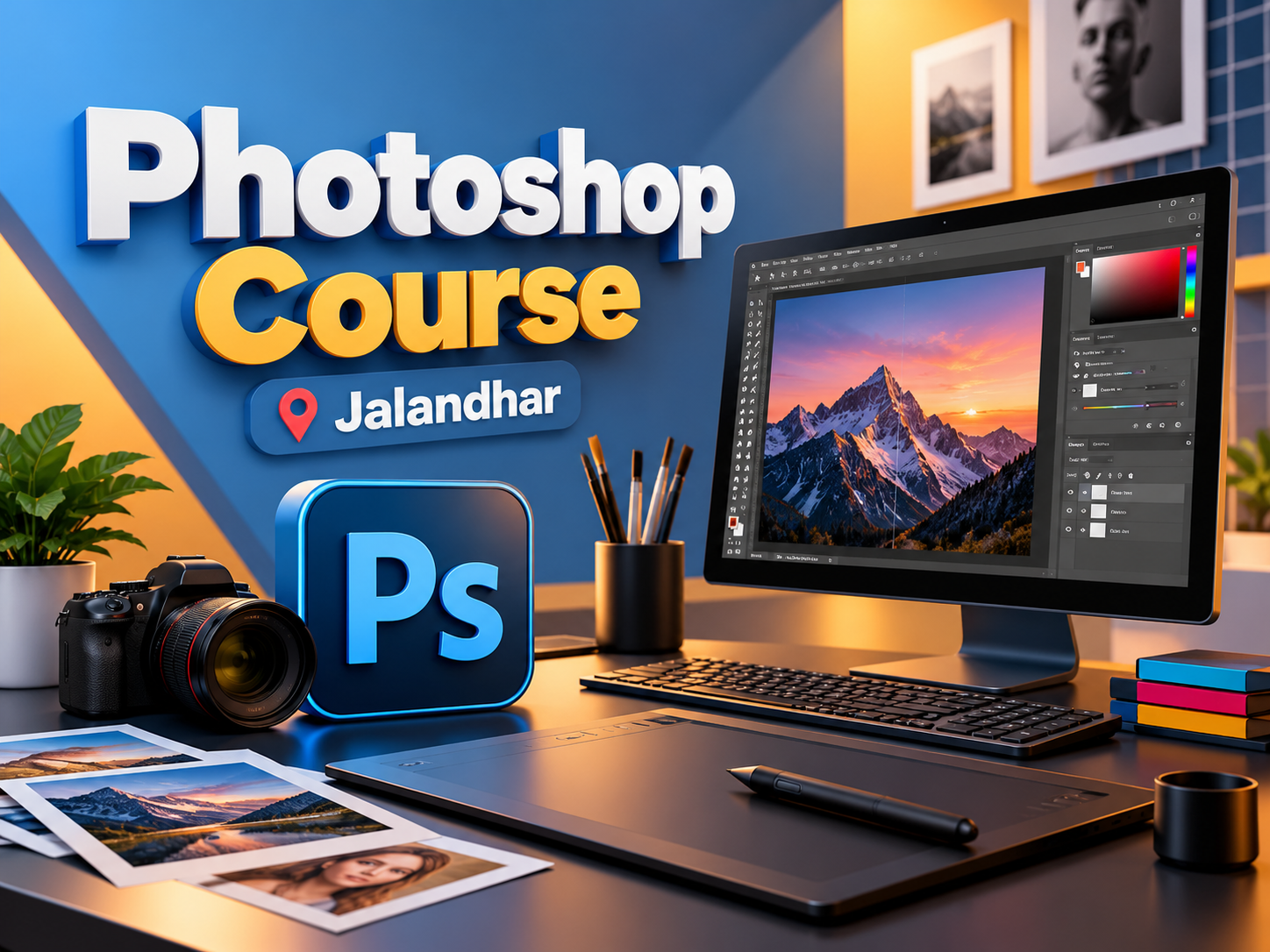
Photoshop Course in Jalandhar
In today's digital world, graphic designing and visual communication have become important parts of marketing, advertising, branding, and content creation. Businesses need attractive visuals to promote their products, connect with audiences, and build a strong online presence. Adobe Photoshop is one of the most widely used tools for creating professional designs, editing photographs, and developing creative digital content. If you want to develop your creativity and learn practical design skills, enrolling in a Photoshop Course in Jalandhar can be a valuable step towards your career.
IAM offers learning opportunities for individuals who want to explore graphic designing and improve their digital creativity. Whether you are a student, beginner, working professional, photographer, or aspiring designer, learning Photoshop can help you understand how professional visual content is created. With the right training and regular practice, you can learn to transform simple images into visually appealing designs.
What Is Adobe Photoshop?
Adobe Photoshop is a professional image-editing and graphic-design software used by designers, photographers, digital marketers, content creators, and advertising professionals. It provides tools for photo retouching, image manipulation, colour correction, typography, digital artwork, and creative compositions.
Learning Photoshop helps you understand the technical and creative aspects of designing. From editing product photographs to creating social media posts, the software can be used for various personal and professional projects.
At IAM, learners interested in creative design can explore the fundamentals of Photoshop and understand how digital design tools are applied to real-world creative tasks.
Why Choose a Photoshop Course in Jalandhar?
Jalandhar has a growing demand for digital content across educational institutions, retail businesses, advertising agencies, e-commerce companies, and digital marketing firms. These businesses require creative visuals for websites, social media platforms, promotional campaigns, and branding materials.
A Photoshop course can help you build a foundation in visual design while developing practical software skills.
Some important benefits of learning Photoshop include:
Develop photo-editing and image-retouching skills.
Learn to create attractive social media graphics.
Understand colours, layouts, typography, and visual composition.
Explore creative image manipulation and digital artwork.
Improve your ability to design promotional materials.
Build a portfolio of creative projects.
Prepare for further learning in graphic design and digital media.
Choosing a Photoshop Course in Jalandhar allows local learners to explore creative software training and develop skills relevant to different industries.
What Will You Learn in a Photoshop Course?
A structured Photoshop course should cover essential tools, editing techniques, and practical design applications. Beginners can start with basic concepts and gradually move towards more advanced creative tasks.
Key topics to explore include:
Photoshop Interface and Tools: Understand the workspace, panels, toolbars, menus, and essential editing features.
Image Editing: Learn to crop, resize, adjust, and enhance images for different purposes.
Layers and Masks: Understand how layers and masks help create flexible, organised, and professional designs.
Colour Correction: Explore brightness, contrast, saturation, colour balance, and other image-adjustment techniques.
Photo Retouching: Learn techniques to improve portraits, remove unwanted imperfections, and enhance photographs.
Background Removal: Practise selecting subjects and removing or replacing image backgrounds.
Typography and Text Effects: Learn how to combine text, fonts, and visual elements in creative compositions.
Social Media Design: Explore the creation of posts, banners, promotional creatives, and digital advertisements.
Poster and Banner Designing: Understand how to arrange images, text, and graphic elements for promotional communication.
Creative Image Manipulation: Combine different images and visual elements to create imaginative compositions.
These skills can help learners understand the design process and apply Photoshop techniques to different creative assignments.
Who Can Join a Photoshop Course?
A Photoshop course can be suitable for anyone interested in digital creativity, photo editing, and visual communication. Previous professional designing experience is not necessarily required to begin learning the basics.
The course may be useful for:
Students interested in graphic design and digital media.
Beginners who want to develop creative software skills.
Photographers who want to improve their photo-editing techniques.
Digital marketing learners who want to create their own promotional graphics.
Social media content creators who need attractive visual content.
Entrepreneurs who want to understand basic promotional design.
Working professionals interested in expanding their creative abilities.
At IAM, interested learners can enquire about the available course structure, practical training approach, batch timings, and eligibility before enrolling.
Career Opportunities After Learning Photoshop
Photoshop is a useful tool in several creative and digital industries. However, career opportunities depend on your overall design knowledge, portfolio, experience, communication skills, and understanding of other relevant tools.
After developing Photoshop skills and building a strong portfolio, learners may explore roles or related career paths such as:
Graphic Designer
Photo Editor
Image Retoucher
Social Media Designer
Digital Content Creator
Advertising Design Assistant
E-commerce Image Editor
Freelance Design Professional
For more advanced opportunities, learners may also consider studying other design tools and subjects, including Adobe Illustrator, Adobe InDesign, UI/UX design, video editing, and digital marketing.
Practical projects and a well-organised portfolio can help demonstrate your creativity and technical abilities to potential employers or clients.
Why Practical Learning Matters
Learning the names of Photoshop tools is only the beginning. To become comfortable with the software, learners need consistent practice and opportunities to apply what they have learned.
A practical learning approach can include editing photographs, designing posters, creating social media graphics, experimenting with typography, and developing original compositions. These activities help learners understand how to use different tools together to achieve a specific design objective.
When exploring a Photoshop Course in Jalandhar at IAM, ask about hands-on assignments, project work, trainer support, portfolio development, and the software topics covered in the curriculum. These factors can help you decide whether the course matches your learning goals.
How to Start Learning Photoshop
If you are planning to begin your Photoshop learning journey, follow these steps:
Understand the basic principles of graphic design, including colour, spacing, balance, and typography.
Familiarise yourself with Photoshop's interface and commonly used tools.
Practise editing photographs and creating simple graphics regularly.
Complete small design projects to apply different techniques.
Save your best work and organise it into a portfolio.
Continue exploring new features and creative design trends.
Regular practice and constructive feedback can help you improve your skills over time. Focus on developing your own creative approach instead of simply copying existing designs.
Conclusion
A Photoshop Course in Jalandhar can be a useful starting point for students, beginners, photographers, and aspiring designers who want to develop image-editing and graphic-design skills. From photo retouching and background removal to social media graphics and promotional posters, Photoshop offers a wide range of creative possibilities.
IAM is an option for learners who want to explore creative software training in Jalandhar. Before enrolling, review the curriculum, practical assignments, course duration, and training facilities to ensure they align with your goals.
Start by learning the fundamentals, practise consistently, and build a portfolio that showcases your creativity. With dedication and continued learning, Photoshop skills can become a valuable addition to your personal projects and professional development.
Photoshop Course in Jalandhar at IAM
Learn Photoshop at IAM Jalandhar and explore photo editing, image retouching, creative posters and graphic design through practical software training for beginners.
Tell us whatyou wantto create.
A few lines about yourself and the course you're interested in. Our admissions team replies within two working days, and you can book a free campus visit or demo class.
Call admissions→Or send an enquiry to your nearest campus- Phone
- +91 98881 22241
- Address
- 1st Floor, IAM, Crystal Plaza, SCS 78, opp. PIMS Hospital, Jalandhar, Punjab 144001