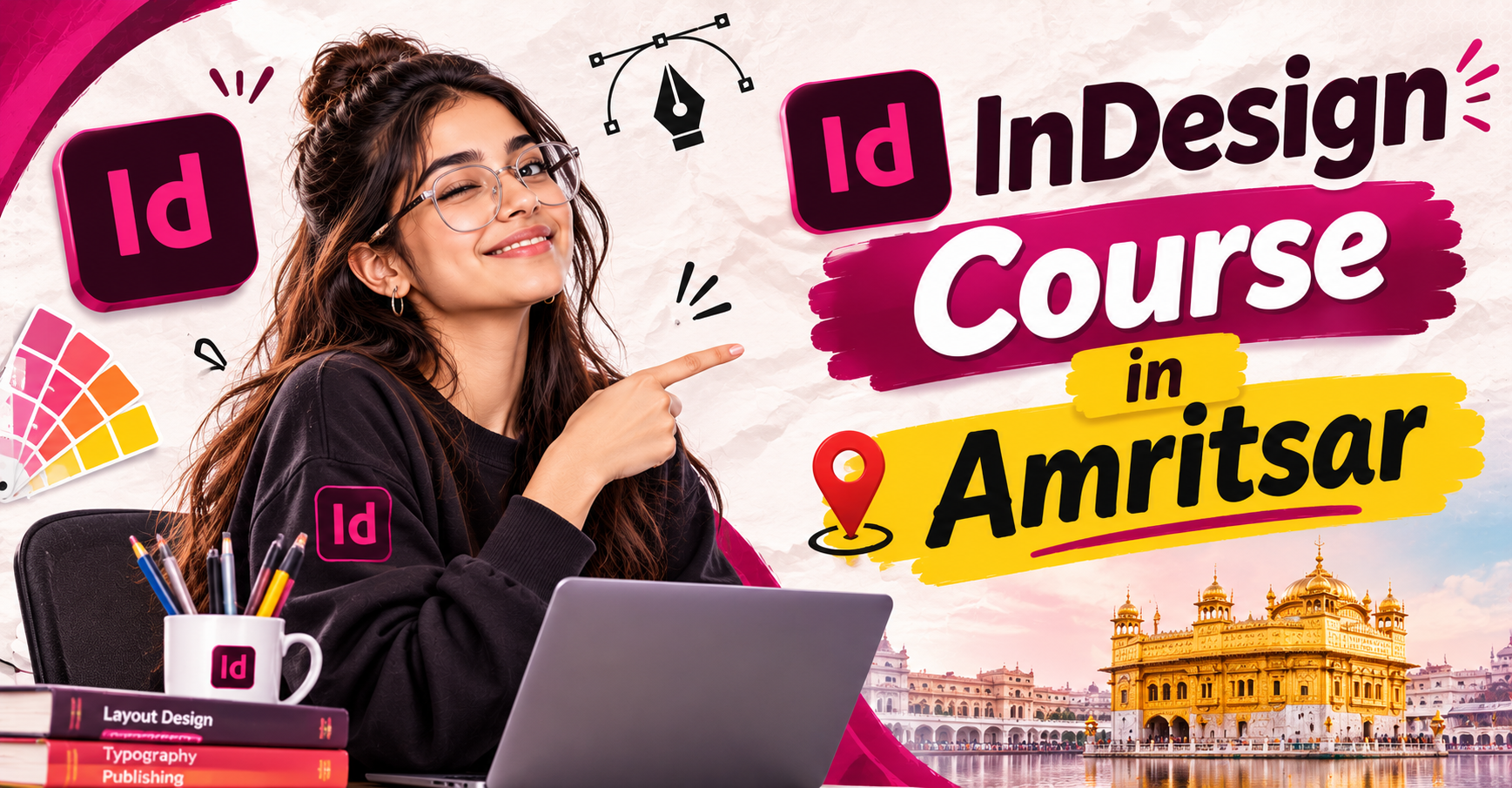
InDesign Course in Amritsar
InDesign Course in Amritsar
In today’s digital and creative industry, professional design skills are becoming increasingly important for students, freelancers, job seekers, and working professionals. Adobe InDesign is one of the most powerful software applications used for professional page layout and publication design. It is widely used for creating magazines, newspapers, brochures, catalogues, books, e-books, newsletters, portfolios, corporate documents, and other print and digital publications.
If you are looking for a professional InDesign Course in Amritsar, learning Adobe InDesign from a practical and industry-oriented training program can help you develop the skills required to create professional layouts and publication designs. A structured InDesign Course in Amritsar can help beginners understand the software from basic tools to advanced layout techniques through practical projects and assignments.
What is Adobe InDesign?
Adobe InDesign is a professional desktop publishing and page-layout software developed by Adobe. Unlike software primarily focused on photo editing or illustration, InDesign is specifically designed for arranging text, images, graphics, and other visual elements into professional layouts.
It is commonly used by graphic designers, publication designers, advertising agencies, marketing teams, publishers, newspapers, magazines, and businesses.
With Adobe InDesign, designers can create:
Brochures
Magazines
Newspapers
Books
E-books
Catalogues
Flyers
Company profiles
Newsletters
Posters
Reports
Portfolios
Business documents
Marketing materials
A professional InDesign Course in Amritsar helps students understand how to use these features effectively while developing practical design skills.
Why Learn an InDesign Course in Amritsar?
Amritsar is growing as an educational and professional hub, creating opportunities for students and creative professionals interested in graphic design, publishing, advertising, and digital media. Learning InDesign can add an important skill to your creative profile.
An InDesign Course in Amritsar can be particularly useful for students who want to enter the graphic designing and publishing industry. Instead of learning only the basic tools, students can focus on practical layout creation, typography, document formatting, and professional design workflows.
For graphic designers, InDesign can also complement other Adobe software such as Photoshop and Illustrator. Photoshop is commonly used for image editing, while Illustrator is useful for vector graphics and illustrations. InDesign brings these elements together to create complete publication layouts.
What You Learn in an InDesign Course
A comprehensive InDesign Course in Amritsar should cover both fundamental and advanced concepts. Beginners can start with the interface and gradually move toward professional design projects.
1. Introduction to Adobe InDesign
Students first learn about the InDesign interface, tools, panels, menus, workspace, document settings, and basic navigation. Understanding the interface makes it easier to work efficiently on larger projects.
2. Document Setup
Students learn how to create documents according to specific design requirements. This includes page size, orientation, margins, columns, bleed, slug, and page settings.
Proper document setup is essential when creating professional brochures, magazines, books, and other publications.
3. Typography and Text Formatting
Typography is one of the most important parts of publication design. Students learn how to add and format text, choose suitable fonts, adjust spacing, create paragraphs, and maintain consistency throughout a document.
A professional InDesign Course in Amritsar can help students understand concepts such as character styles, paragraph styles, text frames, columns, alignment, and text flow.
4. Working with Images
InDesign allows designers to place and manage images within layouts. Students learn how to import images, resize and position them, use frames, manage image placement, and maintain visual balance.
This is especially useful when designing magazines, brochures, catalogues, and company profiles.
5. Master Pages and Page Management
Large publications can contain dozens or even hundreds of pages. InDesign provides powerful page-management features to maintain consistency.
Students can learn about master pages, page numbering, sections, automatic page numbers, and consistent layouts.
6. Grids and Layout Design
A strong layout requires proper organization. Students learn how to use grids, columns, guides, margins, and alignment tools to create balanced and professional designs.
These skills are useful for creating magazines, books, reports, brochures, and corporate documents.
7. Styles and Consistency
Professional designers often work with large documents where consistency is extremely important. InDesign provides character styles, paragraph styles, object styles, and other tools that help maintain uniform formatting.
Learning these features can significantly improve productivity.
8. Creating Professional Publications
As students progress through an InDesign Course in Amritsar, they can work on practical projects such as brochures, magazines, newsletters, catalogues, portfolios, and multi-page documents.
Project-based learning allows students to apply their knowledge instead of simply memorizing tools.
Career Opportunities After Learning InDesign
Learning Adobe InDesign can open opportunities in different creative and publishing-related fields. Depending on their overall skill set, students can explore careers such as:
Graphic Designer
Publication Designer
Layout Designer
Editorial Designer
Magazine Designer
Brochure Designer
Catalogue Designer
Print Designer
Marketing Designer
Freelance Designer
Desktop Publishing Designer
Students can also combine InDesign with Photoshop, Illustrator, typography, branding, and other design skills to build a stronger professional portfolio.
Who Should Join an InDesign Course?
An InDesign Course in Amritsar can be suitable for a wide range of learners.
Students: Students interested in graphic design, publishing, advertising, and creative careers can start learning InDesign.
Graphic Designers: Existing designers can add professional publication and layout design skills to their toolkit.
Freelancers: Freelancers can use InDesign to offer brochure, catalogue, magazine, portfolio, and document-design services.
Working Professionals: Marketing and communication professionals can learn to create better professional documents and marketing materials.
Business Owners: Entrepreneurs can gain an understanding of professional layout and publication design for business communication.
Practical Training and Portfolio Development
One of the most important aspects of a good InDesign Course in Amritsar is practical training. Simply knowing where different tools are located is not enough to become a professional designer.
Students should get opportunities to work on real-world design assignments. Projects such as a multi-page brochure, magazine layout, company profile, product catalogue, newsletter, and portfolio can help students understand how InDesign is used professionally.
Creating these projects can also help students build a portfolio that demonstrates their design abilities to potential employers or clients.
Why Choose a Professional InDesign Training Program?
A structured training program provides a systematic learning experience. Instead of learning random tools through tutorials, students can follow a step-by-step curriculum covering fundamentals, typography, layouts, page management, image placement, styles, and professional projects.
A good InDesign Course in Amritsar should focus on practical learning, creative thinking, professional workflow, and portfolio development.
Conclusion
Adobe InDesign is an essential tool for professionals working in publication, graphic design, advertising, marketing, and print media. From designing a simple brochure to creating a complex multi-page magazine or book, InDesign provides powerful tools for professional page-layout and publication design.
If you want to develop professional layout-design skills, an InDesign Course in Amritsar can be a valuable step toward a career in graphic design and publishing. With practical training, creative projects, and a strong understanding of typography and layout principles, students can build the confidence and skills needed to work on professional design assignments.
Whether you are a beginner, student, graphic designer, freelancer, or working professional, learning Adobe InDesign can expand your creative skill set and provide new opportunities in the design industry. A well-structured InDesign Course in Amritsar can help you move from learning the software to actually using it to create professional, visually appealing publications.
InDesign Course in Amritsar – Learn Professional Layout & Publication Design
Master Adobe InDesign with practical training in page layouts, typography, brochures, magazines, catalogues, books, and professional publications. Build creative design skills and a strong portfolio with our InDesign Course in Amritsar.
Tell us whatyou wantto create.
A few lines about yourself and the course you're interested in. Our admissions team replies within two working days, and you can book a free campus visit or demo class.
Call admissions→Or send an enquiry to your nearest campus- Phone
- +91 98881 22241
- Address
- 1st Floor, IAM, Crystal Plaza, SCS 78, opp. PIMS Hospital, Jalandhar, Punjab 144001