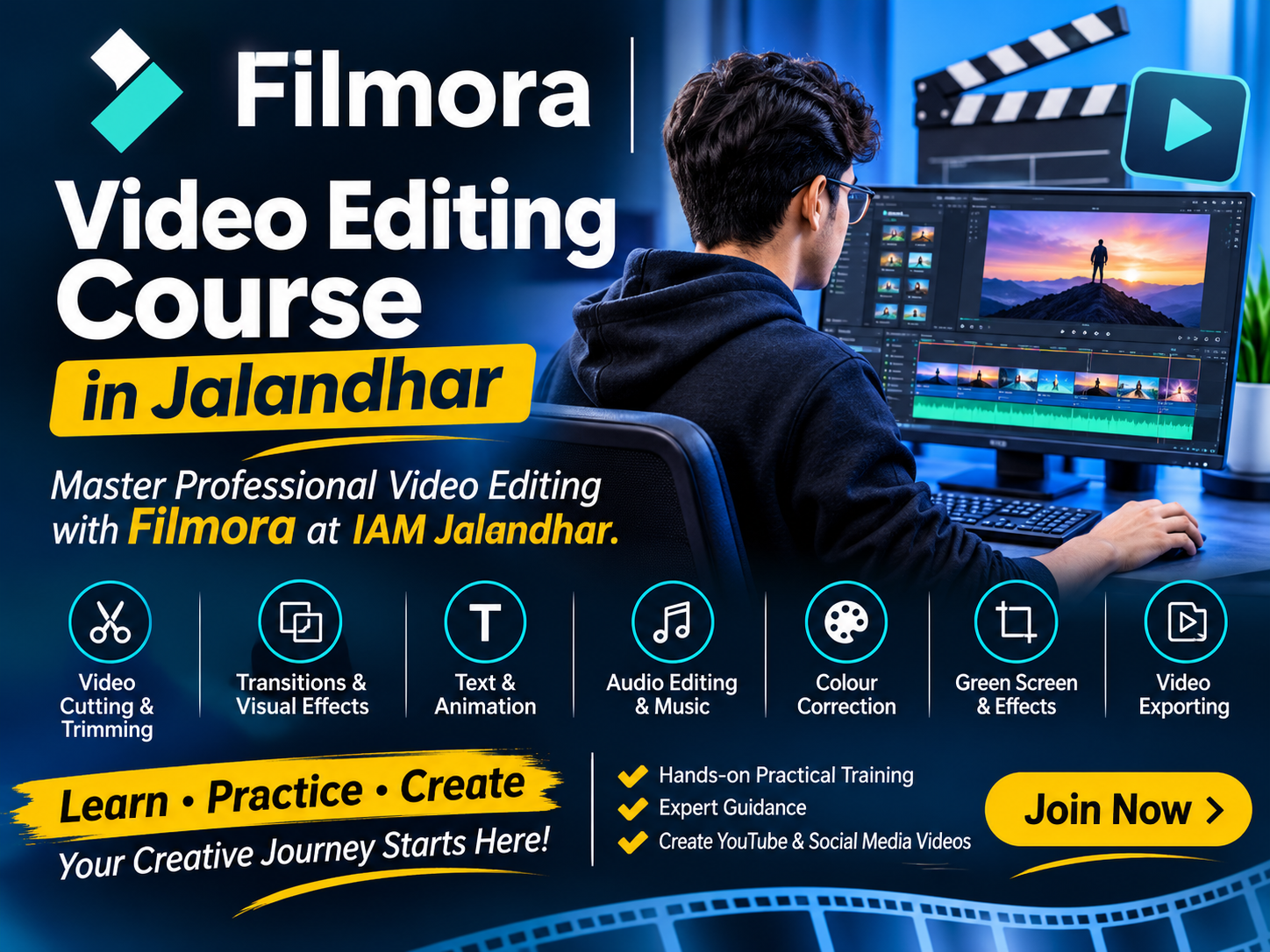
Filmora Video Editing Course in Jalandhar
Filmora Video Editing Course in Jalandhar – Learn Professional Video Editing, Visual Effects and Creative Video Production Skills
Turn your creative ideas into engaging visual content with practical video editing skills. The Filmora Video Editing Course in Jalandhar at IAM helps students understand video editing, timeline management, transitions, visual effects, text animations, audio editing, colour correction, and professional video production techniques to create high-quality videos.
Video editing has become an important part of digital media, entertainment, advertising, education, social media marketing, and online content creation. From YouTube videos and Instagram Reels to promotional videos, interviews, and business presentations, professional video editing plays an important role in creating engaging visual content.
What Is Filmora Video Editing?
Filmora video editing is the process of transforming raw video footage into polished visual content using editing tools and creative techniques. It involves trimming clips, arranging footage, adding transitions, applying filters, inserting text and animations, editing audio, and enhancing video quality.
Professional video editing combines storytelling, visual effects, audio management, colour correction, and export settings to create videos suitable for different digital platforms.
Why Learn Filmora Video Editing at IAM?
The Filmora Video Editing Course in Jalandhar at IAM focuses on practical learning and understanding creative video production workflows. Students can develop technical and creative skills required to edit YouTube videos, social media content, promotional videos, educational videos, and other digital media projects.
Training introduces important concepts such as:
Filmora Interface and Workspace: Understanding the editing interface, timeline, preview window, media library, editing panels, and essential tools.
Video Importing and Organisation: Learning how to import video clips, images, audio files, and organise media for editing projects.
Video Cutting and Trimming: Understanding trimming, splitting, cropping, cutting, and arranging video clips to create smooth sequences.
Transitions and Visual Effects: Applying transitions, filters, overlays, animations, and creative effects to improve video presentation.
Text and Title Animation: Creating titles, subtitles, captions, animated text, and introductory graphics for videos.
Audio Editing and Background Music: Adding background music, voiceovers, sound effects, adjusting audio levels, and improving sound quality.
Colour Correction and Enhancement: Understanding brightness, contrast, saturation, colour adjustments, and visual enhancement techniques.
Green Screen and Chroma Key: Learning how to remove green backgrounds and replace them with different images or video scenes.
Speed Control and Keyframe Animation: Applying slow motion, fast motion, speed adjustments, and keyframe-based animation techniques.
Video Exporting and Publishing: Preparing edited videos in suitable resolutions, formats, and aspect ratios for different digital platforms.
What Will You Learn?
Introduction to Video Editing
Understand the fundamentals of video editing and its importance in digital media, entertainment, advertising, and content creation. Explore different video formats, editing styles, storytelling techniques, and creative production workflows.
Filmora Software Fundamentals
Explore the Filmora workspace, editing interface, media library, timeline, preview window, editing panels, and essential tools. Understand how to create projects, import media files, organise footage, and begin an editing workflow.
Video Cutting and Editing Techniques
Develop practical editing skills using cutting, trimming, splitting, cropping, copying, and arranging video clips. Learn how to remove unwanted footage, organise scenes, and create smooth video sequences.
Timeline Management and Clip Arrangement
Understand video and audio tracks, timeline controls, clip positioning, track management, and editing workflows. Learn how to combine different media elements into a complete video project.
Transitions, Filters and Visual Effects
Explore different transitions, filters, overlays, and visual effects available in Filmora. Learn how to apply creative effects, improve scene changes, and enhance the overall appearance of videos.
Text, Titles and Animation
Learn to create professional titles, subtitles, captions, lower thirds, and animated text. Understand text positioning, typography, animation presets, and visual presentation techniques.
Audio Editing and Background Music
Explore audio importing, background music, voiceovers, sound effects, volume adjustment, and audio transitions. Learn how to balance sound elements and create a better viewing experience.
Colour Correction and Video Enhancement
Understand brightness, contrast, saturation, white balance, and colour adjustment techniques. Learn how to improve video appearance and maintain visual consistency across different clips.
Green Screen and Chroma Key Effects
Learn how to use green screen footage, remove background colours, replace backgrounds, and combine multiple visual elements to create creative video scenes.
Speed Control and Keyframe Animation
Explore slow motion, fast motion, speed adjustments, reverse effects, and keyframe animation. Understand how to control movement and create engaging visual effects.
Social Media and YouTube Video Editing
Learn to edit videos for YouTube, Instagram Reels, Facebook, and other digital platforms. Understand different aspect ratios, video dimensions, captions, and platform-specific export settings.
Video Exporting and File Preparation
Learn how to export edited videos in suitable formats such as MP4 and other supported formats. Understand video resolution, frame rates, aspect ratios, bitrate, and quality settings for digital publishing.
Practical Projects
During practical training, students can work on creative video production projects such as:
Basic Video Editing Exercises
YouTube Video Editing Projects
Instagram Reels and Short-Form Videos
Promotional and Advertisement Videos
Text Animation and Title Creation
Transitions and Visual Effects Projects
Background Music and Audio Editing
Green Screen Video Editing
Colour Correction and Enhancement Projects
Slow Motion and Speed Effects
Educational and Presentation Videos
Complete Video Production Portfolio Projects
Who Can Join This Course?
The Filmora Video Editing Course in Jalandhar is suitable for:
Students interested in video editing and digital media
Beginners exploring professional video editing
Aspiring video editors and content creators
YouTubers and social media influencers
Digital marketing students and professionals
Freelancers interested in video editing services
Graphic designers interested in video production
Individuals interested in creative media and visual storytelling
No advanced video editing experience is required. Beginners can start by learning basic editing techniques and gradually develop their skills through practical exercises and creative video production projects.
Software and Tools Used in Video Editing
Students can explore Filmora and relevant video production tools, including:
Wondershare Filmora
Video Editing Timeline and Media Tools
Transitions and Visual Effects
Text and Title Animation Tools
Audio Editing and Sound Effects
Colour Correction Tools
Green Screen and Chroma Key Tools
Keyframe Animation Tools
Video Exporting and Rendering Settings
MP4 and Other Supported Video Formats
These tools help learners understand video editing, visual enhancement, audio management, animation, and creative video production workflows.
Career Opportunities After Learning Filmora Video Editing
Filmora video editing skills can support career opportunities across digital media, entertainment, advertising, social media, and content production industries, including:
Video Editor
Junior Video Editor
Social Media Video Editor
YouTube Video Editor
Content Creator
Promotional Video Editor
Digital Media Assistant
Freelance Video Editor
Video Production Assistant
Marketing Content Editor
Developing a strong portfolio with YouTube videos, promotional content, social media reels, educational videos, and creative editing projects can help students demonstrate their technical abilities and prepare for opportunities in the video production industry.
Build Your Video Editing Portfolio
Practical projects help learners showcase their editing techniques, creative abilities, visual effects knowledge, and understanding of professional video production workflows. Create a portfolio featuring promotional videos, YouTube content, Instagram Reels, animated titles, transitions, colour correction, and complete edited video projects.
A well-organised portfolio can help demonstrate your software knowledge, creative approach, editing skills, and ability to transform raw footage into engaging visual content.
Start Learning Professional Video Editing in Jalandhar
Develop your creative and technical abilities and understand how professional video editors transform raw footage into engaging videos using editing software, transitions, visual effects, animations, audio editing, and colour correction techniques. Join the Filmora Video Editing Course in Jalandhar at IAM and take your first step towards learning professional video editing and creative content production workflows.
Add a Filmora-focused course overviewReduce repeated editing explanations
Tell us whatyou wantto create.
A few lines about yourself and the course you're interested in. Our admissions team replies within two working days, and you can book a free campus visit or demo class.
Call admissions→Or send an enquiry to your nearest campus- Phone
- +91 98881 22241
- Address
- 1st Floor, IAM, Crystal Plaza, SCS 78, opp. PIMS Hospital, Jalandhar, Punjab 144001