
Davinci Resolve course in Jalandhar
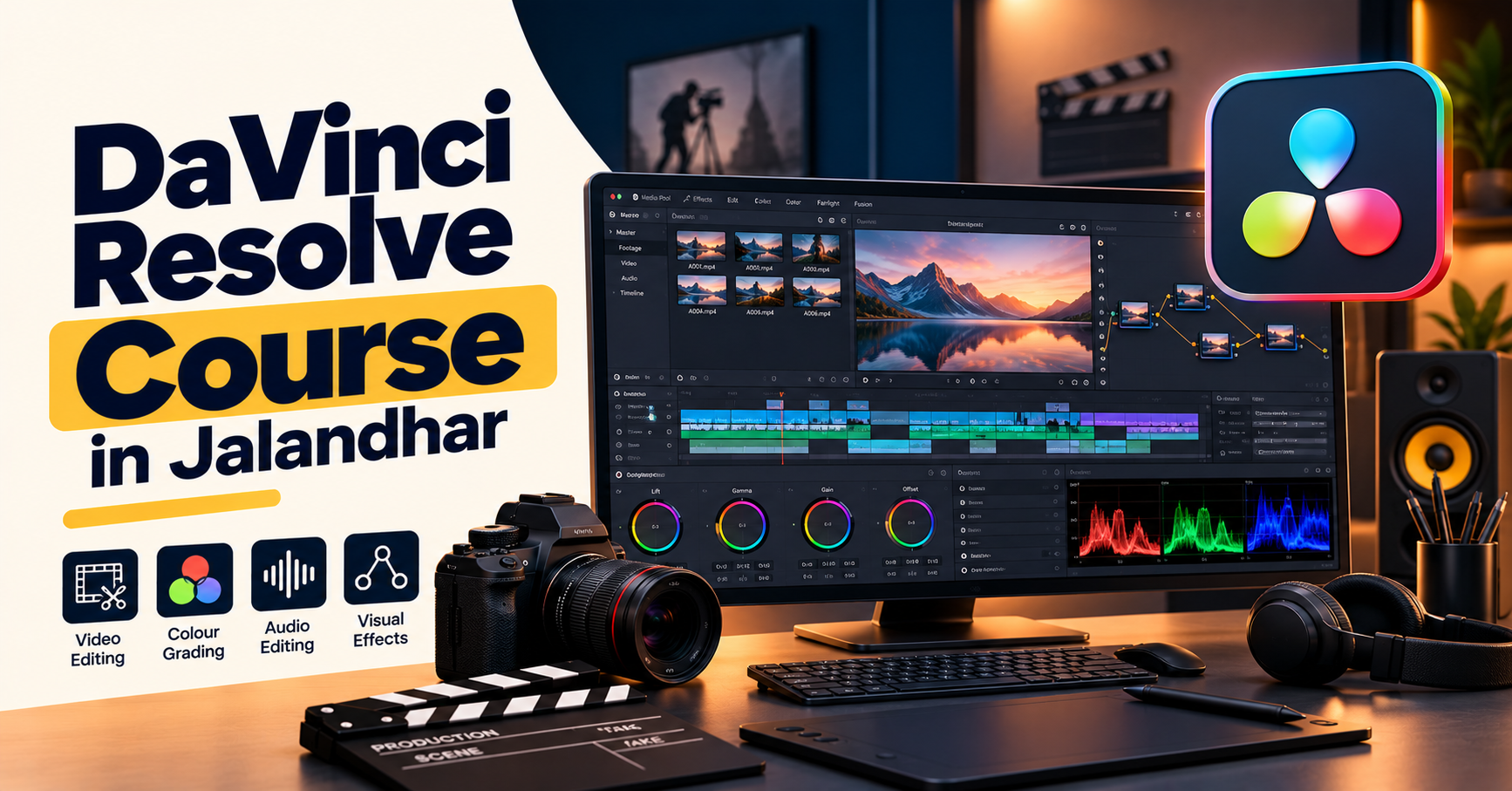
DaVinci Resolve Course in Jalandhar
Learn Video Editing, Colour Grading and Post-Production
Video content is an important part of digital communication, from social media reels and YouTube videos to promotional films, interviews, short films, and commercial projects. Creating professional-looking videos involves more than arranging clips. Editors also work with pacing, colour, sound, transitions, titles, and the overall visual story.
The DaVinci Resolve Course in Jalandhar at IAM (Institute of Animation and Multimedia) is relevant for learners who want to explore video editing and post-production using DaVinci Resolve. The software brings video editing, colour correction and grading, visual effects, motion graphics, and audio post-production tools into one application.
Whether you are a beginner exploring video production or a content creator looking to improve your editing workflow, learning DaVinci Resolve can help you understand the process of turning raw footage into a structured and polished video.
What Is DaVinci Resolve?
DaVinci Resolve is a professional post-production application developed by Blackmagic Design. It is known for its video editing and colour grading tools and also includes dedicated workspaces for visual effects, motion graphics, and audio post-production.
Its interface is organised into different pages, each designed for a particular part of the workflow. Editors can organise footage, assemble a timeline, refine colour, create effects, work with audio, and prepare a final export within the same application.
This makes DaVinci Resolve useful for a wide range of video projects, including promotional content, interviews, short films, social media videos, documentaries, and other visual storytelling formats.
What Will You Learn in a DaVinci Resolve Course?
1. Understanding the Interface and Workflow
Start by exploring the workspace, media organisation, project settings, timeline, preview monitor, and editing tools. Understanding the interface helps you navigate projects efficiently and keep video assets organised.
You can also learn how a post-production workflow moves from importing footage to editing, refining, and exporting the final video.
2. Video Editing Fundamentals
Editing is about choosing the right shots and arranging them to communicate a clear story. Learn how to import clips, create timelines, trim footage, split clips, rearrange scenes, and manage transitions.
Practise controlling pacing, removing unnecessary sections, synchronising suitable shots, and building a coherent sequence. These skills can be applied to interviews, event videos, short-form content, and promotional edits.
3. Transitions, Titles and Text
Titles and transitions help connect scenes and communicate information. Explore how to add text, create title sequences, use transitions appropriately, and organise visual elements within a composition.
Depending on the syllabus, you may also explore animated titles, lower thirds, simple graphic overlays, and techniques for maintaining consistent visual styling.
4. Colour Correction and Colour Grading
Colour correction helps establish a balanced image by addressing exposure, contrast, white balance, and colour inconsistencies. Colour grading builds on that foundation to create a particular mood or visual style.
Learn to work with colour wheels, scopes, curves, and other relevant grading tools. Practise matching shots so that footage from different scenes looks consistent, then experiment with creative looks that support the intended story.
5. Audio Editing and Sound Refinement
Clear audio plays a major role in the quality of a finished video. DaVinci Resolve includes audio post-production tools that help editors manage dialogue, music, sound effects, and levels.
Depending on the training syllabus, practical exercises may cover audio trimming, balancing sound levels, arranging music, reducing distracting noise with suitable tools, and preparing audio for final delivery.
6. Visual Effects and Fusion Basics
Fusion is DaVinci Resolve's node-based workspace for visual effects and motion graphics. It can be used to combine visual elements, build compositions, create effects, and animate graphics.
Beginners may explore the interface, nodes, masks, keying, basic compositing, and simple motion graphics. The exact topics covered will depend on the course syllabus and the learner's progress.
7. Project Organisation and Timeline Management
A well-organised project is easier to edit and revise. Learn the importance of naming media, arranging folders or bins, managing timelines, keeping track of versions, and maintaining a consistent editing process.
These habits become especially useful when working with longer videos, multiple scenes, client feedback, or projects containing different types of media.
8. Rendering and Export Settings
The final stage is preparing a video for its intended destination. Learn how to review the timeline, select appropriate resolution and frame-rate settings, choose an output format, and export a finished file.
Different platforms and projects may have different delivery requirements. Understanding these settings helps you prepare files that suit social media, websites, presentations, or other intended uses.
Practical Projects You Can Explore
Practical assignments help you connect individual tools to a complete post-production workflow. Depending on the syllabus, projects may include:
Editing a short social media reel.
Creating a promotional video for a product or service.
Editing an interview with music and titles.
Colour-correcting and grading a sequence of shots.
Building a title-led video introduction.
Creating a basic Fusion composition.
Mixing dialogue, music, and sound effects for a short video.
Exporting a finished project for a selected platform.
These exercises can help you practise shot selection, timing, continuity, colour consistency, sound, and delivery. Keeping your completed projects organised can also help you develop a portfolio that demonstrates your editing approach and technical progress.
Who Can Join a DaVinci Resolve Course?
A DaVinci Resolve course may be suitable for:
Students interested in video editing and post-production.
Beginners who want to understand video production.
YouTube creators and social media content creators.
Graphic designers who want to expand into video content.
Aspiring video editors and colour grading artists.
Multimedia learners exploring visual effects and compositing.
Existing editors who want to learn a different editing workflow.
Prior editing experience may be useful but is not always essential for beginner-level learning. Confirm the entry requirements, recommended computer specifications, and course level with IAM before enrolling.
Career Opportunities After Learning DaVinci Resolve
DaVinci Resolve skills can support different creative career paths when combined with practical experience, storytelling ability, and a strong portfolio.
Video Editor: Arranges footage, refines pacing, adds titles and transitions, and prepares final video files.
Colour Correction and Grading Assistant: Helps balance footage and develop consistent colour treatments under an established workflow.
Content Editor: Creates and edits videos for social media, YouTube channels, brands, and online campaigns.
Post-Production Assistant: Supports media organisation, timeline preparation, revisions, and delivery tasks.
Freelance Video Editor: Works on suitable projects such as reels, interviews, promotional videos, and event highlights.
Multimedia Content Creator: Combines video editing with graphics, sound, and other digital content skills.
Career options depend on your experience, work quality, project requirements, and additional skills. Completing a course alone does not guarantee employment, so regular practice and portfolio development are important.
Why Consider IAM for DaVinci Resolve Training in Jalandhar?
When choosing a video editing course, it is helpful to review the learning approach rather than selecting an institute by course title alone. Check the syllabus, practical exercises, instructor support, software access, and opportunities to work on complete video projects.
At IAM (Institute of Animation and Multimedia), prospective learners can enquire about the DaVinci Resolve course structure and assess whether it fits their interests in video editing, colour grading, and post-production.
Before enrolling, ask which workspaces are covered, how much practical editing is included, whether colour grading and audio workflows are part of the syllabus, and whether learners receive feedback on completed projects. You should also confirm the course duration, fees, batch timings, and admission requirements.
How to Choose the Right DaVinci Resolve Training
Consider these points before making your decision:
Course coverage: Check whether editing, colour correction, grading, audio, export settings, and relevant Fusion topics are included.
Practical assignments: Ask whether you will work with footage and complete projects rather than only follow demonstrations.
Portfolio development: Find out whether the course helps you organise and present your finished work.
Instructor guidance: Understand how doubts, revisions, and project feedback are handled.
System requirements: Confirm whether you need your own computer and whether it meets the software's current requirements.
Course details: Verify the latest fees, schedule, duration, and syllabus directly with IAM.
These checks can help you choose training that suits your current experience and creative goals.
Start Your Video Editing Journey in Jalandhar
From arranging footage and refining audio to developing cinematic colour styles, DaVinci Resolve provides a broad set of tools for video post-production. Learning its workflow can help you understand how editing, colour, sound, and visual effects work together in a finished project.
If you are looking for a DaVinci Resolve Course in Jalandhar, contact IAM (Institute of Animation and Multimedia) to enquire about the current syllabus, practical projects, course duration, and admission process.
Build your editing skills, practise your creative ideas, and take the next step towards video production and post-production.
Edit. Grade. Create. Tell Better Stories.
Explore video editing, colour correction, cinematic grading, audio refinement and visual effects with DaVinci Resolve training at IAM in Jalandhar.
Tell us whatyou wantto create.
A few lines about yourself and the course you're interested in. Our admissions team replies within two working days, and you can book a free campus visit or demo class.
Call admissions→Or send an enquiry to your nearest campus- Phone
- +91 98881 22241
- Address
- 1st Floor, IAM, Crystal Plaza, SCS 78, opp. PIMS Hospital, Jalandhar, Punjab 144001