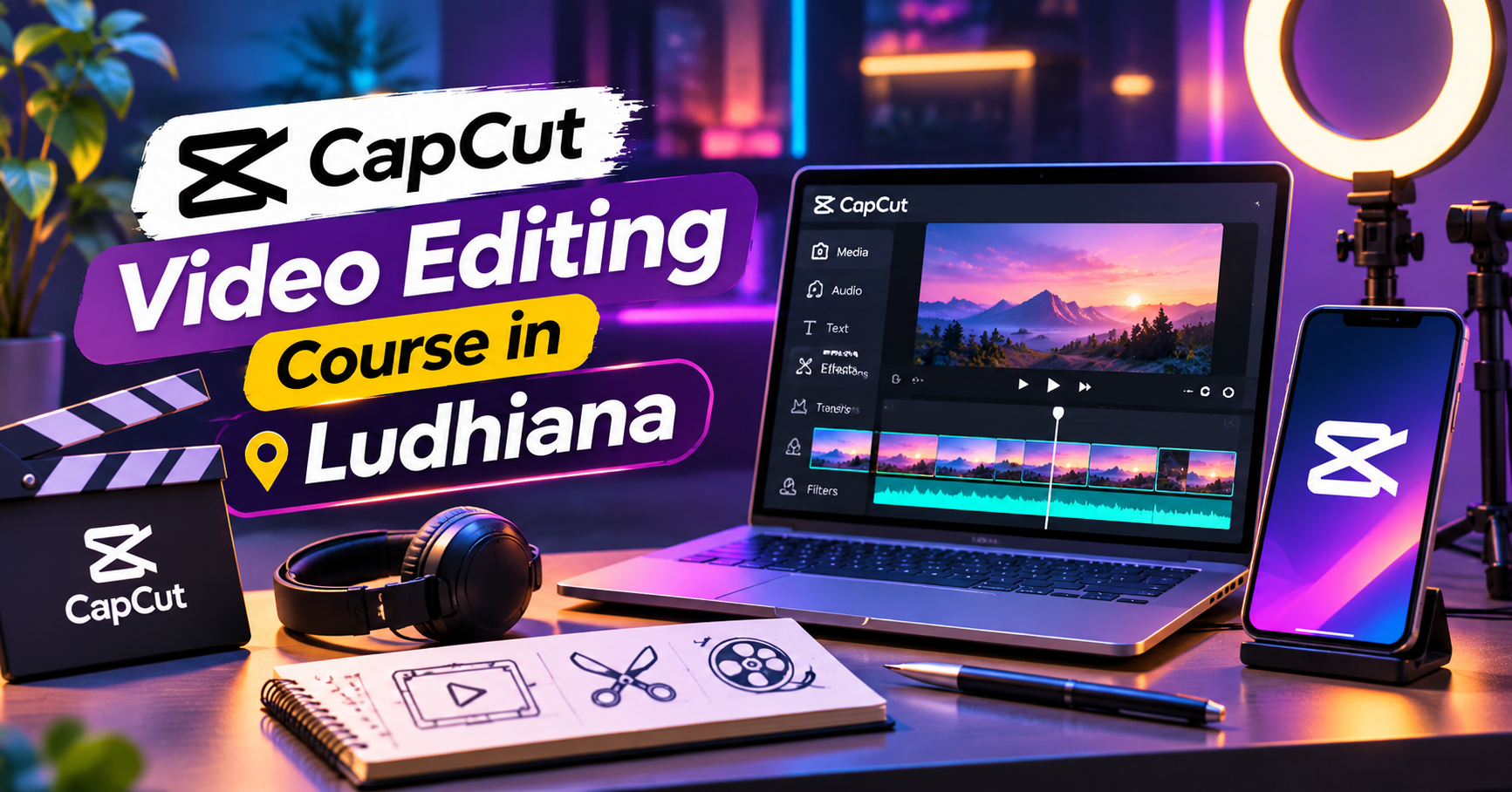
CapCut Video Editing Course in Ludhiana
CapCut Video Editing Course in Ludhiana
Video content has become one of the most powerful forms of digital communication. From Instagram Reels and YouTube Shorts to promotional videos, advertisements, educational content and personal projects, short-form video is being used by creators, businesses and professionals across industries. As the demand for engaging video content continues to grow, learning an easy-to-use editing platform can be a valuable creative skill.
CapCut is a popular video editing application that provides tools for creating and editing short-form and social media videos. A CapCut Video Editing Course in Ludhiana can help beginners and aspiring content creators learn how to edit videos, create engaging Reels, add effects and transitions, work with audio, add captions and produce professional-looking content.
What is CapCut Video Editing?
CapCut is a video editing platform designed for creating and editing digital video content. It provides a range of features for cutting clips, arranging footage, adding music, text, captions, transitions, effects and other creative elements.
The platform can be useful for beginners because many editing tasks can be performed through an intuitive interface.
A CapCut Video Editing Course in Ludhiana helps learners understand the editing workflow rather than simply learning individual buttons or features. Students can learn how to take raw footage and turn it into an engaging final video.
Why Learn CapCut Video Editing?
Short-form video has become an important part of social media and digital marketing. Businesses, creators and freelancers need video content for promotions, product demonstrations, educational videos and brand communication.
Learning CapCut can help students:
Edit short-form videos
Create engaging Reels
Produce YouTube Shorts
Add captions and subtitles
Create promotional videos
Edit talking-head videos
Add transitions and effects
Improve video pacing
Work with music and sound
Create content for social media
For beginners who want to start learning video editing, CapCut can provide an accessible entry point into the editing process.
What You Learn in a CapCut Video Editing Course in Ludhiana
A practical CapCut Video Editing Course in Ludhiana should cover the complete editing workflow, from importing footage to exporting the final video.
1. Understanding the Editing Interface
Students first learn how the CapCut interface works and understand the basic tools required for editing.
This can include:
Project creation
Media import
Timeline
Preview window
Editing tools
Audio controls
Text tools
Effects
Export settings
Understanding the workspace helps beginners edit their projects with greater confidence.
2. Basic Video Editing
The foundation of video editing is learning how to organize and modify raw footage.
Students can learn:
Importing video clips
Cutting clips
Trimming footage
Splitting clips
Rearranging scenes
Removing unwanted sections
Adjusting clip duration
Creating a sequence
These basic skills are essential for creating clean and engaging videos.
3. Creating Reels and Short-Form Videos
Short-form content requires fast pacing and strong visual storytelling. A CapCut Video Editing Course in Ludhiana can teach students how to structure videos for platforms such as Instagram, YouTube and other digital channels.
Students can learn:
Vertical video editing
Reel structure
Strong opening hooks
Fast cuts
Beat-based editing
Text overlays
Captions
Transitions
Call-to-action screens
The focus is on making videos easy to understand and engaging for viewers.
4. Text, Captions and Subtitles
Text is an important element in modern video content. Many viewers watch videos without sound, making captions and subtitles particularly useful.
Students can learn how to:
Add text
Create subtitles
Highlight important words
Synchronize captions
Create animated text
Design title screens
Use text overlays
Well-designed captions can also make short-form content more accessible and visually engaging.
5. Transitions and Effects
Transitions can help connect different clips and improve the flow of a video.
Students can explore different types of transitions and visual effects while learning when to use them appropriately.
Training may include:
Basic transitions
Creative transitions
Zoom effects
Motion effects
Speed effects
Blur effects
Visual overlays
Simple animation effects
The objective should be to use effects to support the story rather than overcrowding the video.
6. Audio and Music Editing
Audio plays a major role in video editing. Music, voice-over and sound effects can influence the mood and pacing of a video.
A CapCut Video Editing Course in Ludhiana can introduce students to:
Adding background music
Voice-over
Sound effects
Audio trimming
Volume adjustment
Audio synchronization
Beat-based editing
Basic audio balancing
Students can learn how to combine visuals and sound to create a more engaging viewing experience.
7. Speed Control and Creative Editing
Speed changes can be used to create dynamic and visually interesting videos.
Students can learn techniques such as:
Slow motion
Speed changes
Fast-forward effects
Speed ramping
Freeze frames
Reverse effects
These techniques can be useful for product videos, sports content, travel videos, Reels and creative social media content.
8. Colour and Visual Enhancement
Good visuals are important for creating professional-looking videos. Students can learn basic techniques for improving the appearance of their footage.
This can include:
Brightness adjustment
Contrast
Saturation
Colour balance
Basic filters
Visual consistency
The goal is to create footage that looks clear and visually consistent without relying excessively on filters.
AI-Assisted Video Editing
Modern editing platforms are increasingly incorporating AI-powered features. Depending on the available version and features of the software, learners may explore AI-assisted tools for tasks such as captions, background removal, creative effects and other editing workflows.
Students can learn how to combine traditional editing skills with AI-assisted features while maintaining creative control over the final video.
Practical Projects and Portfolio Building
Practical projects are essential for developing video editing skills. Students can work on different types of projects during a CapCut Video Editing Course in Ludhiana.
Possible projects include:
Instagram Reel
YouTube Short
Product promotion video
Restaurant promotional video
Educational video
Talking-head video
Travel video
Event highlights
Personal branding video
Short advertisement
These projects can be added to a portfolio and used to demonstrate practical editing skills to potential clients or employers.
Who Can Join a CapCut Video Editing Course?
A CapCut Video Editing Course in Ludhiana can be suitable for beginners and creative professionals.
It may be useful for:
School and college students
Content creators
Social media managers
Digital marketers
Entrepreneurs
Freelancers
YouTubers
Influencers
Graphic designers
Video editing beginners
People who have never used professional editing software can start with basic concepts and gradually develop more advanced editing skills.
Career Opportunities After Learning CapCut
CapCut skills can be useful for several digital content roles. Depending on additional skills and experience, learners can explore opportunities such as:
Social Media Video Editor
Create Reels, Shorts, Stories and promotional content for brands.
Content Creator
Produce videos for personal channels, businesses and digital platforms.
Freelance Video Editor
Provide video editing services to clients, creators and small businesses.
Digital Marketing Executive
Use video editing skills to create social media and advertising content.
Short-Form Video Editor
Specialize in creating engaging short-form videos for social platforms.
Brand Content Creator
Develop promotional videos, product content and social media campaigns.
Learning CapCut can also serve as a foundation for progressing toward more advanced video editing software and professional post-production workflows.
Why Choose a CapCut Video Editing Course in Ludhiana?
Ludhiana is a major commercial and educational hub in Punjab, with businesses, creators and professionals increasingly using digital platforms for communication and marketing.
A quality CapCut Video Editing Course in Ludhiana should focus on practical learning and real-world projects. Students should learn how to edit complete videos rather than simply learning individual effects.
Hands-on projects can help learners understand pacing, storytelling, audio, captions, visual design and audience engagement.
Start Your Video Editing Journey
Video editing is a valuable creative skill in today's digital environment. Whether you want to create social media content, promote a business, work as a freelancer or develop a career in digital media, learning video editing can open new opportunities.
A CapCut Video Editing Course in Ludhiana can help beginners learn the fundamentals of editing, short-form content creation, captions, transitions, audio, effects, speed control and visual enhancement.
With regular practice and a strong portfolio, learners can turn their editing skills into freelance projects, content creation opportunities or entry-level digital media careers.
Start editing, experiment with new ideas, create engaging videos and build your creative portfolio with a CapCut Video Editing Course in Ludhiana.
Master CapCut & Create Engaging Videos
Learn CapCut video editing, Reels, Shorts, transitions, captions, effects, audio editing, speed control and creative video production. Work on practical projects and build professional editing skills for social media, digital marketing, content creation and freelancing.
Tell us whatyou wantto create.
A few lines about yourself and the course you're interested in. Our admissions team replies within two working days, and you can book a free campus visit or demo class.
Call admissions→Or send an enquiry to your nearest campus- Phone
- +91 98881 22241
- Address
- 1st Floor, IAM, Crystal Plaza, SCS 78, opp. PIMS Hospital, Jalandhar, Punjab 144001