"Video Editing Techniques for Promotional and Advertisement Videos – Amritsar "
Design, AI & Marketing · Jaspreet · 28 November 2026
Learn how to edit promotional and advertisement videos step by step in Amritsar: build a strong hook, pace your cuts, add text and music, colour grade, brand the video and export for Reels, YouTube and TV. A practical guide for beginners and aspiring editors.
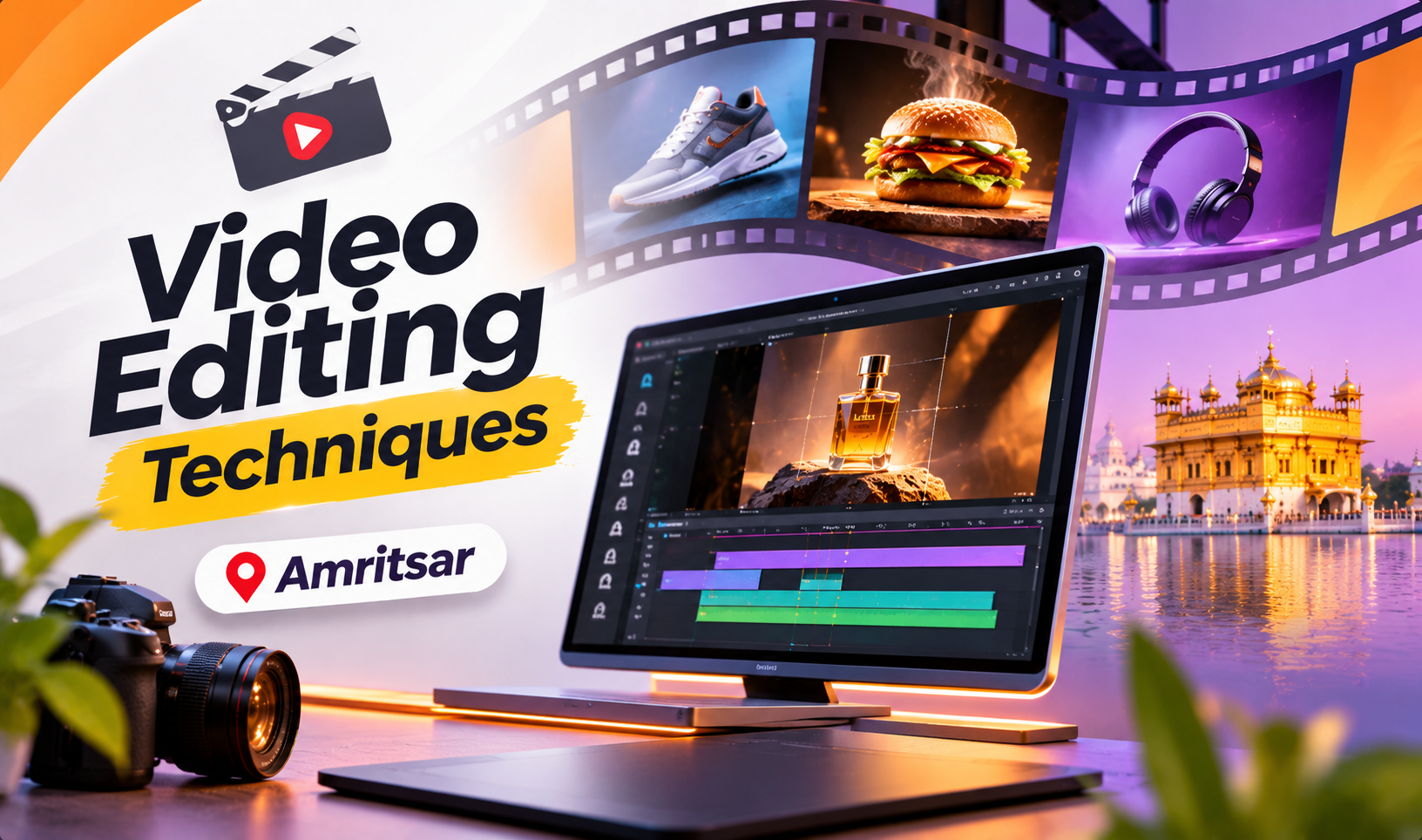
Video Editing Techniques for Promotional and Advertisement Videos – Amritsar Step by Step
Amritsar's businesses are getting louder online. Restaurants near the Golden Temple, Lawrence Road boutiques, Hall Bazaar retailers, coaching institutes, hotels, real estate firms and wedding studios all want short, sharp promotional videos. If you are learning video editing in Amritsar, ad editing is one of the most in-demand and best-paying skills you can build.
This guide walks you through the process step by step, from the brief to the final export.
Why Promotional Video Editing Matters
A promotional video has one job: make the viewer act. That could mean visiting a shop, calling a number, booking a table or enrolling in a course. Unlike a vlog or a film, every second of an ad must earn its place. Good editing is what turns raw footage into a message people remember and respond to.
Step 1: Understand the Brief
Before opening any software, get clear answers to these questions:
Who is the audience? Students, families, brides, shop owners?
What is the goal? Footfall, enquiries, online orders, brand awareness?
Where will it run? Instagram Reels, YouTube pre-roll, Facebook, a shop screen, TV?
How long should it be? 15, 30 or 60 seconds?
What is the call to action (CTA)? "Call now", "Visit us", "Book today".
Your answers decide the aspect ratio, pacing and style of the whole edit.
Step 2: Organise Your Footage
Messy projects waste time. Create bins or folders for:
Main footage (A-roll)
Cutaways and product shots (B-roll)
Logos and brand assets
Music and sound effects
Voiceover files
Rename clips clearly, then mark your best takes with colour labels. Software like Premiere Pro, DaVinci Resolve, Filmora or Final Cut Pro all support this workflow.
Step 3: Write or Follow a Simple Ad Structure
Most successful ads follow a clear structure:
Hook (0–3 seconds): Grab attention immediately.
Problem or desire: Show what the viewer needs or wants.
Solution: Present the product or service.
Proof or benefit: Show results, quality, offers or reviews.
Call to action: Tell the viewer exactly what to do next.
Build your timeline on this skeleton, then trim anything that does not support it.
Step 4: Build a Strong Hook
On social media, people decide in about two seconds whether to keep watching. Strong hook techniques include:
Opening on your best, most dynamic shot
A bold text line or question on screen
A fast zoom or whip transition into the action
A striking sound effect at the first frame
Starting mid-action instead of with a slow logo intro
Save the logo for the end unless the brand is already well known.
Step 5: Edit with Rhythm and Pace
Pacing makes ads feel professional.
Cut on action: Switch shots in the middle of a movement so the cut feels smooth.
Keep shots short: In a 30-second ad, most shots should last one to three seconds.
Cut to the beat: Place cuts on the beats of your music track.
Vary shot sizes: Mix wide, medium and close-up shots to keep the eye engaged.
Remove dead air: Cut pauses, breaths and filler.
Step 6: Use Transitions with Purpose
Beginners often overuse flashy transitions. In professional ads, simple works best.
Hard cuts for most edits
Whip pans and zoom transitions for energy
Match cuts to connect two similar shapes or movements
Dissolves only for softer, emotional ads such as jewellery or wedding promos
If a transition does not help the story, delete it.
Step 7: Add Text and Motion Graphics
Many viewers watch without sound, so on-screen text is essential.
Use large, bold, readable fonts. Avoid more than two font styles.
Keep each text line short, ideally under seven words.
Animate text in and out with simple fades, slides or pops.
Keep text inside safe margins so apps do not cover it.
Highlight offers, prices and discounts in a contrasting colour.
Add captions or subtitles, in Punjabi, Hindi or English depending on your audience.
For richer animation, move into After Effects or use motion templates in Premiere Pro.
Step 8: Choose the Right Music and Sound
Sound is half of the viewing experience.
Pick music that matches the brand's mood: energetic for gyms, warm for restaurants, elegant for jewellery.
Use only licensed or royalty-free music so the client's channel is safe from copyright claims.
Layer sound effects (whooshes, clicks, pops) under transitions and text.
Keep voiceover clear by lowering music during speech, a technique called ducking.
Clean noisy audio before mixing. Remove hiss and echo in your editor or in Audition.
Local flavour such as dhol beats or Punjabi vocals can make an ad feel authentic for an Amritsar audience, as long as the licence allows it.
Step 9: Colour Correct and Grade
Colour gives the ad its look.
Correct first: Fix exposure, white balance and contrast so shots match.
Then grade: Apply a consistent style, such as warm and rich for food or clean and bright for retail.
Keep skin tones natural. Check them on the scopes if available.
Make products pop: Boost saturation slightly on the product, never to the point of looking fake.
Consistent colour across every shot is a quick way to look professional.
Step 10: Brand It Properly
Place the logo, tagline and contact details where they are clear but not distracting.
Use a small logo watermark in a corner for longer ads.
End with a clean closing frame: logo, phone number, address or website, and the CTA.
Hold the final frame for two to three seconds so viewers can read it.
Always follow the client's brand colours and fonts.
Step 11: Edit for Each Platform
One video rarely fits every platform. Export versions for each:
Instagram Reels, YouTube Shorts: 9:16 vertical, 1080×1920
Instagram or Facebook feed: 4:5 or 1:1
YouTube and TV: 16:9 horizontal, 1920×1080
Reframe shots so the subject stays centred in each version, and check text positions again after each resize.
Step 12: Review, Get Feedback and Revise
Before exporting, watch the ad:
Once with sound, once without
On a phone, since most viewers will see it there
With fresh eyes after a short break
Check for typos in text, correct phone numbers, audio levels and any jump cuts that feel wrong. Share a draft with the client and note revisions clearly. Professional editors plan for two or three revision rounds.
Step 13: Export Correctly
Use sensible settings for quality and file size:
Format: MP4 (H.264)
Resolution: 1080p for most platforms
Frame rate: match your footage (24, 25 or 30 fps)
Bitrate: around 8–12 Mbps for 1080p
Save a master copy and keep your project files backed up.
Common Mistakes to Avoid
Starting with a long, slow logo animation
Cramming too much text on screen
Music that drowns out the voiceover
Overusing effects and transitions
Forgetting a clear call to action
Ignoring mobile viewing and safe margins
Using unlicensed music or images
Skills and Tools Worth Learning in Amritsar
To work as a professional ad editor, build skills in:
Editing software: Premiere Pro, DaVinci Resolve, Filmora or Final Cut Pro
Motion graphics: After Effects basics
Audio editing: Audition or your editor's audio tools
Colour grading: DaVinci Resolve colour page or Lumetri
Design basics: Photoshop, Illustrator or Canva for thumbnails and assets
A practical, project-based video editing course in Amritsar, with real ad briefs and portfolio work, will speed up your progress far more than watching tutorials alone.
Career Scope
Promotional video editing opens several paths:
Working at an advertising or digital marketing agency
Editing for production houses and wedding studios
Freelancing for local businesses and online brands
Running a small content studio
Becoming a social media video specialist
Demand from small and medium businesses in Amritsar and across Punjab keeps growing, which makes this a smart skill to learn now.
Final Thoughts
Great promotional editing is simple at its core: a clear message, a strong hook, tight pacing, clean text, good sound and a firm call to action. Practise these steps on small projects, build a portfolio of short ads and keep improving with every edit.
- video editing Amritsar
- promotional video editing
- advertisement video editing
- ad video editing techniques
- Video Editing Course Amritsar
- video editing step by step
- Premiere Pro
- DaVinci Resolve