
Video Editing for Beginners in Ludhiana: Cuts, Timeline and Export
Film & Editing · Nandini · 29 October 2026
Learn video editing for beginners in Ludhiana and explore essential techniques like cuts, timeline management, transitions, audio editing, and export settings. Discover popular editing software, build practical skills, and take your first step towards a creative career in video production.
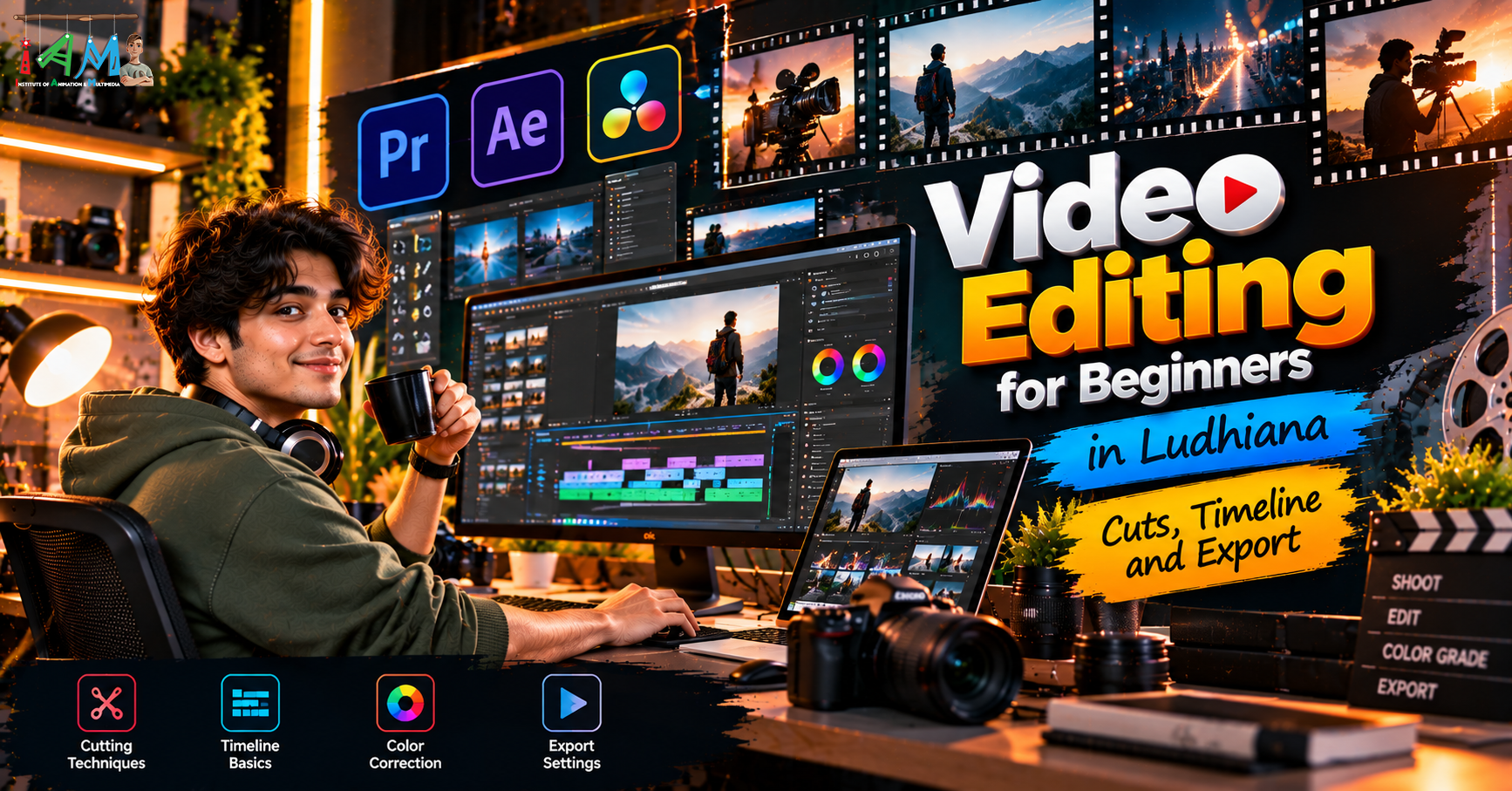
Video Editing for Beginners in Ludhiana: Cuts, Timeline and Export
Video editing has become an essential skill in today's digital world. From YouTube videos and Instagram Reels to advertisements, films, and business promotions, edited videos help communicate ideas and capture audience attention. If you want to enter the creative industry, learning the fundamentals of video editing is an excellent place to start.
For students and aspiring creators in Punjab, Video Editing for Beginners in Ludhiana is an important topic to explore when choosing a creative skill. Understanding cuts, timelines, transitions, and export settings can help you turn raw footage into polished videos.
Whether you are a student, content creator, aspiring filmmaker, or beginner interested in multimedia, this guide explains the basic concepts of video editing and how you can start developing your skills.
What Is Video Editing?
Video editing is the process of arranging, trimming, modifying, and combining video clips to create a complete visual story. It involves selecting the best footage, removing unnecessary sections, adding music, adjusting audio, and preparing the final video for sharing or publication.
Video editors work on different types of projects, including:
YouTube videos and vlogs
Instagram Reels and YouTube Shorts
Promotional and advertising videos
Wedding films and event highlights
Short films and documentaries
Educational videos and tutorials
Corporate presentations
Learning the fundamentals of editing helps beginners understand how individual clips work together to communicate a clear message.
1. Understanding Cuts in Video Editing
Cuts are among the most fundamental elements of video editing. A cut occurs when one shot changes directly to another without a visible transition effect.
Although cuts may seem simple, they influence the pacing, clarity, and emotional impact of a video.
Common Types of Cuts
Standard Cut: A straightforward change from one shot to another. It is commonly used in interviews, tutorials, and everyday video content.
Jump Cut: Removes a section of time within a continuous shot. Content creators often use jump cuts to make talking-head videos more engaging and concise.
Match Cut: Connects two shots through a visual or movement similarity. This technique can make a sequence feel more connected and creative.
Cutaway: Briefly shifts attention to another subject or detail before returning to the main shot. It is useful for interviews, demonstrations, and storytelling.
J-Cut and L-Cut: These techniques allow audio from one shot to begin before the next shot appears or continue after the picture changes. They help create smoother dialogue and scene transitions.
Beginners should practise trimming clips, removing unwanted pauses, and arranging shots in a logical order. The goal is to make every shot contribute to the story.
2. Understanding the Video Editing Timeline
The timeline is the main workspace where video editors arrange and modify their footage. It represents the sequence of a video from beginning to end.
Most professional editing applications use a timeline containing multiple tracks for video, audio, titles, graphics, and effects.
Important Timeline Elements
Video Tracks: These contain video clips, images, overlays, and other visual elements.
Audio Tracks: These hold dialogue, background music, sound effects, and voiceovers.
Playhead: The playhead indicates the current position in the sequence and helps editors preview specific moments.
Clip Duration: Each clip occupies a particular amount of time on the timeline.
Transitions: These control how one shot moves into another, such as through a dissolve or fade.
Layers and Tracks: Multiple tracks allow editors to combine footage, titles, graphics, and audio in one project.
How to Work with a Timeline
Beginners can follow these basic steps:
Import the footage into the editing application.
Arrange the clips in the desired sequence.
Trim unnecessary sections from the beginning and end of each clip.
Place video and audio elements on suitable tracks.
Add titles, music, and transitions where required.
Preview the sequence and correct timing issues.
A well-organised timeline makes editing easier and helps reduce mistakes during the final stages of production.
3. Choosing Video Editing Software
Selecting the right software is an important step for beginners. Different applications offer different tools depending on the type of video you want to create.
Some popular video editing applications include:
Adobe Premiere Pro: A professional video editing application used for films, advertisements, YouTube videos, and other productions. It offers timeline-based editing, audio tools, colour correction, and effects integration.
DaVinci Resolve: Known for video editing, colour correction, colour grading, and audio post-production capabilities.
Final Cut Pro: A professional editing application designed for Apple computers.
CapCut: A beginner-friendly option for creating short-form videos and social media content, with availability and features varying by platform and region.
When choosing software, consider your computer specifications, budget, learning goals, and the type of projects you want to create.
4. Adding Audio, Music, and Transitions
Video editing is not limited to arranging images. Audio and transitions also play important roles in creating a professional result.
Background music can establish the mood, while sound effects can emphasise actions and make scenes more engaging. Dialogue should remain clear and understandable throughout the video.
Beginners should learn how to:
Adjust dialogue and music volume.
Remove unwanted background noise where possible.
Synchronise audio with video.
Use fades to create smoother audio endings.
Apply transitions only when they improve the sequence.
Avoid adding too many transitions or sound effects. Simple, well-timed edits often create a more professional viewing experience.
5. Understanding Video Export Settings
Exporting is the final stage of video editing. It converts your edited timeline into a video file that can be watched, shared, or uploaded online.
Choosing the correct export settings helps maintain video quality while keeping the file size manageable.
Important Export Settings
Resolution: Resolution determines the dimensions of the video. Common options include 1920 × 1080 for Full HD and 3840 × 2160 for 4K.
Frame Rate: Frame rate refers to the number of frames displayed per second. Common options include 24, 25, 30, and 60 fps. The appropriate choice depends on the footage and intended output.
File Format: MP4 is widely used for online video sharing. Other formats may be suitable for specific production requirements.
Codec: H.264 is a common choice for web delivery because it offers a practical balance between quality and file size.
Bitrate: Bitrate affects video quality and file size. Higher bitrates can preserve more detail but generally produce larger files.
Exporting a Video Step by Step
Review the complete timeline for editing mistakes.
Check that the audio levels are appropriate.
Select the desired export range.
Choose the resolution and frame rate.
Select a suitable format and codec.
Set the output file name and destination.
Export the video and play the resulting file to check its quality.
For social media, always check the platform's current specifications and choose an aspect ratio suited to your content.
6. Why Learn Video Editing in Ludhiana?
Ludhiana offers opportunities for students interested in creative education and digital media skills. Businesses, advertising agencies, content creators, and production teams use video to communicate with audiences, making editing a valuable skill to explore.
A Video Editing Course in Ludhiana can help beginners develop structured editing knowledge through software training and practical assignments.
Look for a programme that teaches timeline management, cutting techniques, audio editing, colour correction, transitions, titles, and export settings. Practical projects are especially important because they allow you to apply your knowledge to complete videos.
7. Career Opportunities After Learning Video Editing
After developing your editing skills and building a portfolio, you can explore different creative roles, including:
Video Editor
Social Media Video Editor
YouTube Video Editor
Wedding Video Editor
Assistant Film Editor
Promotional Video Editor
Freelance Video Editor
Career opportunities depend on your technical abilities, creativity, portfolio quality, and experience. Regular practice and familiarity with industry-standard workflows can help you improve over time.
Conclusion
Learning video editing begins with understanding the fundamentals: cuts, timelines, audio, transitions, and export settings. These basic techniques provide the foundation for creating engaging videos for social media, advertising, education, and entertainment.
If you are exploring Video Editing for Beginners in Ludhiana, start with simple projects, practise regularly, and experiment with different editing techniques. As your confidence grows, move towards more advanced skills such as colour grading, motion graphics, and visual effects.
At IAM – Institute of Animation & Multimedia, aspiring creatives can explore learning opportunities in video editing and related multimedia fields. Review the available course syllabus, practical training, duration, and fees to find a programme that matches your goals.
Start learning, keep creating, and turn your ideas into compelling videos!
- Video Editing for Beginners in Ludhiana
- video editing course in Ludhiana
- Video Editing Training
- Video Editing Basics
- Video Editing Timeline
- Video Cutting Techniques
- Video Export Settings
- Video Editing Institute in Ludhiana