"Vertical Video Editing for Instagram and YouTube Shorts – Ludhiana "
Design, AI & Marketing · Jaspreet · 27 November 2026
Learn vertical video editing for Instagram Reels and YouTube Shorts in Ludhiana. Follow 12 simple steps, from 9:16 setup and strong hooks to captions, music, colour and export settings, to create short videos that hold attention and grow your reach.
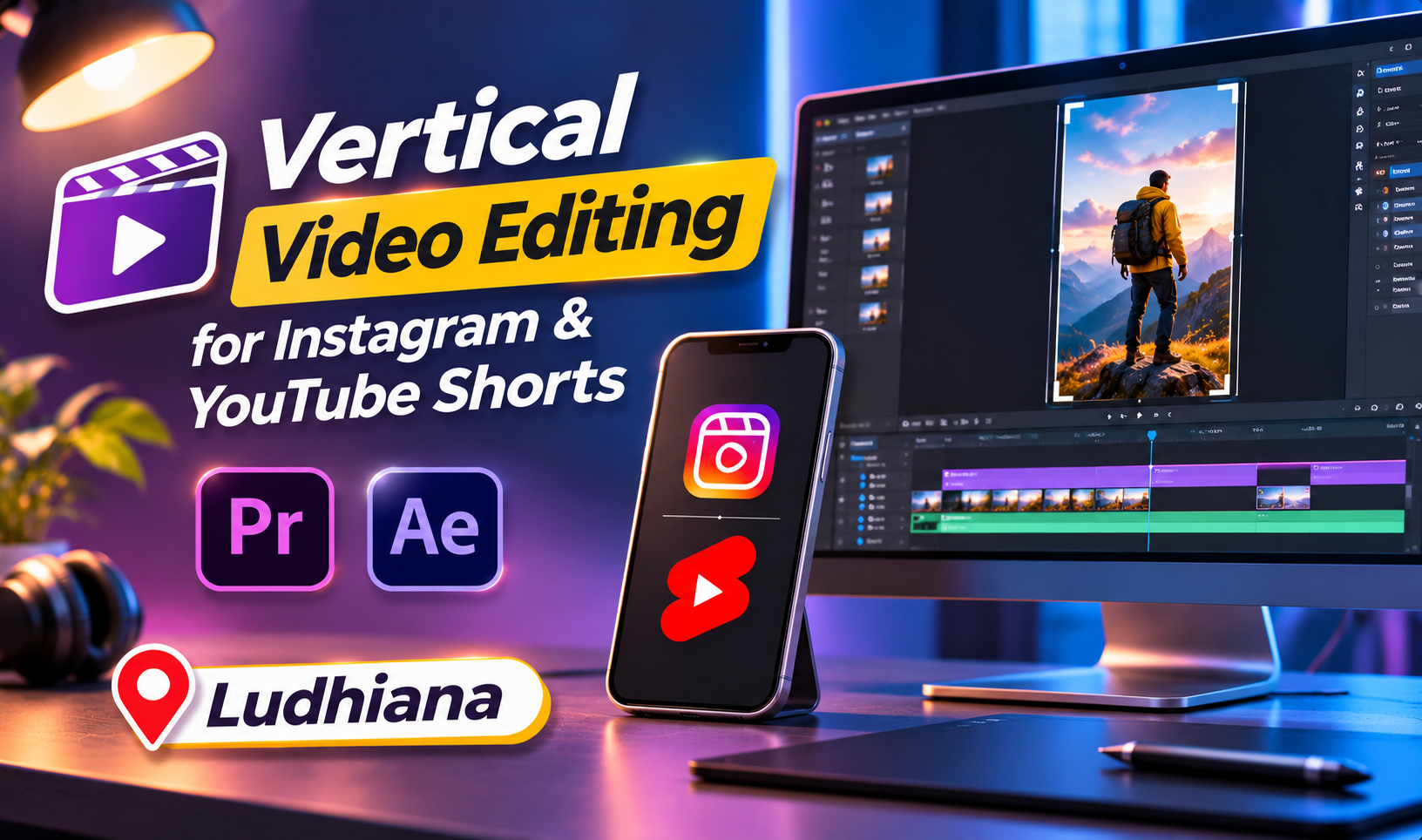
Vertical Video Editing for Instagram and YouTube Shorts – Ludhiana Step by Step
Open Instagram or YouTube on any phone in Ludhiana and you will see the same thing: vertical videos everywhere. Reels and Shorts have become the fastest way for local brands, creators, restaurants, boutiques, coaching institutes and freelancers to reach new customers. The good news is that you do not need expensive gear to make them. You need a clear editing process.
This guide walks you through vertical video editing step by step, from planning your shot to exporting a clean file ready to upload.
Why Vertical Video Matters for Ludhiana Creators and Businesses
Short-form video is now where people discover things. A garment shop in Ludhiana can show a new collection in 20 seconds. A fitness trainer can share a quick workout tip. A student can build a following by posting edits regularly. Both Instagram Reels and YouTube Shorts reward videos that hold attention, so good editing directly affects how far your content travels.
If you are learning video editing in Ludhiana, vertical editing is one of the most practical skills you can pick up, because the demand for it is growing across freelance work, agencies and in-house marketing teams.
Step 1: Know the Format Before You Shoot
Vertical video uses a 9:16 aspect ratio, with a standard resolution of 1080 x 1920 pixels. Shoot in this format from the start so you do not lose quality by cropping a horizontal clip later.
A few basics to remember:
Keep the phone steady, using a tripod or a stable surface.
Shoot in good natural light wherever possible.
Record at 30 fps for normal footage, or 60 fps if you plan slow motion.
Leave breathing room at the top and bottom of the frame, because apps place captions and buttons there.
Step 2: Plan a Strong Hook for the First Three Seconds
Viewers decide almost instantly whether to keep watching. Your edit should open with the most interesting moment: a surprising result, a bold question, or a quick glimpse of the final outcome.
Do not start with a long logo animation or a slow introduction. Start with action, then explain.
Step 3: Set Up Your Project Correctly
Choose an editing tool that suits your level:
CapCut and VN Editor are free and ideal for beginners.
Adobe Premiere Pro gives you full control for professional work.
DaVinci Resolve is excellent for colour and detailed finishing.
In Premiere Pro, create a new sequence and set the frame size to 1080 x 1920. In CapCut, simply choose the 9:16 ratio when you start the project. Setting this up first saves you from awkward resizing later.
Step 4: Import and Organise Your Clips
Bring all your footage into the project and sort it before you begin cutting. Create simple folders or bins for raw clips, music, text graphics and sound effects. A tidy project makes editing faster, especially when you handle several videos a week.
Step 5: Make the Rough Cut
Place your best clips on the timeline in the order that tells the story. Then trim aggressively:
Remove pauses, stumbles and dead air.
Keep each shot short, usually one to three seconds.
Cut on movement so the transitions feel smooth.
Short-form videos work best when every second earns its place. If a clip does not add value, cut it.
Step 6: Keep the Subject in the Safe Zone
Instagram and YouTube place usernames, captions, likes and comment buttons over your video. Keep your key subject and text in the central area of the frame so nothing gets covered. Most editors offer safe zone guides that you can switch on while editing.
Step 7: Add Captions
A large share of people watch with the sound off, so captions are essential. Use auto-captions to save time, then correct spelling mistakes by hand. If your audience includes Punjabi and Hindi speakers, consider captions in the language they are most comfortable with.
Make the text easy to read:
Use bold, simple fonts.
Choose high contrast between text and background.
Show only a few words at a time.
Highlight important words with a different colour.
Step 8: Use Music and Sound Wisely
Sound shapes the mood of the video. Pick music that matches the energy of your edit and cut your clips to the beat. Keep the voice clearer than the background track by lowering the music volume when someone speaks.
Always use music you have the right to use. Platform libraries are the safest option for creators and businesses, since commercial use rules can differ from track to track.
Step 9: Add Transitions, Effects and Motion
Simple edits often look the most professional. Use quick cuts, zooms and speed ramps to add rhythm, and avoid stacking too many flashy effects. Useful techniques include:
A slow punch-in zoom on emphasis points.
Speed ramps to make action feel dynamic.
Keyframed motion for text and stickers.
Jump cuts to keep the pace tight.
Consistency matters. Using a similar style across your videos helps viewers recognise your content.
Step 10: Colour Correct for a Clean Look
Even a basic colour fix makes footage look better. Adjust exposure, contrast and white balance so skin tones look natural. Then apply a gentle grade or a preset that fits your brand. Check the video on a phone screen, since that is where most people will watch it.
Step 11: End With a Clear Call to Action
Tell viewers what to do next: follow the page, visit the shop, save the video, or message you for details. Keep it short and natural, ideally in the last two seconds. For a Ludhiana business, this could be a simple prompt to visit the store or send a message on Instagram.
Step 12: Export the Right Settings
Export with settings that keep quality high without making the file too large:
Resolution: 1080 x 1920
Frame rate: match your footage (30 or 60 fps)
Format: MP4 with H.264
Bitrate: around 8 to 12 Mbps for a clean result
Watch the full exported video once before uploading to catch any mistakes.
Differences Between Reels and Shorts to Keep in Mind
Both platforms use vertical video, but there are small differences. YouTube Shorts and Instagram Reels each have their own maximum lengths and features, and these change from time to time, so check the current limits in each app before you publish. Instagram tends to favour trend-driven, visually polished content, while YouTube Shorts can bring long-term views and subscribers to your channel. Many creators edit one video and adapt the caption, cover image and hashtags for each platform.
Common Mistakes Beginners Make
Shooting horizontally and cropping later
Starting with a slow, unclear intro
Placing text where app buttons cover it
Using too many effects at once
Ignoring audio quality
Uploading without checking the video on a phone
Build This Skill as a Career in Ludhiana
Vertical video editing is not just a hobby skill. Local businesses, agencies, influencers and educators all need editors who understand short-form content. By practising these steps and building a small portfolio of Reels and Shorts, you can start taking freelance projects or apply for video editing roles. Structured training with hands-on practice, feedback and real project work can help you reach that level faster.
Final Thoughts
Great vertical video editing comes down to a simple process: shoot in the right format, hook viewers early, cut tight, add readable captions, polish the sound and colour, and export properly. Practise these steps on a few short videos each week, and your editing will improve quickly.
Start with one 20-second video today, and apply every step above. By your tenth video, you will see the difference.
- Vertical Video Editing
- Instagram Reels
- YouTube Shorts
- Short Form Video
- Video Editing Ludhiana
- Reels Editing
- Shorts Editing
- CapCut