
Using Gen AI With Photoshop and After Effects: Amritsar Pro Guide
Harman Phagwara · 22 October 2026
Discover how to use Generative AI with Photoshop and After Effects to create stunning visuals, edit images, generate creative effects, and improve video production workflows in Amritsar.
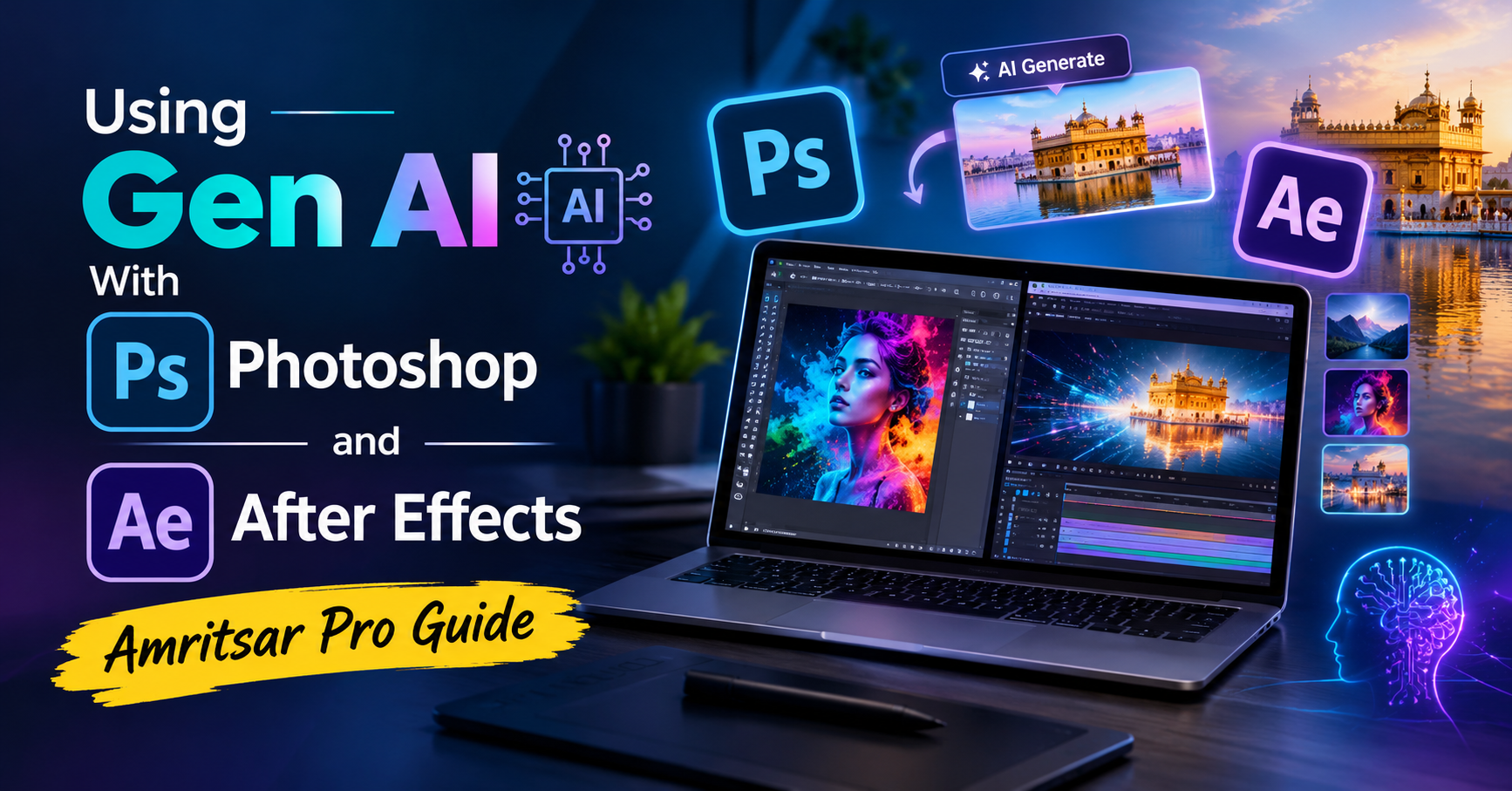
Using Gen AI With Photoshop and After Effects: Amritsar Pro Guide
Generative AI is transforming graphic design, image editing, motion graphics, and video production. By combining AI-powered tools with Adobe Photoshop and After Effects, creative professionals can produce engaging visuals, enhance images, and develop professional video content more efficiently.
Generative AI in Photoshop
Adobe Photoshop offers AI-powered features that help designers improve images and explore creative ideas. These tools can simplify complex editing tasks and support different visual styles.
Generative Fill: Add, remove, or replace elements in an image using text prompts.
Generative Expand: Extend image backgrounds and adjust compositions.
AI Image Editing: Modify selected areas and experiment with creative concepts.
Background Editing: Replace or enhance backgrounds for marketing materials and digital artwork.
Creative Retouching: Improve image compositions and refine design details.
Using Generative AI in After Effects
Adobe After Effects is widely used for motion graphics, animation, compositing, and visual effects. AI-assisted workflows can help creators plan and enhance video projects.
Motion Graphics: Develop engaging animated titles and promotional visuals.
Visual Effects: Combine AI-generated assets with compositing techniques.
Creative Animation: Experiment with backgrounds, textures, and visual elements.
Video Enhancement: Integrate generated images and creative assets into video compositions.
Post-Production: Improve creative workflows through a combination of AI tools and traditional editing skills.
Benefits of Combining Photoshop and After Effects With AI
Using AI alongside these applications can help creative learners and professionals explore new design possibilities, speed up selected editing tasks, and develop more engaging visual content.
Key benefits include faster concept development, creative experimentation, improved productivity, and greater flexibility in graphic design and video production.
Career Opportunities
Practical knowledge of Photoshop, After Effects, and Generative AI can support career paths such as graphic designer, photo editor, motion graphics designer, video editor, visual effects artist, and digital content creator.
Career opportunities depend on practical skills, portfolio quality, experience, and industry requirements.
Learn AI-Powered Creative Design in Amritsar
Students, beginners, aspiring designers, video editors, and creative professionals in Amritsar can explore how Generative AI fits into modern graphic design and video editing workflows.
Focus on practical projects, prompt writing, image editing, motion graphics, compositing, and portfolio development to build a strong foundation in AI-assisted creative production.
Frequently Asked Questions
What is Generative AI in Photoshop?
Generative AI in Photoshop helps users create, extend, or modify image content using tools such as Generative Fill and Generative Expand.
Can AI be used with After Effects?
Yes. AI-generated images, backgrounds, and other creative assets can be incorporated into After Effects compositions alongside traditional animation and visual effects techniques.
Who should learn AI-powered Photoshop and After Effects?
Students, graphic designers, video editors, content creators, and beginners interested in creative design and post-production can benefit from learning these workflows.
What career options are available after learning these tools?
Potential roles include graphic designer, photo editor, video editor, motion graphics designer, and visual effects artist.
- Generative AI, Adobe Photoshop
- Adobe After Effects
- AI Image Editing
- AI Video Editing
- Motion Graphics
- Visual Effects
- Graphic Design
- AI Creative Tools