
Premiere Pro Wedding Video Editing: Tips for Beginners
Film & Editing · Harman Phagwara · 23 October 2026
Learn how to edit beautiful wedding highlight videos in Adobe Premiere Pro with beginner-friendly tips for music synchronization, transitions, color correction, cinematic effects, and storytelling.
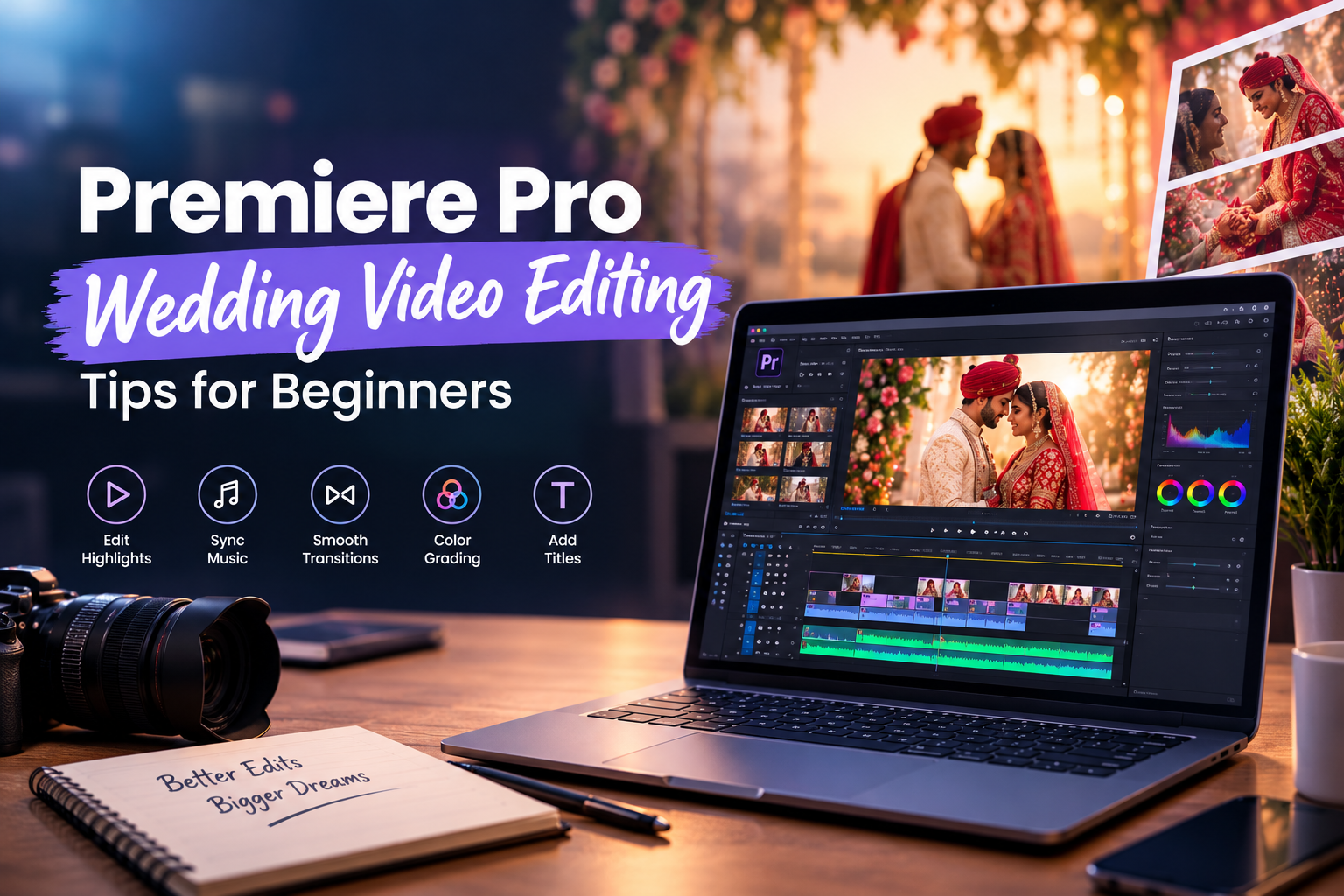
Premiere Pro Wedding Video Editing: Tips for Beginners
Wedding videos capture meaningful moments, emotions, and celebrations. Learning wedding video editing in Adobe Premiere Pro can help beginners turn raw wedding footage into beautiful highlight films. From selecting the best clips to synchronizing music, adding transitions, and applying cinematic colour grading, Premiere Pro provides tools to create engaging wedding videos.
At I AM, aspiring creatives can explore video editing skills and learn how editing techniques contribute to professional visual storytelling. Whether you are a beginner, content creator, or someone interested in a video editing career, practising wedding highlight editing can help you develop your creative abilities.
Why Learn Wedding Video Editing in Premiere Pro?
Wedding video editing combines creativity, storytelling, music, and technical skills. Learning Premiere Pro can help beginners understand how to organise footage and create polished videos for different occasions.
Key benefits include:
Learn to edit wedding highlights and cinematic films.
Synchronise background music with important moments.
Create smooth transitions between wedding scenes.
Improve video colours using colour correction and grading.
Add titles, names, and elegant text animations.
Develop skills for freelance projects and video editing careers.
Eligibility for Learning Wedding Video Editing
Anyone interested in video editing can start learning Adobe Premiere Pro. The skills are suitable for students after 12th, college students, freshers, aspiring video editors, photographers, content creators, and beginners interested in creative media.
Basic computer knowledge is helpful. Beginners can start with simple editing techniques before moving on to advanced transitions, colour grading, and storytelling.
Premiere Pro Wedding Video Editing Course Fees
Wedding video editing course fees depend on the training institute, course duration, syllabus, practical assignments, and level of instruction. A basic course may focus on editing fundamentals, while advanced training may include cinematic editing, audio mixing, colour grading, and professional project workflows.
Before enrolling, compare the curriculum, practical sessions, trainer experience, project work, and certificate details. Contact I AM to enquire about available training options, course duration, and current fees.
Premiere Pro Wedding Video Editing Syllabus
A practical wedding video editing syllabus may cover the following topics.
Premiere Pro Fundamentals
Understand the interface, project settings, timeline, media panels, sequence settings, and basic editing tools. Learn how to import and organise wedding footage.
Footage Selection and Timeline Editing
Select the best moments from raw footage, trim clips, arrange scenes, remove unwanted sections, and build a logical sequence for a wedding highlight video.
Wedding Storytelling and Music Synchronisation
Arrange important moments such as ceremonies, couple entries, candid reactions, and celebrations. Learn to synchronise footage with music beats and create an emotional flow.
Transitions and Creative Effects
Apply suitable transitions, speed adjustments, slow motion, and visual effects. Learn to use effects carefully to maintain a smooth and professional editing style.
Colour Correction and Cinematic Grading
Adjust exposure, contrast, white balance, and colours to create consistent visuals. Explore cinematic colour grading techniques that complement different wedding scenes.
Audio Editing and Titles
Balance background music with natural audio, improve sound levels, and add elegant titles, couple names, dates, and other text elements.
Exporting and Practical Projects
Learn export settings for high-quality wedding films and social media videos. Practise editing a complete wedding highlight using selected footage, music, transitions, colour adjustments, and titles.
Job Options After Learning Wedding Video Editing
After developing practical editing skills, learners can explore different career opportunities. Job options depend on portfolio quality, experience, creativity, and additional technical skills.
Wedding Video Editor
Edit wedding footage into highlight films, full-length wedding videos, and cinematic storytelling sequences.
Video Editor
Work with production houses, creative agencies, studios, or businesses to edit videos for different purposes.
Freelance Wedding Editor
Work with photographers, wedding videographers, and clients on individual wedding editing projects.
Cinematic Wedding Film Editor
Create visually engaging wedding films using storytelling, music synchronisation, slow motion, and colour grading.
Social Media Video Editor
Edit short wedding reels, couple highlights, teaser videos, and promotional clips for Instagram and other platforms.
Content Creator
Use video editing skills to create engaging digital content for personal projects, online channels, and business promotions.
Skills That Can Improve Your Career Opportunities
Learning Premiere Pro is a valuable starting point, but combining it with other creative skills can help you expand your opportunities.
Colour grading: Develop a consistent visual style for wedding films.
Audio editing: Improve music synchronisation, sound balance, and emotional impact.
Motion graphics: Learn animated titles and graphics using Adobe After Effects.
Photography fundamentals: Understand composition, lighting, and visual storytelling.
Client communication: Learn to understand editing briefs, manage revisions, and deliver projects on time.
How to Choose the Right Video Editing Training Institute
Before joining a training program, check whether it includes hands-on practice, experienced trainers, practical assignments, real-world editing projects, and portfolio development. Ask whether beginners can join and whether a certificate is provided upon completion.
Choose a program that focuses on practical editing rather than only explaining software tools. Regular practice with wedding footage can help you develop a better understanding of pacing, music, storytelling, and professional editing workflows.
Start Your Creative Journey with I AM
If you enjoy storytelling, music, and visual creativity, learning wedding video editing in Adobe Premiere Pro can be a useful step towards a creative career. Start with basic editing, practise synchronising footage with music, explore colour grading, and build a portfolio that showcases your best wedding highlight videos.
I AM encourages aspiring creatives to explore their interests, develop practical skills, and work towards their professional goals. Contact I AM to learn more about available training options, course duration, syllabus, and current fees.
- Premiere Pro
- Wedding Video Editing
- Video Editing Tips
- Adobe Premiere Pro
- Wedding Highlight Videos
- Cinematic Wedding Editing
- Video Editing for Beginners
- Wedding Film Editing