
Photoshop Course After 12th: Fees, Syllabus and Job Options
Design, AI & Marketing · Harman Phagwara · 19 October 2026
Learn about the Photoshop course after 12th, including fees, syllabus, eligibility, essential design skills, and job opportunities. Explore career options in graphic design, photo editing, social media design, and freelancing to start your creative career.
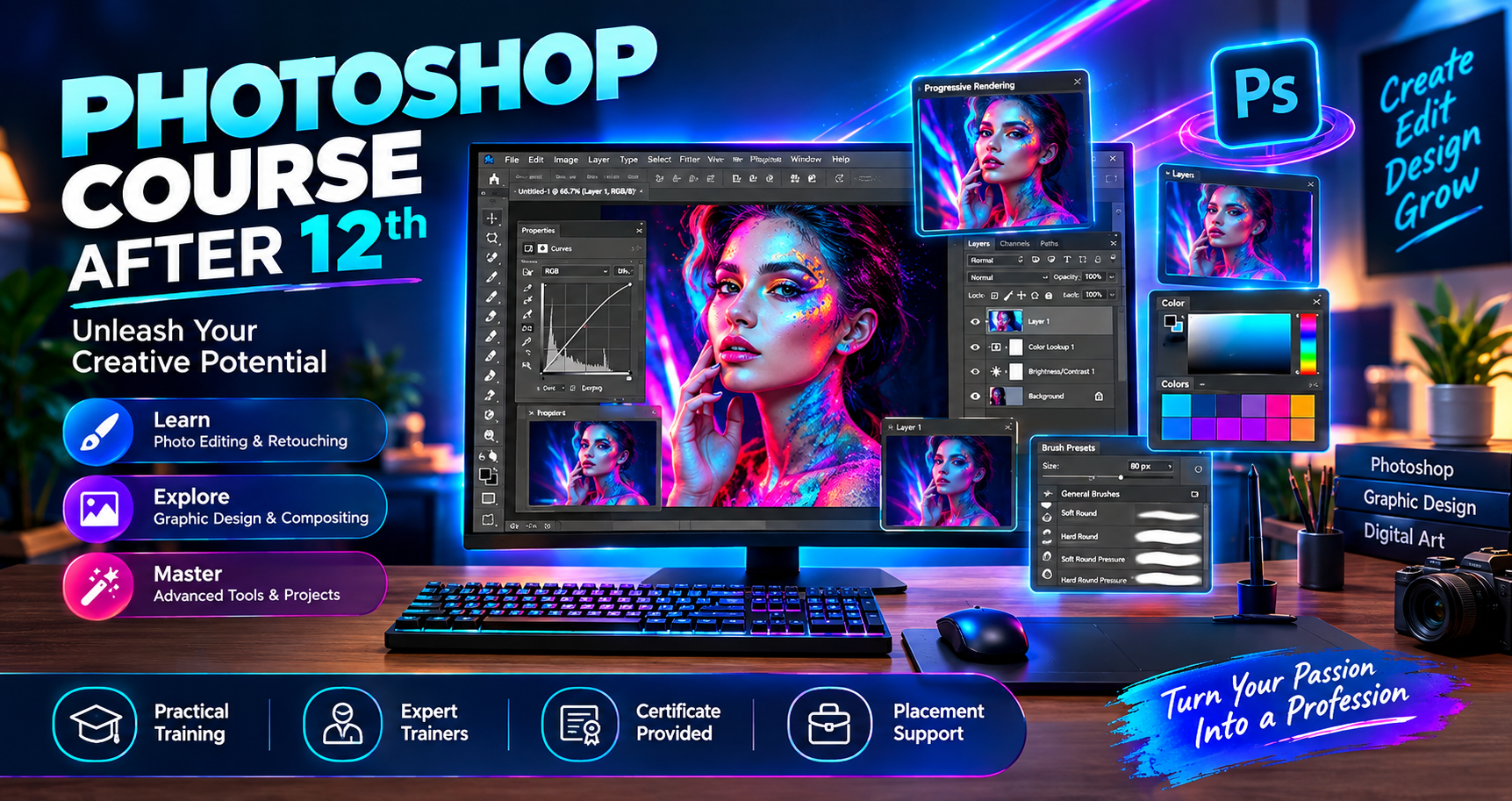
Photoshop Course After 12th: Fees, Syllabus and Job Options
Choosing a Photoshop course after 12th is a great way to develop creative skills and explore career opportunities in graphic design, photo editing, digital marketing, and visual content creation. Adobe Photoshop is widely used to edit photographs, create social media graphics, design advertisements, and produce professional digital artwork.
At I AM, students can explore creative learning opportunities and develop practical design skills through hands-on projects. Whether you are a beginner or someone interested in improving your creativity, learning Photoshop can help you take the first step towards a career in digital design.
Why Choose a Photoshop Course After 12th?
A Photoshop course helps students turn creative ideas into professional visual designs. Students can learn essential editing techniques, understand design principles, and create graphics for different industries.
Key benefits include:
Learn photo editing and image manipulation.
Create posters, banners, flyers, and advertisements.
Design social media posts and promotional graphics.
Develop creative thinking and visual communication skills.
Build a portfolio for job applications and freelance work.
Gain skills useful for graphic design and digital marketing.
Eligibility for a Photoshop Course After 12th
Students from Arts, Commerce, and Science streams can generally learn Photoshop after completing their 12th standard. The course is suitable for college students, freshers, aspiring graphic designers, photographers, content creators, and working professionals.
Basic computer knowledge is helpful, but beginners can start with foundational lessons and gradually progress to advanced editing techniques.
Photoshop Course Fees After 12th
Photoshop course fees depend on the institute, course duration, syllabus, practical assignments, and level of training. Short-term courses may cover essential Photoshop tools, while comprehensive programs may include advanced photo manipulation, creative design, and portfolio development.
Before enrolling, compare the course curriculum, practical training facilities, trainer experience, project work, and certificate details. Contact I AM to enquire about current course availability, duration, and fees.
Photoshop Course Syllabus
A practical Photoshop syllabus may cover the following topics.
Photoshop Fundamentals
Understand the Photoshop interface, workspace, tools, panels, document settings, and image formats. Learn how to create, open, save, and export design files.
Selection Tools and Layers
Learn object selection, background removal, layer management, masks, and combining visual elements to create professional compositions.
Photo Editing and Retouching
Explore colour correction, brightness and contrast adjustment, blemish removal, skin retouching, image enhancement, and photo restoration techniques.
Typography and Creative Design
Learn to work with fonts, colours, shapes, gradients, and visual effects. Apply these skills to create attractive posters, banners, advertisements, and promotional designs.
Social Media Graphics
Create graphics for Instagram, Facebook, YouTube thumbnails, and digital advertising campaigns. Understand image dimensions, layouts, readability, and branding consistency.
Advanced Photo Manipulation
Combine multiple images, use blending modes, apply filters, create composite artwork, and develop creative visual effects.
Practical Projects and Portfolio
Work on projects such as promotional posters, photo-retouching assignments, social media creatives, product advertisements, and digital artwork. A portfolio helps demonstrate your abilities to potential employers and clients.
Job Options After a Photoshop Course
After developing practical Photoshop skills, students can explore different entry-level career paths. Opportunities depend on skill level, portfolio quality, experience, and additional design knowledge.
Graphic Designer
Create posters, brochures, banners, advertisements, and marketing materials for businesses, agencies, and brands.
Photo Editor or Photo Retoucher
Edit photographs, improve image quality, retouch portraits, and prepare images for photographers, studios, and e-commerce businesses.
Social Media Designer
Design social media posts, promotional creatives, campaign graphics, and visual content for businesses and digital marketing teams.
YouTube Thumbnail Designer
Create engaging thumbnails and channel graphics for YouTube creators and online content publishers.
Freelance Photoshop Designer
Work independently with clients on image editing, promotional designs, digital artwork, and other Photoshop-related projects.
E-commerce Image Editor
Prepare product images by removing backgrounds, correcting colours, improving presentation, and creating consistent visuals for online stores.
Skills That Can Improve Your Career Opportunities
Learning Photoshop is a useful starting point, but combining it with related skills can open up more opportunities.
Graphic design fundamentals: Learn layout, colour theory, typography, and composition.
Vector design: Explore tools such as Adobe Illustrator or CorelDRAW.
Video editing: Learn to create engaging visual content for digital platforms.
Digital marketing: Understand how visual content supports advertising and brand communication.
Communication skills: Learn to understand client requirements, accept feedback, and deliver projects professionally.
How to Choose the Right Photoshop Training Institute
Before joining a course, check whether the institute offers hands-on practice, experienced trainers, updated course content, practical assignments, and portfolio development. Ask whether the course is suitable for beginners and whether a certificate is provided upon completion.
Choose a program that focuses on real design tasks rather than only explaining tools. Regular practice and project-based learning can help you understand how Photoshop is used in professional work.
Start Your Creative Journey with I AM
If you enjoy photography, creativity, and visual design, learning Photoshop after 12th can be a useful first step towards a creative career. Start with the basics, practise regularly, complete practical projects, and build a portfolio that showcases your best work.
I AM encourages aspiring creatives to explore their interests, develop practical skills, and work towards their professional goals. Contact I AM to learn more about available training options, course duration, syllabus, and current fees.
- Photoshop Course
- Photoshop Course After 12th
- Adobe Photoshop
- Photoshop Course Fees
- Photoshop Syllabus
- Photoshop Career Options
- Graphic Design Course
- Photo Editing