"Mobile Game Design Trends Every Beginner Should Know – Ludhiana "
Design, AI & Marketing · Jaspreet · 27 November 2026
Learn the mobile game design trends every beginner should know, from hyper-casual mechanics and quick onboarding to satisfying game feel and ethical monetisation. A simple step-by-step guide for Ludhiana students starting their first mobile game.
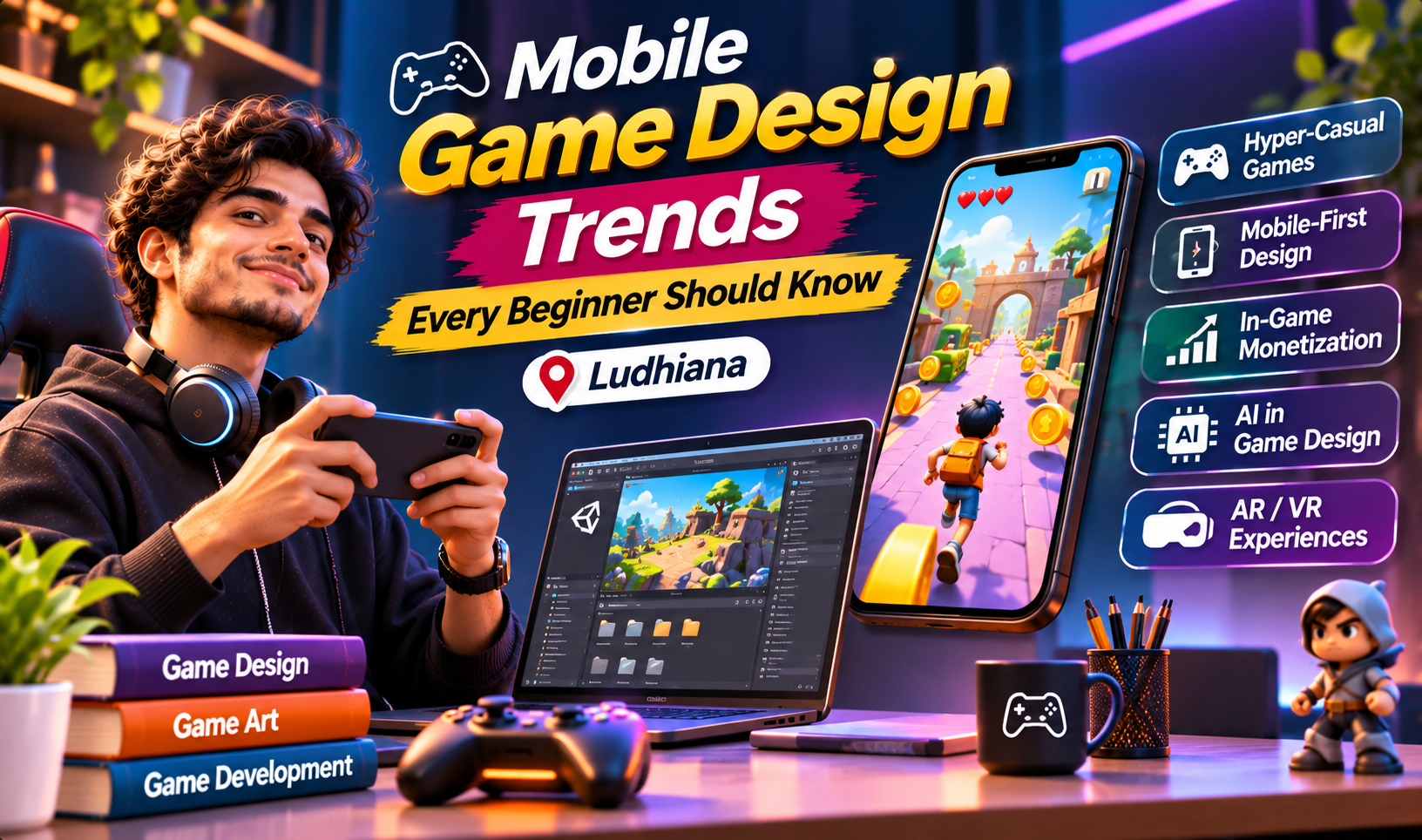
Mobile Game Design Trends Every Beginner Should Know – Ludhiana Step by Step
Mobile gaming is no longer a side hobby. Millions of people in India play on their phones every day, from students in Ludhiana waiting for a bus to professionals unwinding after work. For a beginner, this is good news: you do not need an expensive console or a big studio to start designing games. You need a phone, a laptop, curiosity and a clear idea of what players enjoy today.
This step-by-step guide explains the mobile game design trends every beginner in Ludhiana should know, and how to use each one in your first projects.
Step 1: Understand Why Mobile Game Design Is Different
A mobile game is not a shrunk-down PC game. Players use small screens, one or two thumbs, short sessions and unstable internet. They are often distracted, so your game has about ten seconds to explain itself and make the player smile.
Before chasing any trend, remember three basics:
Sessions are short, often two to five minutes.
Controls must work with one hand.
The game must run smoothly on budget phones, not only flagship devices.
If your design respects these limits, every trend below becomes easier to apply.
Step 2: Learn the Hyper-Casual and Hybrid-Casual Trend
Hyper-casual games have one simple mechanic: tap, swipe, stack or dodge. They are quick to build, which makes them perfect for beginners. The newer trend is hybrid-casual, where the simple mechanic is combined with light progression such as upgrades, unlockable characters or small story goals.
What to do: Build a tiny prototype around a single verb, for example "jump" or "merge". Then add one layer of progression, such as coins that unlock new looks. This teaches you the core of mobile design: simple to start, rewarding to continue.
Step 3: Design for the First Minute (Onboarding)
Most players decide in the first minute whether to keep a game or delete it. Modern mobile design avoids long tutorials and text walls. Instead, it teaches through play.
What to do:
Let the player act within five seconds of opening the game.
Introduce one mechanic at a time.
Use visual hints, such as a glowing button or a moving hand icon, instead of paragraphs.
Make the first level almost impossible to fail.
A good test is to hand your prototype to a friend without explaining anything. If they cannot play, the onboarding needs work.
Step 4: Build Satisfying Game Feel and Juice
"Juice" means the small details that make actions feel good: a tiny screen shake, a bouncing coin, a sound effect, a burst of particles. Players rarely notice juice consciously, but they notice its absence.
What to do: Take any basic action in your game, such as collecting a coin, and add three layers of feedback: an animation, a sound and a small visual effect. Vibration feedback on supported phones is another popular touch. Beginners often skip this step, yet it is what separates a prototype from a game people want to play.
Step 5: Use Clean, Readable Art Styles
The popular mobile art trends right now are minimalist 2D, flat colours, stylised low-poly 3D and hand-drawn looks. These styles work because they stay readable on small screens and keep file sizes low.
What to do:
Pick a limited colour palette of four to six colours.
Keep characters and important objects high-contrast against the background.
Make buttons large enough for thumbs.
Test your screens on a real phone, not only on a monitor.
Good art for mobile is about clarity, not detail. A simple shape that reads instantly beats a complex model that blurs on a six-inch screen.
Step 6: Plan Your Core Loop and Progression
Every successful mobile game has a core loop: the repeating cycle of action, reward and improvement. For example: play a level, earn coins, upgrade a character, play a harder level.
Progression systems are a major trend, including daily rewards, level maps, collections and seasonal events. These give players a reason to return tomorrow.
What to do: Draw your loop on paper as a circle with four or five steps. If any step feels boring or confusing, fix it before writing more code. A short game design document of one or two pages is enough at this stage.
Step 7: Understand Ethical Monetisation
Mobile games earn money mainly through ads and in-app purchases. The current trend is toward player-friendly monetisation: rewarded ads that the player chooses to watch, cosmetic items instead of pay-to-win advantages, and fair pricing.
What to do as a beginner: You do not need to monetise your first game. But learn how rewarded ads work, because they fit naturally into game loops, such as watching a short ad to double a reward. Aggressive pop-up ads frustrate players and lead to bad reviews.
Step 8: Design for Accessibility and Local Players
More studios now design for wider audiences: colour-blind friendly palettes, adjustable text size, simple language and support for low-end devices. For Indian audiences, regional language support, culturally familiar themes and light download sizes can make a real difference.
What to do: Keep your game size small, support offline play where possible, and consider Hindi or Punjabi text options. Games that feel familiar and run on any phone reach far more people.
Step 9: Explore Social and Short-Session Features
Leaderboards, friend challenges, shareable results and simple multiplayer modes are strong trends because they turn a solo game into a social experience. Short-session design, where a match or level finishes in under three minutes, fits perfectly with how people use phones.
What to do: Add one social feature to a prototype, such as a high-score board or a "challenge a friend" share button. Even a simple version teaches you how players compete and return.
Step 10: Pick Your Tools and Start Building
You can begin with free tools. Unity and Godot are popular engines for mobile games, and Unreal Engine is used for more advanced 3D projects. For art, beginners often use Photoshop, Illustrator, Blender or free alternatives. Learn one engine well rather than sampling five.
A simple starting plan:
Week 1: Learn the engine interface and build a moving character.
Week 2: Add obstacles, scoring and a restart button.
Week 3: Add art, sound and juice.
Week 4: Test on a real phone, collect feedback and polish.
Learning Game Design in Ludhiana
Students in Ludhiana can learn game design through a mix of self-study, online tutorials and structured classroom training. A guided course helps because you get feedback on your projects, access to mentors and a portfolio at the end. Whatever route you choose, build small games regularly and show them to real players. Feedback from five people is more useful than weeks of guessing.
Final Thoughts
Mobile game design trends change quickly, but the foundations stay the same: simple controls, a fast first minute, satisfying feedback, readable art and a rewarding loop. Start small, finish your projects and keep improving with every build. Your first game does not need to be perfect. It needs to exist, and it needs to be fun for two minutes.
Ready to begin? Open your engine, choose one simple mechanic and build your first prototype this week.
- mobile game design
- game design trends
- Game Design for Beginners
- mobile game development
- game design course Ludhiana
- hyper-casual games
- game development Ludhiana
- Unity for beginners