
Maya for Film and Games: Advanced Skills Guide for Amritsar Students
Animation & Gaming · Harman Phagwara · 25 October 2026
Explore Autodesk Maya for film and game production with this advanced skills guide for Amritsar students. Learn about 3D modelling, character rigging, animation, texturing, lighting, and rendering while discovering practical skills for animation, visual effects, and game development careers.
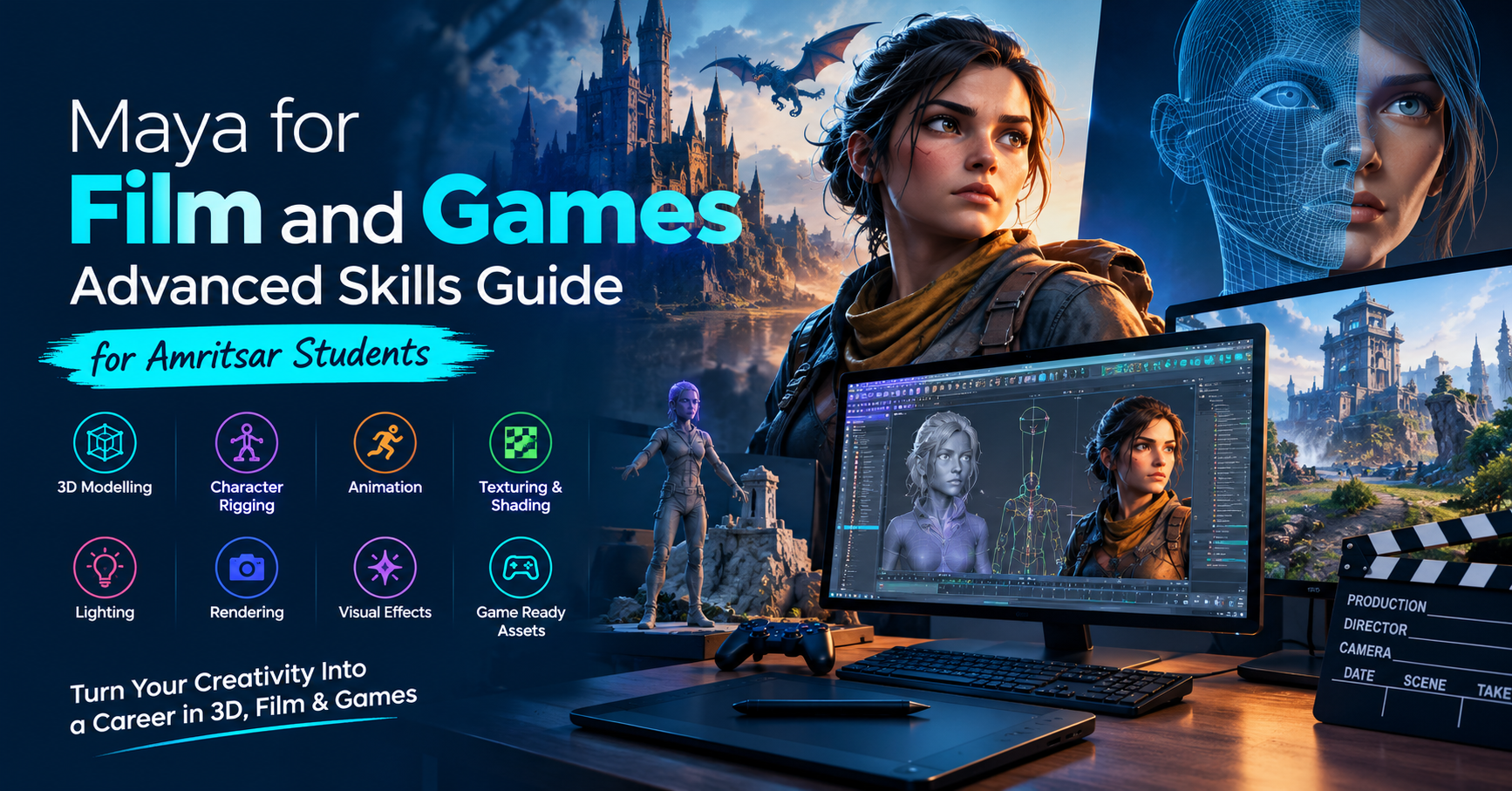
Maya for Film and Games: Advanced Skills Guide for Amritsar Students
Introduction to Autodesk Maya
Autodesk Maya is a professional 3D computer graphics application widely used in film production, animation, visual effects (VFX), and game development. For students in Amritsar interested in digital creativity, learning Maya can provide a foundation in 3D modelling, character animation, texturing, lighting, and rendering. Advanced skills help learners understand how digital assets and animated scenes are created for films, cinematic sequences, and interactive gaming environments.
Advanced 3D Modelling Techniques
3D modelling is an essential part of creating characters, props, vehicles, buildings, and environments. In Autodesk Maya, students can explore polygon modelling, topology, edge flow, and subdivision modelling to develop detailed 3D assets. Advanced modelling techniques focus on creating clean geometry that supports animation and efficient production workflows.
Students can practise designing realistic objects, stylised characters, architectural elements, and game-ready assets. Understanding proportions, surface details, and mesh optimisation helps create models suitable for different production requirements.
Character Rigging and Animation
Character rigging involves building a digital skeleton and control system that allows a 3D character to move naturally. Maya provides tools for creating joints, skinning, control rigs, and deformation systems. These techniques help animators prepare characters for walking, running, facial expressions, and other movements.
Animation skills include keyframe animation, timing, spacing, motion arcs, and character performance. Students can explore how body language and movement communicate emotions and personality. These skills are valuable for animated films, cinematic game sequences, and character-driven storytelling.
Texturing, Materials, and Shading
Texturing and shading give 3D models their visual appearance. Students can learn how materials represent surfaces such as metal, wood, plastic, fabric, and skin. Maya supports material creation and shader workflows that help artists control colour, roughness, reflections, and other surface properties.
Understanding UV mapping is also important because it allows textures to fit correctly onto 3D models. Learners can practise preparing UV layouts, applying texture maps, and improving surface detail for realistic or stylised results.
Lighting, Rendering, and Visual Effects
Lighting helps establish mood, depth, and visual clarity in a 3D scene. Advanced Maya workflows involve placing lights, adjusting shadows, managing reflections, and balancing illumination for different environments. Students can experiment with cinematic lighting setups and learn how lighting influences the appearance of characters and objects.
Rendering converts a 3D scene into a final image or sequence. Learners can explore camera composition, render settings, image quality, and workflow optimisation using suitable rendering tools. Maya can also support effects-oriented workflows involving simulations and procedural techniques, depending on the production pipeline and additional software used.
Maya for Film and Game Development
Film production often requires detailed characters, cinematic environments, visual effects assets, and expressive animation. Game development places additional emphasis on optimised models, efficient geometry, suitable textures, and assets that can be transferred into game engines such as Unreal Engine or Unity.
Students should understand that Maya is one part of a larger production pipeline. Depending on the project, artists may also use sculpting, texturing, compositing, and game-engine software to complete their work.
Practical Projects and Portfolio Development
Hands-on projects help students apply advanced techniques to realistic creative tasks. Suitable projects include modelling a character, rigging a simple figure, animating a short sequence, creating a textured environment, or preparing a cinematic scene. A portfolio containing well-presented projects can demonstrate technical understanding, creativity, and problem-solving ability.
Career Opportunities for Amritsar Students
After developing relevant skills and practical experience, learners can explore roles such as 3D Modelling Artist, Character Animator, Rigging Artist, Lighting Artist, Environment Artist, and Junior 3D Generalist. Career opportunities depend on portfolio quality, software proficiency, project experience, and industry requirements.
Conclusion
Learning advanced Autodesk Maya techniques can help Amritsar students explore opportunities in animation, film production, visual effects, and game development. By practising modelling, rigging, animation, texturing, lighting, and rendering, learners can build technical confidence and develop a portfolio that supports further education and career preparation in the 3D industry.
- Autodesk Maya
- Maya for Film and Games
- Maya Training
- 3D Modelling
- 3D Animation
- Character Rigging
- Texturing and Shading
- Lighting and Rendering