
Maya Basics in Amritsar: Is It Hard to Learn?
Harman Phagwara · 30 October 2026
Learn Maya Basics in Amritsar and discover whether 3D modelling and animation are difficult for beginners. Explore essential tools, modelling techniques, materials, lighting, rendering, and practical projects.
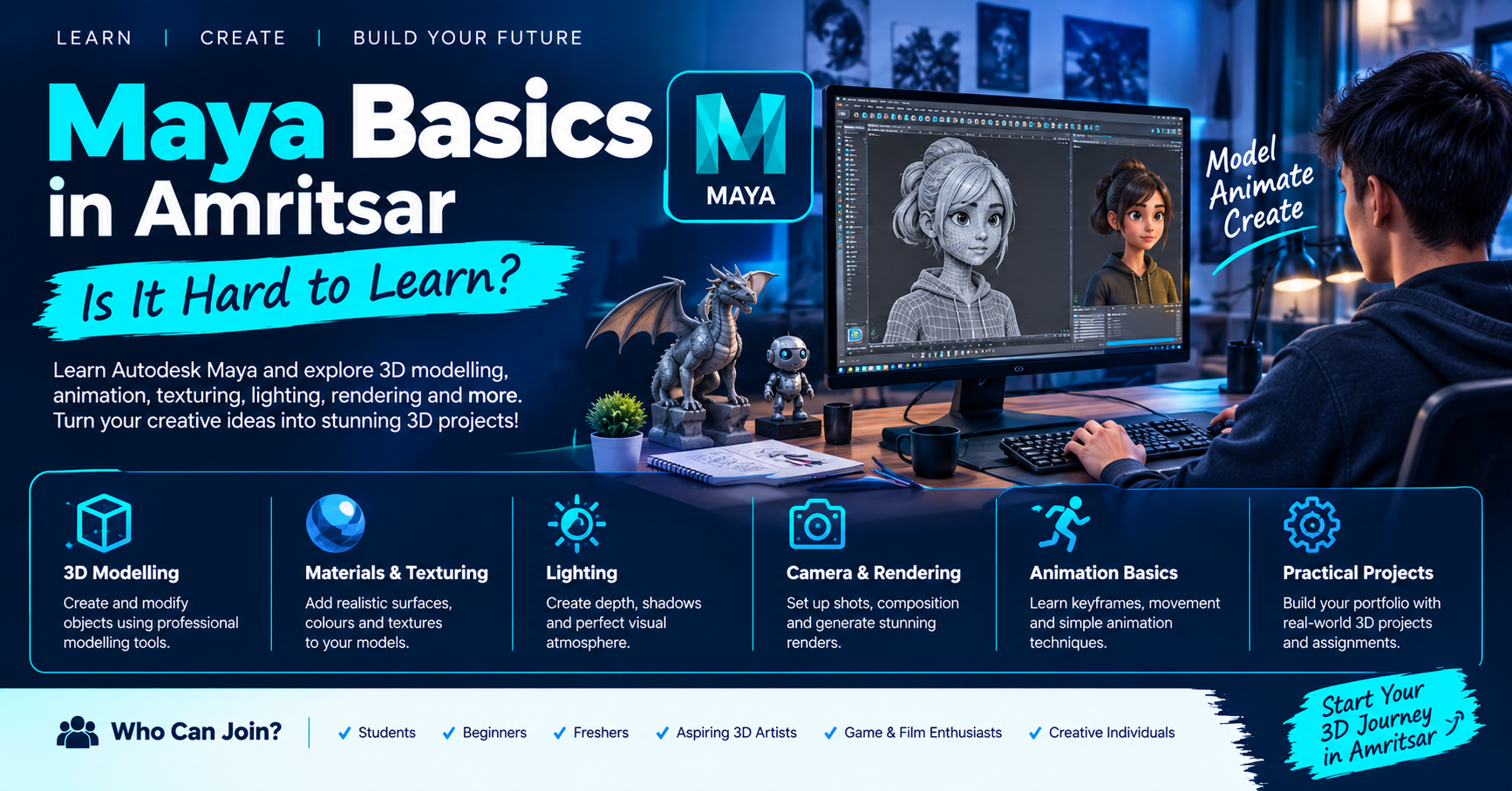
Maya Basics in Amritsar: Is It Hard to Learn?
Autodesk Maya is a powerful 3D software application widely used in animation, visual effects (VFX), gaming, and film production. It allows artists to create 3D models, characters, environments, animations, and realistic visual effects. Learning Maya Basics in Amritsar can help students, beginners, aspiring 3D artists, and creative individuals understand how professional 3D projects are created.
Many beginners wonder whether Maya is difficult to learn. The software may seem challenging initially because it includes different tools, modelling techniques, animation controls, and rendering options. However, starting with basic concepts and practising regularly can make the learning process easier. Through structured learning and practical exercises, learners can gradually develop confidence in using Maya and creating their own 3D projects.
Understand the Maya Interface and 3D Fundamentals
The first step in learning Maya is becoming familiar with its interface, workspace, and essential tools. Understand viewport navigation, object selection, camera controls, and the basic functions used to create and modify 3D objects.
Learn how to work with primitive shapes such as cubes, spheres, cylinders, and cones. Explore move, rotate, and scale tools to understand how objects are positioned and transformed within a 3D environment. These fundamentals help beginners become comfortable with the software before moving towards more detailed modelling and animation tasks.
Learn 3D Modelling Techniques
3D modelling is one of the most important skills in Autodesk Maya. Learn how to create and modify objects using polygon modelling techniques, extrusion, bevel, edge loops, and other essential modelling tools.
Understand how simple shapes can be combined and modified to create furniture, household objects, product models, and basic environments. Practising these techniques helps learners improve their understanding of geometry, proportions, object structure, and 3D design.
Explore Materials, Texturing and Lighting
Materials, textures, and lighting help transform basic 3D models into visually appealing scenes. Learn how to apply materials, adjust colours, explore surface properties, and understand basic texturing workflows.
Explore lighting techniques to create shadows, highlights, depth, and realistic visual effects. Understand how different lighting setups influence the appearance of 3D objects and environments. These skills help learners improve the visual quality of their models and prepare scenes for rendering.
Understand Camera, Rendering and Animation Basics
Camera positioning and rendering are important parts of presenting a completed 3D project. Learn how to position cameras, adjust scene composition, explore rendering settings, and generate final images of 3D models.
The course also introduces basic animation concepts, including keyframes, timeline controls, object movement, rotation, and simple animation sequences. Understanding these fundamentals can help learners explore how objects and characters are animated in professional 3D production workflows.
Develop Practical 3D Modelling Skills
Practical assignments help learners apply different Maya tools and techniques to create their own projects. Beginners can start by modelling simple objects such as tables, chairs, cups, product designs, and basic room environments.
As their confidence improves, learners can experiment with more detailed models, materials, lighting setups, and simple animations. These activities encourage creativity, observation, technical understanding, and problem-solving skills.
By exploring Maya Basics in Amritsar, learners can gradually build a collection of 3D projects that demonstrates their progress and provides a foundation for advanced modelling, animation, gaming, and visual effects studies.
- Maya Basics
- Maya Course in Amritsar
- Autodesk Maya
- 3D Modelling
- 3D Animation
- Maya Training
- 3D Design
- Animation Course