Learn Nuke in Amritsar: Node-Based Compositing Explained
VFX & Compositing · Nandini · 25 November 2026
Learn Nuke in Amritsar and understand node-based compositing from the basics. Explore Nuke’s Node Graph, Merge, Keyer, Roto, Tracker, Grade and Transform nodes while building practical VFX and compositing skills for film, animation, advertising and digital media.
Learn Nuke in Amritsar: Node-Based Compositing Explained
Visual effects have become an essential part of modern filmmaking, advertising, web series, music videos, and digital content. From removing unwanted objects and creating cinematic environments to combining multiple layers of footage into one realistic shot, professional compositing plays a major role in the final appearance of a production. One of the most powerful software applications used by professional compositors is Foundry Nuke.
For students and aspiring VFX artists who want to build a career in the creative industry, learning Nuke can provide valuable technical and artistic skills. If you are looking to Learn Nuke in Amritsar, understanding the concept of node-based compositing is one of the first and most important steps.
What is Nuke?
Nuke is a professional node-based compositing software developed by Foundry. It is widely used in the visual effects and post-production industry for film, television, advertising, and other high-end productions.
Unlike traditional layer-based software, Nuke uses a node-based workflow. Instead of stacking layers on top of each other, artists connect different nodes to create a visual processing network.
This approach provides greater flexibility and makes complex visual effects projects easier to manage.
Nuke can be used for tasks such as:
Green-screen compositing
Rotoscoping
Object removal
Matte creation
2D tracking
3D compositing
Color correction
Keying
Image manipulation
Digital environment creation
Multi-layer compositing
Understanding Node-Based Compositing
The most important concept beginners need to understand is node-based compositing.
A node represents a specific operation or function. Different nodes can be connected together to create a complete visual effect.
For example, imagine you have a background video and a green-screen character. You may use one node to read the footage, another node to remove the green background, and another node to combine the character with a new environment.
Instead of placing these elements into separate layers, you connect them through a flow of nodes.
This gives artists a clear visual representation of how the image is being processed.
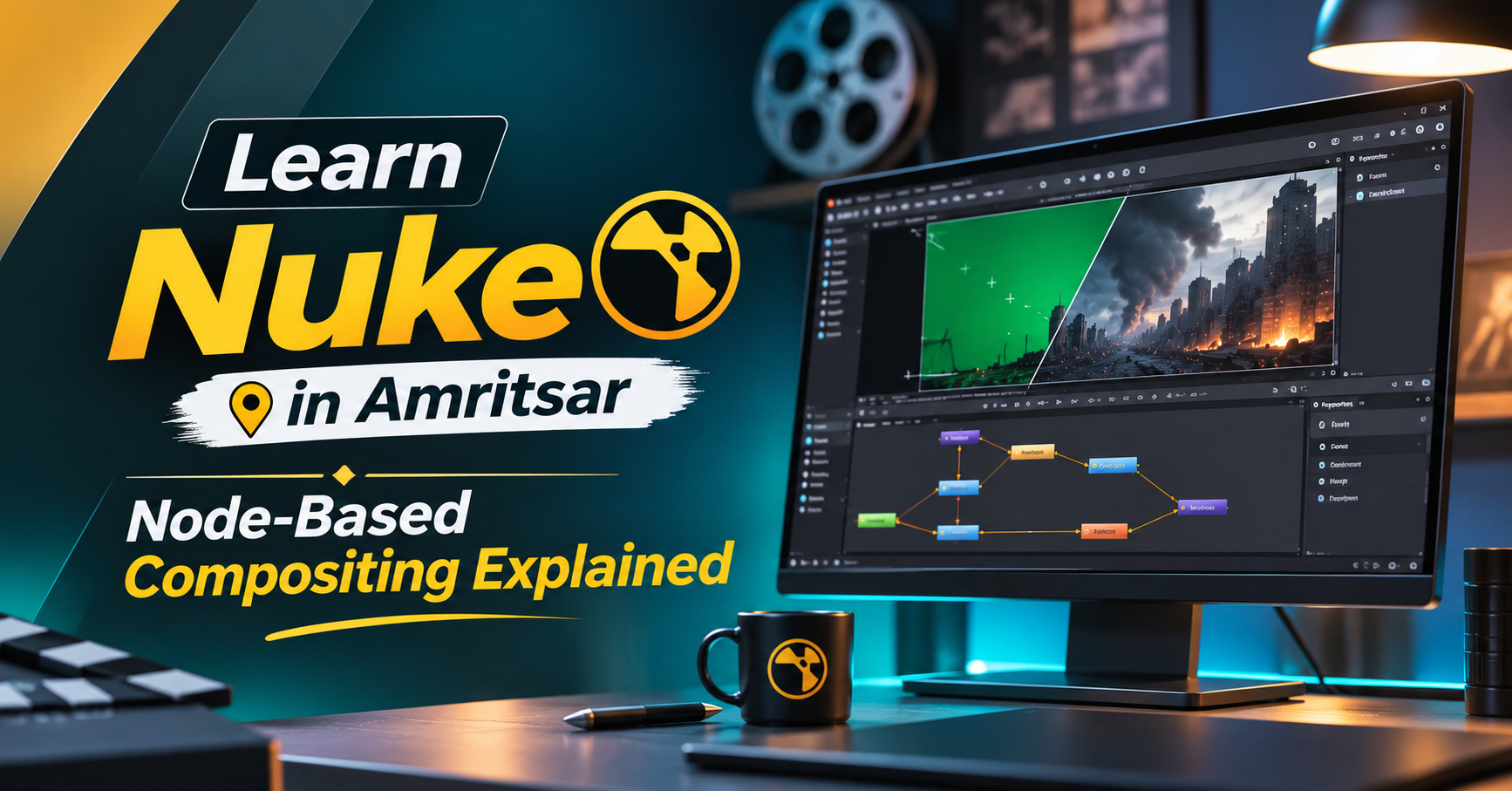
How Does the Nuke Node Graph Work?
The Node Graph is the main workspace where compositing happens.
A basic workflow may look like:
Read → Keyer → Transform → Merge → Color Correction → Write
Each node performs a specific function.
Read Node
The Read node is generally used to bring footage, images, or other assets into the Nuke project.
For example, you might import a camera plate, green-screen footage, background image, or rendered 3D element.
Keyer Node
A Keyer node can help separate a subject from a colored background.
For example, green-screen footage can be processed to remove the green background and isolate the actor.
Transform Node
The Transform node allows you to change the position, scale, rotation, and other spatial properties of an element.
It can be useful when matching a foreground subject with a background.
Merge Node
The Merge node is extremely important in compositing.
It allows you to combine different image elements. For example, you can merge a character over a background or combine visual effects with live-action footage.
Color Correction
Color correction nodes help adjust the appearance of individual elements.
This becomes important when different footage sources have different brightness, contrast, or color characteristics.
Write Node
The Write node is generally used to render or export the final composited result.
Nuke vs Layer-Based Compositing
One major difference between Nuke and software based primarily on layers is the way elements are organized.
In a layer-based workflow, artists generally arrange assets vertically. In Nuke, artists create a flowchart-like structure using connected nodes.
For beginners, node-based compositing may initially feel unfamiliar. However, once the concept becomes clear, it can make complicated projects much easier to understand.
For example, if you need to change one part of a complex composition, you can locate the relevant node and adjust it without rebuilding the entire project.
This is one reason Nuke is highly valued in professional VFX pipelines.
Important Nuke Nodes for Beginners
If you are planning to Learn Nuke in Amritsar, it is useful to become familiar with some commonly used nodes.
Merge
Used to combine different image elements.
Grade
Used for controlling exposure, contrast, and color-related adjustments.
Transform
Used to reposition, rotate, or scale elements.
Blur
Used to soften an image or create specific visual effects.
Roto
Used for creating masks and isolating specific areas of an image.
Keyer
Used to extract subjects from backgrounds based on color information.
Tracker
Used to track movement within footage.
Shuffle
Used to manipulate and manage image channels.
Premult
Used to manage alpha information during compositing.
Write
Used to output the final result.
Learning these nodes provides a strong foundation for beginners.
Understanding Alpha Channels
Alpha is another important concept in Nuke compositing.
An alpha channel stores transparency information. It tells the software which parts of an image are visible and which parts are transparent.
For example, when you remove a green background from a person, the person's body may remain visible while the background becomes transparent.
Understanding alpha channels is essential for creating clean composites.
Beginners should learn how RGB and alpha channels work together and how different nodes can modify them.
Rotoscoping in Nuke
Rotoscoping involves creating masks around objects or subjects so they can be isolated from the rest of the image.
Nuke provides powerful tools for creating and animating roto shapes.
Rotoscoping can be used when:
A green screen is unavailable
An object needs to be isolated
A subject needs selective color correction
Unwanted elements need to be removed
Visual effects need to be applied to specific areas
Learning basic roto techniques is an important part of becoming a professional compositor.
Tracking and Matchmoving
Tracking is another essential skill for Nuke artists.
A tracker analyzes movement within footage and generates information that can be used to attach digital elements to live-action footage.
For example, if you want to place a digital sign on a moving wall, tracking can help the sign follow the movement of the wall.
More advanced projects can involve camera tracking and 3D workflows, allowing artists to integrate digital objects into real environments.
Why Learn Nuke in Amritsar?
Amritsar is becoming an increasingly attractive location for students interested in creative education and digital media. Students looking to build careers in animation, VFX, filmmaking, and multimedia can benefit from learning industry-relevant software.
A structured Nuke course in Amritsar can help beginners learn through practical exercises rather than relying only on theoretical concepts.
Students can gradually work on projects involving:
Green-screen compositing
Rotoscoping
Object removal
Screen replacement
Tracking
Matte creation
Color correction
Multi-layer compositing
Basic VFX shots
Project-based learning can also help students understand how different nodes work together in real production scenarios.
Career Opportunities After Learning Nuke
Nuke skills can be useful for several roles in the VFX and post-production industry.
Depending on experience and specialization, learners can explore positions such as:
Nuke Compositor
Junior Compositor
Rotoscopy Artist
Paint Artist
VFX Artist
Matchmove Artist
Compositing Artist
Senior Compositor
VFX Supervisor
Nuke can also be combined with other industry tools and skills to create a broader professional portfolio.
Tips for Beginners Learning Nuke
If you are starting your Nuke journey, focus on understanding the fundamentals before jumping into complicated effects.
Start by learning the Node Graph and basic nodes. Then practice simple composites using foreground and background elements.
After that, move toward keying, roto, tracking, color correction, and more advanced compositing techniques.
Most importantly, practice regularly. Create small projects and analyze how each node affects the final image.
Conclusion
Learning Nuke can be an excellent step for anyone interested in professional compositing and visual effects. Its node-based workflow gives artists powerful control over complex image-processing tasks while keeping the compositing process organized and flexible.
If you want to Learn Nuke in Amritsar, start with the fundamentals of node-based compositing, including the Node Graph, Read, Merge, Transform, Grade, Roto, Keyer, Tracker, and Write nodes. Once these concepts are clear, you can gradually move toward advanced VFX workflows.
With consistent practice, project-based learning, and a strong understanding of compositing principles, beginners can develop the skills needed to create professional-looking VFX shots and explore exciting opportunities in animation, filmmaking, advertising, and the visual effects industry.
- Nuke
- Nuke Compositing
- VFX
- Compositing
- Node-Based Compositing
- Visual Effects
- Rotoscoping
- Animation