
Learn Gen AI in Amritsar: Beginner Tools and First Projects
Design, AI & Marketing · Jaspreet · 27 October 2026
New to Gen AI? This step-by-step guide shows Amritsar beginners which tools to start with, how to write better prompts and six simple first projects to build a portfolio in 30 days, no coding needed.
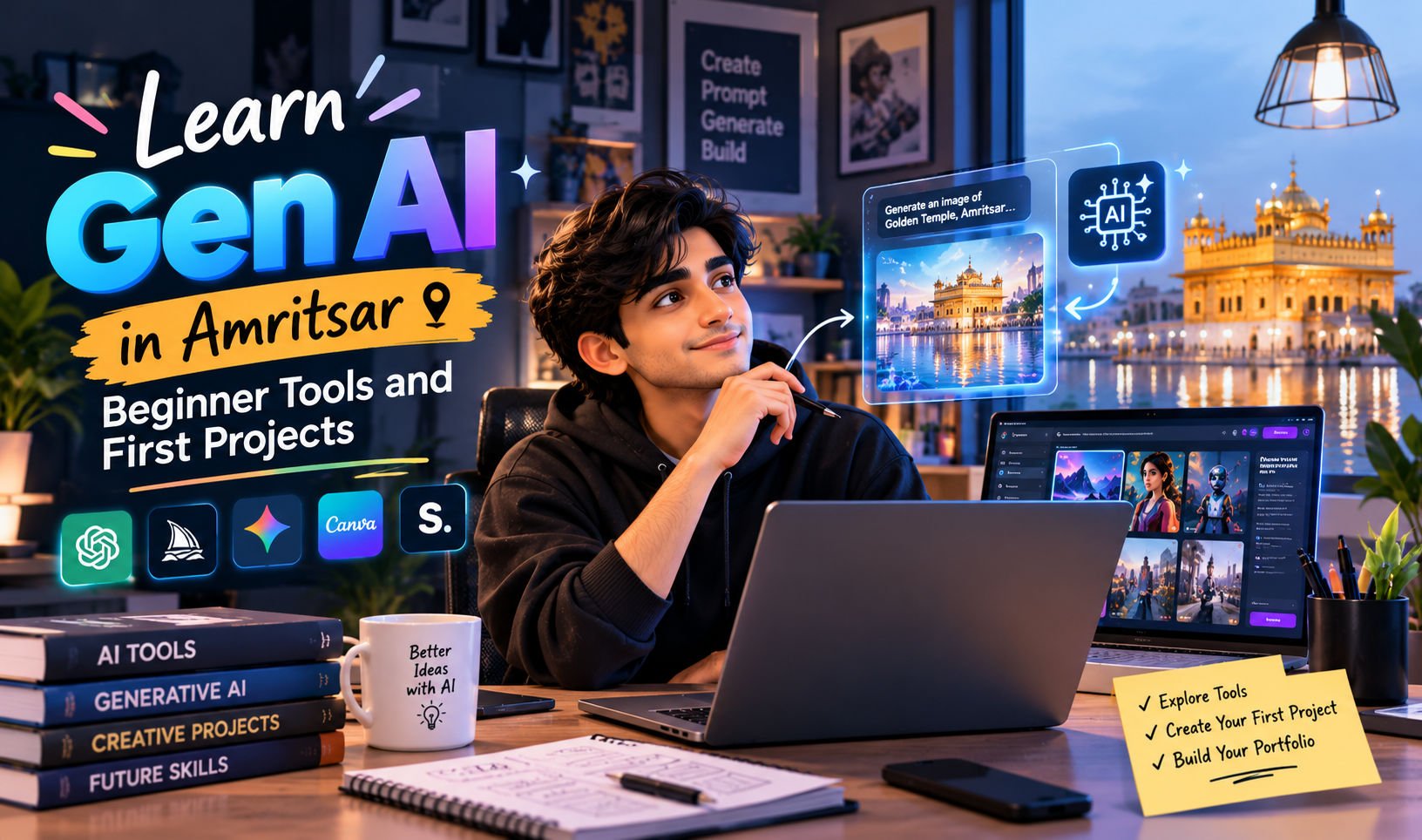
Learn Gen AI in Amritsar: Beginner Tools and First Projects, Step by Step
Generative AI is no longer something only big tech companies work with. Today, a student in Amritsar with a laptop and an internet connection can write content, create images, build simple chatbots and automate daily tasks using Gen AI tools. If you have been wondering where to begin, this guide walks you through it in plain steps.
What Is Generative AI?
Generative AI (Gen AI) refers to AI systems that create new content from the instructions you give them. That content can be text, images, audio, video or code. Instead of only analysing data, these tools produce something new: an article draft, a poster design, a product description or a working script.
You give the tool a prompt, and it gives you an output. Learning to write good prompts and to use the right tool for the job is the foundation of everything that follows.
Why Learn Gen AI in Amritsar?
Amritsar has a growing mix of businesses that can benefit from Gen AI: tourism and hospitality, textiles, food brands, education, healthcare, real estate and a fast-growing base of local startups and freelancers. Many of them need content, design, customer support and marketing, all areas where Gen AI saves time.
For students and job seekers, Gen AI skills add value to almost any career path, from marketing and design to coding and teaching. For working professionals and business owners, they mean faster work and lower costs. You do not need to relocate to a metro city to build these skills, since most learning happens online and through practice, and local classroom training can add structure and mentorship.
Step 1: Understand the Basics First
Before you open any tool, spend a few days understanding some simple ideas:
Prompt: the instruction you give the AI.
Model: the AI system that processes your prompt.
Output: what the AI produces.
Hallucination: when AI states something confidently that is wrong.
Token: a small chunk of text the AI reads and writes, which affects length limits.
You do not need maths or coding for this stage. Curiosity and regular practice matter more.
Step 2: Set Up Your Beginner Toolkit
You can start with free versions of most tools. Here is a simple starter set, organised by task.
For writing and thinking
Claude, ChatGPT or Gemini for drafting, summarising, brainstorming and explaining topics.
For images and design
Canva (with its AI features) for posters, social posts and presentations.
Adobe Firefly, Midjourney or similar image generators for original visuals.
For audio and video
ElevenLabs-style voice tools for voiceovers.
AI features inside editing apps such as CapCut for captions, clean-up and quick edits.
For research and notes
NotebookLM or similar tools to upload your own documents and ask questions about them.
For coding (optional)
GitHub Copilot or an AI chat assistant to help write and explain simple code.
Do not try to master all of these at once. Pick one tool per category and spend a week with each.
Step 3: Learn to Write Good Prompts
Prompting is the core beginner skill. A weak prompt gives a vague result. A clear prompt gives something you can actually use.
A good prompt usually includes:
Role: who the AI should act as (“You are a travel writer.”)
Task: what you want done (“Write a 150-word intro about the Golden Temple area.”)
Context: who it is for (“For first-time visitors from abroad.”)
Format: how it should look (“Use short paragraphs and end with one tip.”)
Tone: the voice you want (“Warm and simple.”)
Weak prompt: “Write about Amritsar.”
Strong prompt: “Act as a local travel blogger. Write a 200-word guide for first-time visitors to Amritsar covering where to eat, what to see and the best time to visit. Keep the tone friendly and use short paragraphs.”
Always review and edit the output. Treat the AI as a fast first-draft partner, not a final authority.
Step 4: Build Your First Projects
The fastest way to learn is to make things. Here are six beginner-friendly projects, ordered from easiest to a little harder.
Project 1: A Week of Social Media Posts
Pick a real or imaginary local business, such as a bakery, a coaching centre or a salon. Ask an AI assistant to plan seven posts with captions and hashtags. Then design the visuals in Canva. You learn prompting, brand tone and basic design together.
Project 2: A Professional Resume and Cover Letter
Paste your details into an AI assistant and ask it to improve your resume wording and draft a tailored cover letter. Check every fact and keep it honest and specific to you.
Project 3: A Product Description Set
Choose five products, such as handmade jutti, phulkari items, spices or sweets. Write prompts that generate clear, appealing descriptions in the same tone. This is a skill many small sellers and e-commerce businesses need.
Project 4: An AI-Assisted Short Video
Write a 30-second script with an AI assistant, generate a voiceover, add simple visuals and put it together in a video editor. Share it with friends and gather feedback.
Project 5: A Study Assistant From Your Own Notes
Upload your class notes or a PDF into a notes tool and ask it to create summaries, flashcards and quiz questions. This is one of the most useful everyday applications for students.
Project 6: A Simple FAQ Chatbot
Many no-code platforms let you build a chatbot trained on a short document. Write an FAQ for a fictional shop, upload it and test the bot with different questions. This introduces you to how businesses use AI for customer support.
Step 5: Learn the Limits and Use AI Responsibly
Gen AI is powerful but not perfect. Keep these habits from day one:
Verify facts, dates and numbers. AI can sound sure and still be wrong.
Protect private data. Do not paste passwords, bank details, Aadhaar numbers or confidential client information into public tools.
Respect copyright. Do not pass off AI output as someone else’s work, and check the usage terms of images and music you generate.
Be transparent. If AI helped create a piece of work, say so where it matters, especially in academics and client projects.
Keep your own voice. The best results come from your ideas, with AI speeding up the execution.
Step 6: Build a Small Portfolio
Employers and clients want proof of skill. Collect your best projects in one place, such as a simple website, a Google Drive folder or a LinkedIn profile. For each project, note:
The problem you were solving
The tools you used
Your prompts (or a summary of them)
The final result
Three to five well-presented projects are enough to start. Show your process as well as the final output, because it demonstrates real understanding.
Step 7: Choose Your Next Direction
Once you are comfortable with the basics, you can go deeper in a direction that fits your goals:
Content and marketing: AI-assisted blogging, ad copy, SEO and social media.
Design and video: AI image generation, motion graphics and video workflows.
Automation: connecting AI tools to spreadsheets, email and forms to save repetitive work.
Development: working with AI APIs, building apps and learning Python.
Business use: customer support bots, internal knowledge assistants and report generation.
Should You Learn Alone or Take a Course?
Self-learning works well if you are disciplined, and there are plenty of free tutorials online. A structured course can help if you want a clear roadmap, hands-on guidance, feedback on your projects and a peer group to learn with. When comparing options in Amritsar, look for:
Practical, project-based teaching rather than only theory
Trainers with real industry experience
Coverage of current tools, since this field changes quickly
Portfolio support and career guidance
Small batches where you can ask questions
Ask for a demo class or a syllabus before you decide.
A Simple 30-Day Starter Plan
Week 1: Learn the basics and try one text-based AI assistant daily.
Week 2: Practise prompt writing and complete Project 1 and Project 2.
Week 3: Try image and video tools and complete Project 3 and Project 4.
Week 4: Build Project 5 or 6, then put your work into a small portfolio.
Even 45 minutes a day, done consistently, will get you comfortable with the fundamentals within a month.
Final Thoughts
Learning Gen AI in Amritsar is very achievable. You do not need an advanced degree or expensive software, just a clear plan, a few reliable tools and the habit of building small projects. Start with one tool, finish one project and improve from there. Within a few weeks, you will have practical skills and work samples that you can use for studies, jobs, freelancing or your own business.
Ready to begin? Pick one project from this list and start today. The sooner you start experimenting, the sooner these tools become second nature.
- Generative AI
- Gen AI course
- Learn Gen AI
- Gen AI in Amritsar
- AI tools for beginners
- Prompt Engineering
- ChatGPT
- Claude