How to Create Visiting Cards for Clients Using CorelDRAW – Amritsar
Harman Phagwara · 20 November 2026
Learn how to create professional visiting cards using CorelDRAW. Explore layout design, typography, colour combinations, vector tools, print-ready settings and practical design techniques for aspiring graphic designers in Amritsar with IAM.
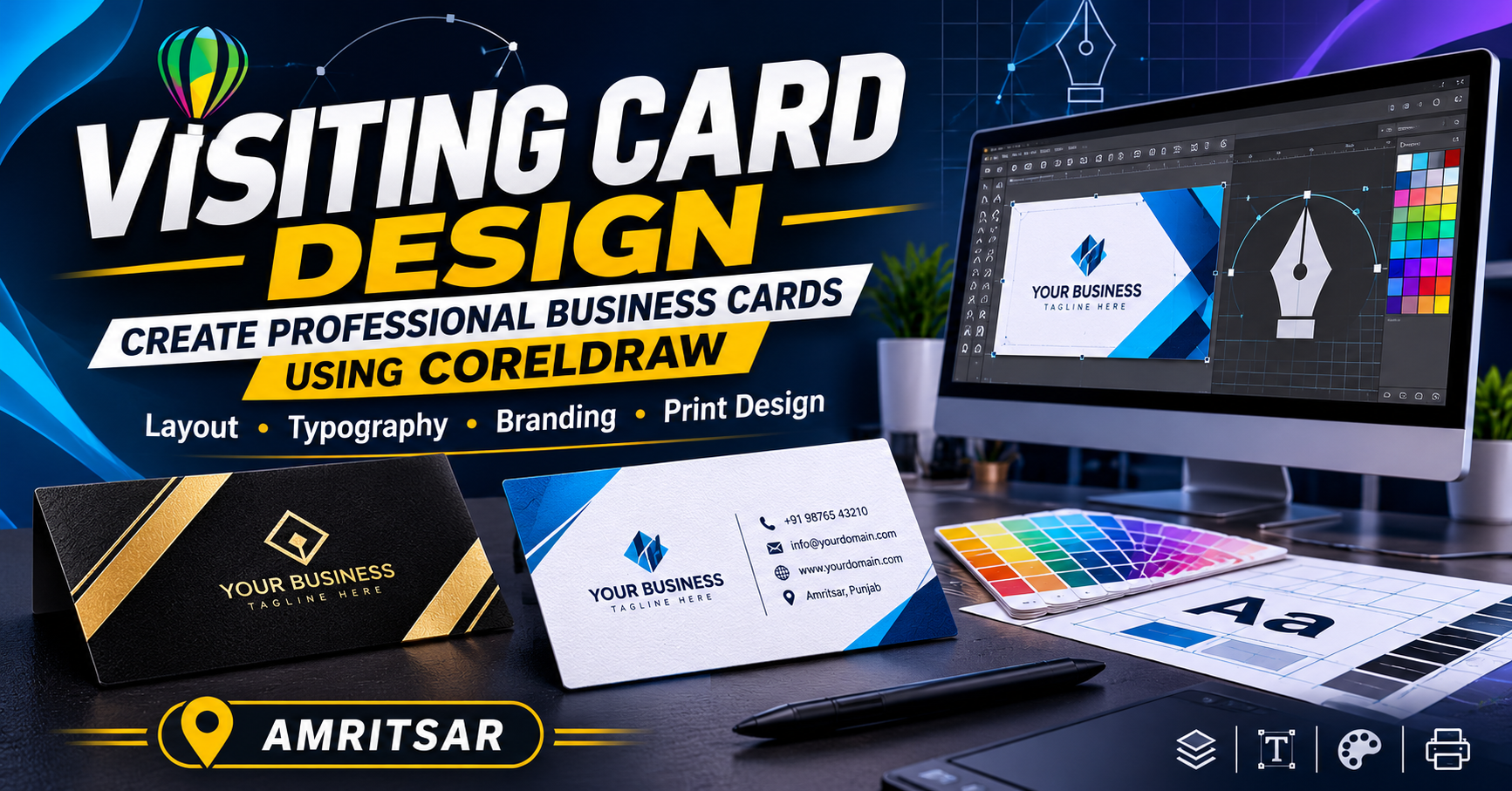
How to Create Visiting Cards for Clients Using CorelDRAW – Amritsar
A professionally designed visiting card is an important part of business branding and professional communication. It helps businesses, freelancers, entrepreneurs, and professionals share their contact details while creating a strong first impression. A well-designed visiting card combines attractive layouts, readable typography, suitable colours, and consistent brand elements to represent a business professionally.
How to Create Visiting Cards for Clients Using CorelDRAW – Amritsar is a useful topic for aspiring graphic designers who want to develop practical skills in print media design and client-based projects. CorelDRAW is widely used for creating visiting cards, brochures, flyers, logos, banners, and other promotional materials. Its vector-based tools allow designers to create customised designs and prepare artwork for professional printing.
Understanding Visiting Card Design
Before starting a design, it is important to understand the client's business, target audience, and branding requirements. A visiting card for a corporate company may require a clean and professional layout, while a creative business may prefer a more colourful and visually expressive design.
A professional visiting card generally includes:
Business or company name
Logo and brand identity
Person's name and designation
Contact number and email address
Office address
Website or social media details
QR code, if required
The information should be organised clearly so that customers can quickly identify important details.
Getting Started with CorelDRAW
CorelDRAW provides several tools and features that help designers create professional visiting card layouts. Before designing, users should become familiar with the workspace, document settings, drawing tools, text tools, colour palettes, and alignment options.
Some important CorelDRAW features used in visiting card design include:
Rectangle Tool: Creates the basic visiting card layout and design sections.
Text Tool: Adds business names, contact information, and other text.
Shape Tool: Modifies objects and adjusts design elements.
Pick Tool: Selects, moves, resizes, and arranges objects.
Colour Palette: Applies suitable colours to text, backgrounds, and shapes.
Alignment Tools: Maintain proper spacing and positioning.
Import Tool: Adds logos, icons, and other external design elements.
Understanding these tools helps designers create balanced and visually appealing layouts.
Setting Up Visiting Card Dimensions
The first step in creating a visiting card is setting the correct document size. A commonly used standard visiting card size in India is approximately 3.5 × 2 inches (88.9 × 50.8 mm).
In CorelDRAW, designers can create a custom document and configure the following settings:
Page width and height according to the required card size
Landscape or portrait orientation
CMYK colour mode for professional printing
Suitable resolution for imported raster images
Bleed area according to the printer's specifications
Safe margins to prevent important content from being cut
Correct document settings help ensure that the final design is suitable for printing.
Creating an Attractive Visiting Card Layout
A good visiting card design should be simple, professional, and easy to read. Designers should avoid placing too many elements on a small surface. The layout should maintain a proper visual hierarchy, with the company name, logo, and person's name receiving suitable attention.
Different layout styles can be explored depending on the client's requirements:
Minimalist Design: Uses simple typography, limited colours, and clean spacing to create an elegant appearance.
Corporate Design: Focuses on brand colours, company logos, professional fonts, and organised contact details.
Creative Design: Uses unique shapes, illustrations, colour combinations, and visual elements to represent creative businesses.
Modern Design: Combines geometric shapes, icons, contrasting colours, and contemporary typography.
Selecting the right layout depends on the business identity and the client's preferred design style.
Choosing Colours and Typography
Colour selection plays an important role in creating a strong brand identity. Designers should understand colour combinations and select shades that match the client's business theme.
For example, blue and white can create a professional corporate appearance, while black and gold can give a premium look. Green may be suitable for nature-related businesses, and bright colours can work well for creative brands.
Typography is equally important. Fonts should be professional, readable, and consistent throughout the design. Designers can use different font weights and sizes to highlight important information, but decorative fonts should be used carefully.
Designing Front and Back Sides
Many businesses prefer double-sided visiting cards because they provide additional space for branding and business information.
The front side can include:
Company logo
Business name
Person's name
Designation
The back side can include:
Contact information
Office address
Website details
Social media handles
QR code or a short business description
Both sides should follow the same colour scheme and visual style to maintain brand consistency.
Adding Logos, Icons and Graphic Elements
Logos and icons make visiting cards more informative and visually attractive. CorelDRAW allows designers to import external files and create vector-based graphic elements.
Designers can use suitable icons for phone numbers, email addresses, websites, and social media profiles. However, graphic elements should support the information rather than make the design overcrowded.
A business logo should be placed carefully, with enough space around it. If the logo is available in a vector format, it can be resized without losing quality.
Preparing Print-Ready Visiting Cards
Creating a design is only one part of the process. Designers must also understand how to prepare the final artwork for printing. Incorrect colour settings, missing bleed, or low-quality images can affect the printed result.
Important print preparation steps include:
Check the final card dimensions.
Confirm bleed and safe margins with the printing service.
Use CMYK colour mode where required by the printer.
Check text alignment, spelling, and contact details.
Ensure imported images and logos have suitable quality.
Convert fonts to curves when appropriate and keep an editable copy.
Export the final design in the printer's requested format, such as a print-ready PDF.
Reviewing the design before exporting helps reduce printing mistakes and improves the final output.
Practical Visiting Card Design Projects
Practical projects help learners understand how to apply CorelDRAW tools to real design requirements. Instead of only learning individual features, students can practise creating complete visiting cards for different types of businesses.
Some useful practice projects include:
Visiting card for a digital marketing agency
Corporate visiting card for a consultancy
Business card for a real estate agent
Visiting card for a photographer
Premium card for a salon or beauty studio
Double-sided visiting card for a startup
These projects help develop layout planning, typography, colour selection, branding, and print preparation skills.
Career Opportunities in Visiting Card and Graphic Design
Visiting card designing is one of the practical areas of graphic design and print media. Businesses regularly require promotional materials to communicate their brand identity and contact information.
After developing graphic design skills, learners can explore opportunities such as:
Graphic Designer
Visiting Card Designer
Print Media Designer
DTP Operator
Branding and Identity Designer
Freelance Graphic Designer
Printing and Publishing Assistant
With experience, designers can also work on brochures, flyers, posters, catalogues, business stationery, and other branding projects.
Learn CorelDRAW and Visiting Card Designing in Amritsar with IAM
Learning CorelDRAW can help aspiring designers understand the process of creating professional print designs, from setting up a document to preparing final artwork. Practical knowledge of layout design, typography, colour combinations, vector tools, and print production can support learners who want to develop skills in the graphic design field.
At IAM Amritsar, students interested in graphic design can explore creative design concepts and software-based skills through practical learning. Understanding how to create visiting cards for different clients can help learners build confidence in handling design requirements and developing a professional design portfolio.
Start exploring CorelDRAW and take your first step towards creating professional visiting cards and other creative graphic design projects.
- CorelDRAW
- Visiting Card Design
- Business Card Design
- Professional Graphic Design
- Print Media Design
- Vector Graphic Design
- CorelDRAW Tools
- ypography Design