How to Create a Professional Video Editing Showreel – Amritsar
Film & Editing · Harman Phagwara · 27 November 2026
Create a professional video editing showreel in Amritsar by mastering cinematic editing, advanced colour grading, motion graphics, visual effects, sound design, and storytelling techniques. Showcase your creativity and build a portfolio for professional opportunities in the media industry.
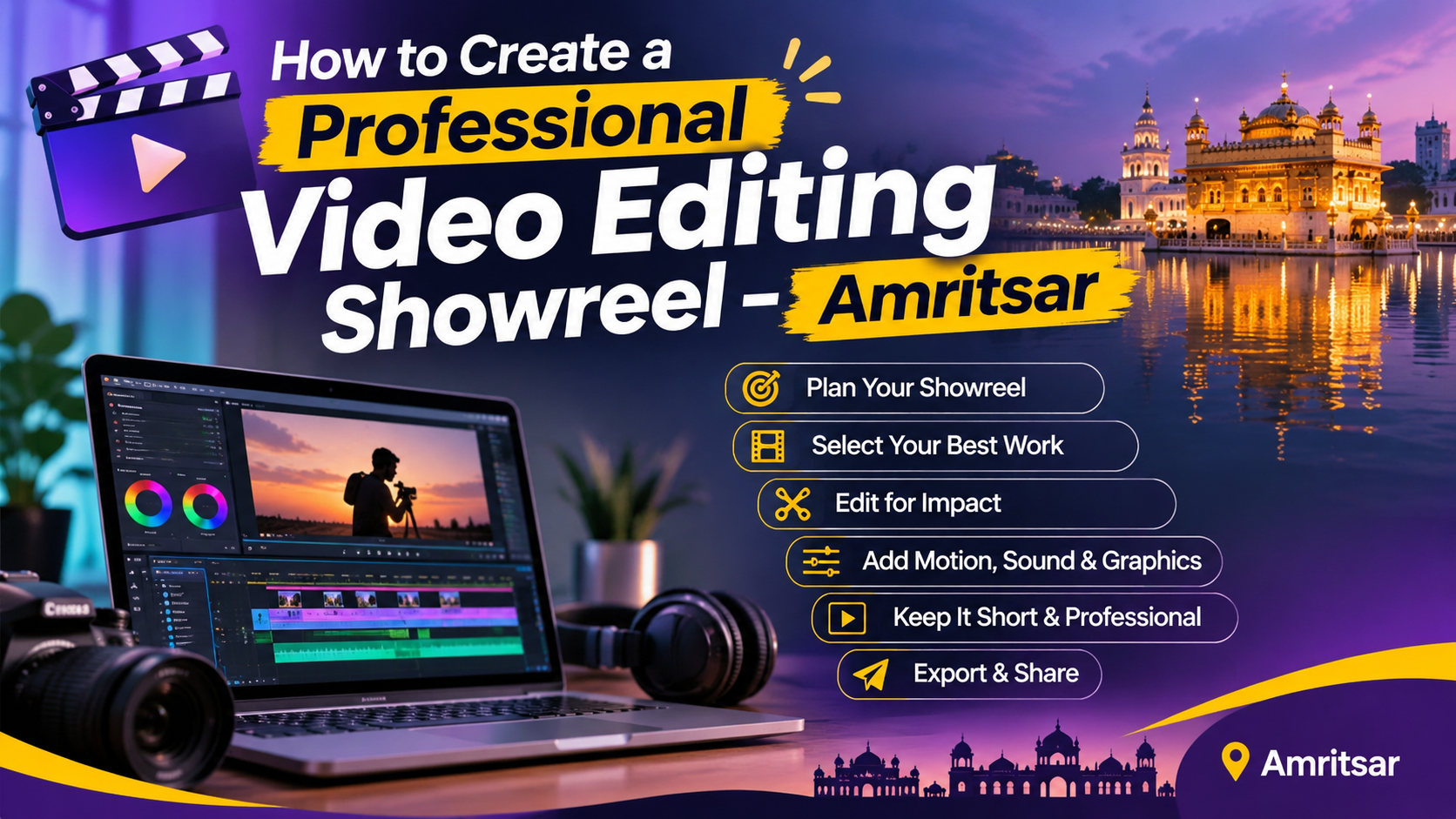
How to Create a Professional Video Editing Showreel – Amritsar
A professional video editing showreel is one of the best ways to showcase your creativity, technical abilities, and editing experience. Whether you want to work as a freelance video editor, join a production company, create social media content, or build a career in the film and media industry, a well-designed showreel can help you make a strong first impression.
A showreel is a short video compilation that highlights your best editing work, creative storytelling, visual effects, transitions, colour grading, and sound design. Instead of showing every project you have completed, focus on presenting your strongest work in a visually engaging and professional format.
Learning professional editing techniques through a Video Editing Course in Amritsar can help beginners and aspiring editors understand how to create impressive showreels using industry-standard software.
What Is a Professional Video Editing Showreel?
A video editing showreel is a short presentation of your best creative projects. It demonstrates your ability to edit footage, create engaging sequences, improve video quality, and communicate stories through visuals.
A professional showreel may include:
Promotional and advertisement videos.
Cinematic video sequences.
Wedding and event highlights.
YouTube videos and social media reels.
Short films and storytelling projects.
Motion graphics and visual effects.
Colour grading and sound design.
The purpose is to give potential clients, employers, and production teams a quick understanding of your editing style and technical capabilities.
Steps to Create a Professional Video Editing Showreel
1. Select Your Best Editing Projects
Start by collecting your completed video editing projects. Choose clips that demonstrate different editing techniques, creative styles, and storytelling abilities.
Focus on quality rather than quantity. Include only your strongest work and remove clips that do not match your current skill level.
2. Keep Your Showreel Short and Engaging
A professional showreel should communicate your abilities without making viewers lose interest. Aim for approximately 60–90 seconds, depending on your experience and the type of work you want to showcase.
Start with an impressive sequence to capture attention immediately.
3. Demonstrate Different Editing Techniques
Show your technical abilities through a variety of editing styles, including:
Smooth transitions and creative cuts.
Speed ramping and slow-motion effects.
Cinematic colour grading.
Motion graphics and animated titles.
Green screen and visual effects.
Audio synchronisation and sound mixing.
Including different techniques helps demonstrate your versatility as a video editor.
4. Use Professional Video Editing Software
Choosing the right software is important for creating a polished showreel. Popular editing applications include:
Adobe Premiere Pro: Professional video editing, transitions, audio editing, and timeline management.
Adobe After Effects: Motion graphics, animation, compositing, and visual effects.
DaVinci Resolve: Advanced colour correction, colour grading, and professional editing.
Final Cut Pro: Video editing and creative post-production workflows.
Understanding these tools helps editors develop professional production skills.
5. Focus on Music and Sound Design
Audio plays an important role in making a showreel engaging. Choose background music that matches the mood and editing style of your videos.
Use sound effects, audio transitions, and properly synchronised music to create a smooth viewing experience. Ensure that you have permission to use the music and other audio assets.
6. Apply Professional Colour Grading
Colour grading improves the visual appearance and consistency of your footage. Adjust brightness, contrast, saturation, highlights, and shadows to create a balanced look.
Maintain consistent colours throughout your showreel so that different clips feel visually connected.
7. Create a Strong Opening and Ending
Your opening should immediately communicate your creative style. Use your strongest footage, engaging visuals, and clean typography.
At the end, include your:
Name or professional editor identity.
Video editing specialisation.
Portfolio or showreel link.
Professional contact information.
Keep the ending simple and easy to read.
8. Export Your Showreel in High Quality
Once editing is complete, export your showreel using suitable video settings.
Recommended settings include:
Resolution: 1920 × 1080 (Full HD).
Frame Rate: 24, 25, or 30 FPS, depending on the original footage.
Format: MP4.
Codec: H.264.
Audio: Clear and balanced sound.
Always review the exported video before sharing it online.
Essential Skills Required to Create a Professional Showreel
To create an impressive video editing portfolio, aspiring editors should develop the following skills:
Video cutting and timeline management.
Storytelling and sequence arrangement.
Colour correction and grading.
Motion graphics and animation.
Audio editing and sound design.
Visual effects and compositing.
Typography and title animation.
Exporting and video optimisation.
Who Should Learn Professional Video Editing?
Video editing skills can be valuable for:
Students interested in creative media.
Beginners exploring video production.
Aspiring freelance video editors.
YouTube content creators.
Social media managers and creators.
Film and television enthusiasts.
Professionals looking to improve their editing abilities.
Build Your Video Editing Skills in Amritsar
Creating a professional showreel requires more than knowing how to cut and join video clips. It involves understanding storytelling, visual composition, sound design, colour grading, and post-production techniques.
A structured Video Editing Course in Amritsar can help learners develop these abilities through software training, practical assignments, creative projects, and portfolio development.
At the Institute of Animation and Multimedia (IAM), students can explore creative video production and editing skills while learning to work with professional editing tools and techniques.
Turn your creativity into professional editing skills. Start learning video editing in Amritsar and build a showreel that showcases your talent.
- Video Editing
- Professional Showreel
- Adobe Premiere Pro
- After Effects
- Motion Graphics
- Visual Effects
- Cinematic Editing
- colour grading