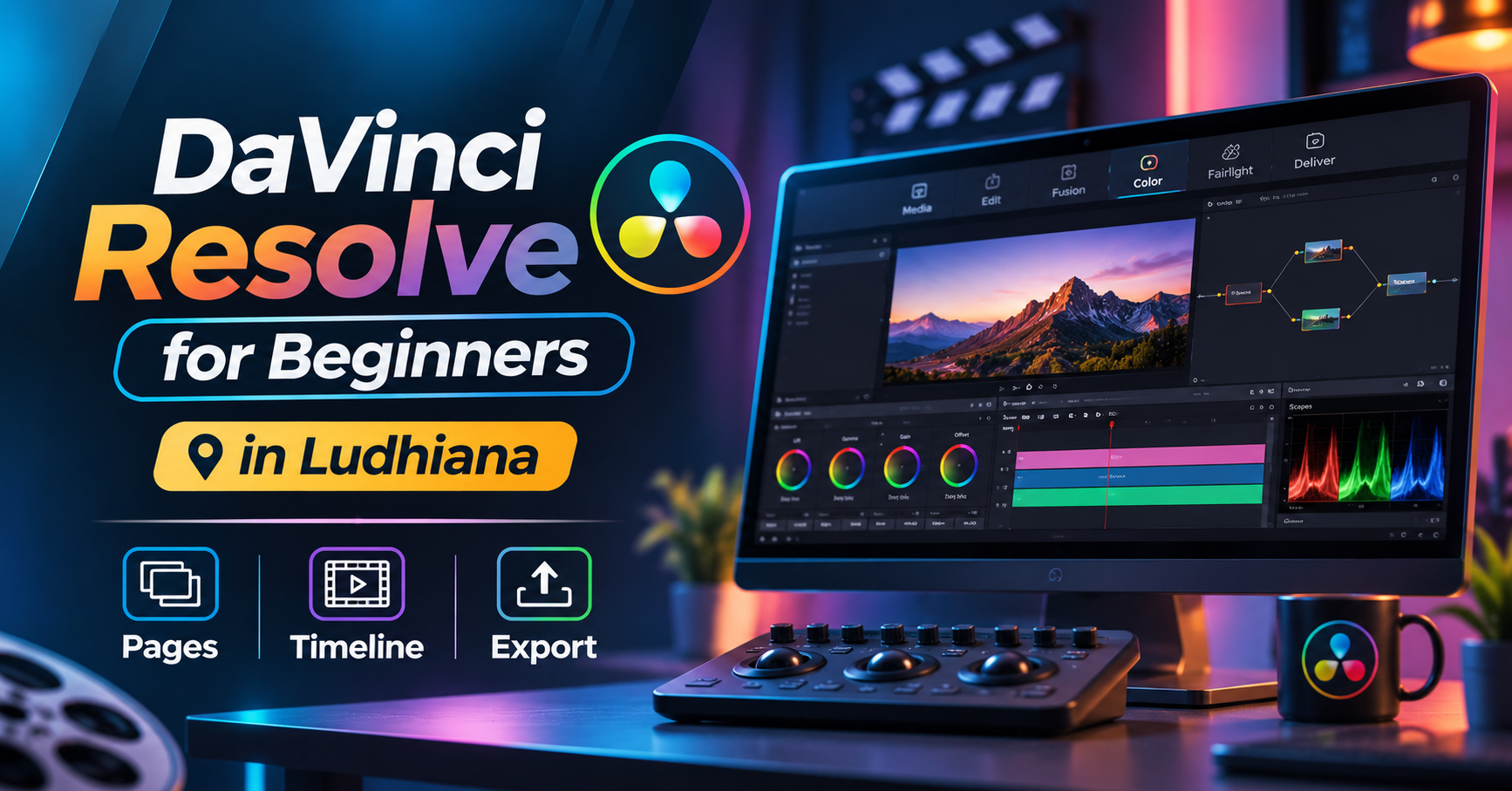
DaVinci Resolve for Beginners in Ludhiana: Pages, Timeline and Export
Film & Editing · Nandini · 25 November 2026
Learn DaVinci Resolve in Ludhiana with this beginner-friendly guide covering Media, Cut, Edit, Fusion, Color, Fairlight and Deliver Pages. Understand Timeline editing, audio, color correction and export settings to build practical video editing skills for professional creative projects.
DaVinci Resolve for Beginners in Ludhiana: Pages, Timeline and Export
Video editing has become one of the most valuable creative skills in today’s digital world. From YouTube videos and Instagram content to films, advertisements, corporate videos, and short-form content, professional editing plays an important role in transforming raw footage into engaging visual stories. One of the most powerful software applications for modern video editing and post-production is DaVinci Resolve.
For students, aspiring video editors, content creators, and creative professionals, learning DaVinci Resolve can be an excellent way to build practical editing skills. If you are searching for DaVinci Resolve for Beginners in Ludhiana, understanding its Pages, Timeline, editing workflow, and export settings is a great place to start.
What is DaVinci Resolve?
DaVinci Resolve is professional post-production software developed by Blackmagic Design. It combines several important creative workflows into one application, including video editing, color correction, visual effects, motion graphics, and audio post-production.
Unlike using separate software for different stages of production, DaVinci Resolve allows users to work through different Pages designed for specific tasks.
It can be used for:
Video editing
Color grading
Audio editing
Visual effects
Motion graphics
YouTube content
Social media videos
Short films
Advertisements
Corporate videos
Professional film projects
For beginners, the software may seem complex at first, but learning the basic workflow makes it much easier to understand.
Understanding the Pages in DaVinci Resolve
One of the first concepts beginners should learn is the different Pages available in DaVinci Resolve. Each Page is designed for a particular stage of the post-production process.
1. Media Page
The Media Page is where you organize and manage your media files.
You can import video clips, images, music, sound effects, graphics, and other assets into your project.
Beginners should develop the habit of organizing their media properly. You can create bins for different categories such as:
Video footage
Audio
Music
Images
Graphics
Interviews
B-roll
Good organization saves time, especially when working on larger projects.
2. Cut Page
The Cut Page is designed for fast and efficient editing.
It is particularly useful when you need to quickly assemble footage and create a rough edit.
Beginners can use the Cut Page to trim clips, arrange footage, create simple transitions, and build a basic sequence.
It can be especially useful for content creators working on social media videos, interviews, and fast-turnaround projects.
3. Edit Page
The Edit Page is one of the most important areas for beginners.
It provides a traditional timeline-based editing environment where you can arrange video and audio clips precisely.
Here you can perform tasks such as:
Cutting clips
Trimming footage
Adding transitions
Creating titles
Adjusting clip speed
Adding audio
Arranging multiple video tracks
Creating subtitles
If you want to become a professional video editor, developing strong Timeline skills on the Edit Page is essential.
4. Fusion Page
The Fusion Page is used for visual effects and motion graphics.
It uses a node-based workflow, allowing users to create advanced effects and animations.
Beginners may not need to master Fusion immediately, but understanding its purpose is useful.
Fusion can be used for:
Motion graphics
Titles
Compositing
Object tracking
Visual effects
Screen replacements
Animated graphics
5. Color Page
The Color Page is one of DaVinci Resolve’s most recognized features.
It is designed for professional color correction and color grading.
You can adjust elements such as:
Brightness
Contrast
Saturation
White balance
Highlights
Shadows
Color tones
Color grading can completely change the mood and visual appearance of a video.
For example, warm colors can create a comfortable and energetic feeling, while cooler tones can create a more dramatic or cinematic atmosphere.
6. Fairlight Page
The Fairlight Page focuses on audio post-production.
Good video editing is not only about visuals. Sound quality is equally important.
Fairlight provides tools for:
Voice editing
Music
Sound effects
Noise reduction
Audio mixing
Volume control
Equalization
Beginners should learn basic audio balancing so dialogue remains clear and background music does not overpower the speaker.
7. Deliver Page
The Deliver Page is where you export your completed project.
Once your editing, color correction, effects, and audio work are complete, you can choose the appropriate export settings and render the final video.
Understanding the Timeline
The Timeline is the heart of video editing.
It is where you arrange your video clips, audio, titles, transitions, and other elements in chronological order.
A Timeline generally contains multiple tracks.
For example:
V1 – Main video
V2 – B-roll or overlay
V3 – Titles and graphics
A1 – Dialogue
A2 – Music
A3 – Sound effects
This track-based structure allows you to combine multiple elements while maintaining control over each one.
Basic Timeline Editing
For beginners, the first step is learning how to place clips on the Timeline.
You can import footage, select the required portion, and add it to the sequence.
After placing clips, you can trim the beginning or end of a clip to remove unwanted portions.
You can also split clips into smaller sections to remove mistakes, pauses, or unnecessary footage.
Transitions
Transitions help connect two clips smoothly.
DaVinci Resolve provides various transitions, but beginners should avoid using too many effects.
Simple cuts are often the most effective choice, while transitions can be used when they support the story or visual style.
Titles and Text
Text can be added to videos for titles, captions, names, information, and calls to action.
For example, a YouTube video may include an opening title, while a promotional video may include product information and contact details.
Working with Audio
Audio should not be treated as an afterthought.
When editing a video, make sure dialogue is clear and consistent. Background music should complement the video rather than overpower the voice.
You can adjust volume levels directly on the Timeline and use Fairlight for more advanced audio editing.
Beginners should practice creating a balanced combination of dialogue, music, and sound effects.
Color Correction for Beginners
After editing the Timeline, you can move to the Color Page.
Basic color correction involves making footage look balanced and consistent.
For example, if one clip looks darker than another, you can adjust its exposure and contrast.
You can also correct white balance and improve saturation.
Once basic correction is complete, you can experiment with creative grading to establish a specific visual mood.
Exporting Your Video
After completing the project, the final step is exporting it.
The Deliver Page provides various settings for rendering your video.
Before exporting, you should consider:
Resolution
Frame rate
Video format
Codec
Quality
Audio settings
File location
For social media, you may choose a vertical resolution such as 1080 × 1920. For standard widescreen videos, 1920 × 1080 is commonly used.
The correct settings depend on where the video will be published.
Common Export Formats
Beginners will commonly encounter formats such as MP4 and MOV.
MP4 is widely used because it provides good compatibility with websites, social media platforms, computers, and mobile devices.
When exporting, make sure the file location is correct and check the final video after rendering.
Always watch the exported file once before publishing it. This helps identify problems such as missing audio, incorrect framing, rendering errors, or unwanted clips.
Why Learn DaVinci Resolve in Ludhiana?
Ludhiana has opportunities for students interested in creative careers, digital content, advertising, filmmaking, and media production.
Learning DaVinci Resolve can provide practical skills that are useful for freelance projects, social media content, YouTube production, corporate videos, and professional post-production.
A structured DaVinci Resolve course in Ludhiana can help beginners learn the software through guided exercises and practical projects.
Instead of learning individual tools randomly, students can understand the complete workflow from importing footage to editing, color correction, audio editing, and final export.
Career Opportunities After Learning DaVinci Resolve
After developing strong editing skills, learners can explore different creative career paths, including:
Video Editor
Professional Film Editor
YouTube Video Editor
Social Media Video Editor
Colorist
Content Creator
Post-Production Artist
Freelance Video Editor
Corporate Video Editor
Assistant Editor
With additional skills in motion graphics, visual effects, sound design, and storytelling, students can expand their career opportunities further.
Conclusion
DaVinci Resolve is a powerful all-in-one post-production platform that gives beginners the opportunity to learn multiple aspects of video production.
If you are looking for DaVinci Resolve for Beginners in Ludhiana, start by understanding the software’s Pages and gradually develop your Timeline editing skills. Once you are comfortable with editing, explore color correction, Fusion, Fairlight, and finally the Deliver Page for professional export.
The key to becoming a skilled editor is consistent practice. Start with small projects such as YouTube videos, reels, promotional videos, and short edits. As your confidence grows, move toward more complex projects.
By learning the complete workflow—from importing footage and organizing media to editing, color grading, audio mixing, and exporting—you can build a strong foundation for a career in video editing and digital media.
- DaVinci Resolve
- Video Editing
- DaVinci Resolve Course
- Video Editing Course
- Color Grading
- , Film Editing
- post-production
- Audio Editing