Canva Pro Features for Small Business Branding: IAM Ludhiana Guide
Design, AI & Marketing · Nandini · 27 November 2026
Discover how Canva Pro can help small businesses build consistent branding with premium templates, Brand Kit, background remover, Magic Resize, AI-powered tools, content planning, and reusable designs. Learn practical Canva branding strategies with this IAM Ludhiana guide.
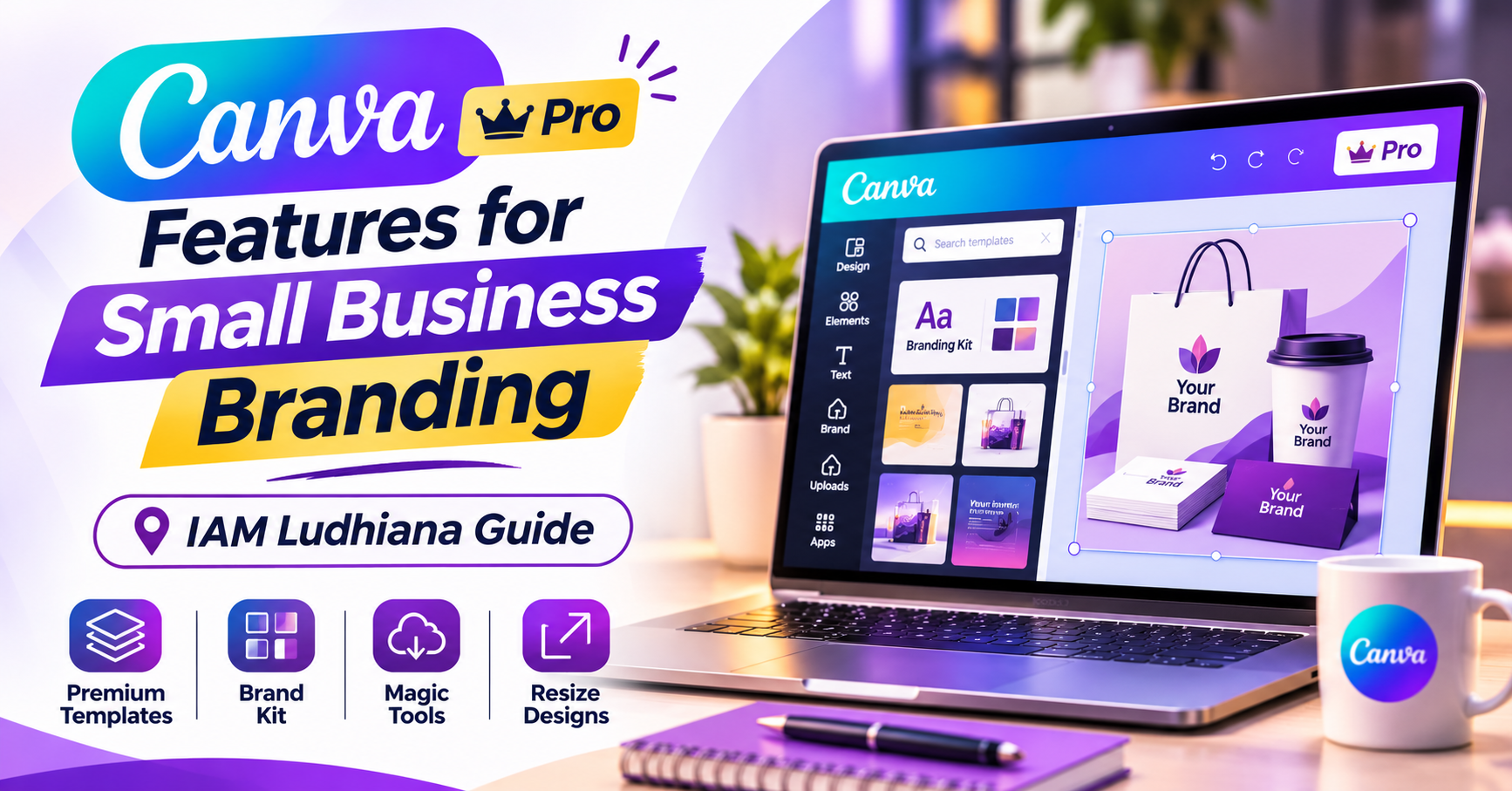
Canva Pro Features for Small Business Branding: IAM Ludhiana Guide
For a small business, branding is much more than having a logo. Every social media post, advertisement, brochure, presentation, business card, and promotional graphic contributes to how customers recognize and remember a brand. However, many small businesses do not have an in-house graphic designer or a large marketing budget.
This is where Canva Pro can be useful. With its range of design, branding, content creation, and productivity features, Canva Pro allows businesses to create consistent visual content without requiring advanced graphic design skills.
For entrepreneurs, students, freelancers, and marketing professionals in Ludhiana, learning how to use Canva effectively can become a valuable digital skill. At IAM Ludhiana, beginners can explore how design tools can support real-world branding and marketing requirements.
What Is Canva Pro?
Canva is a popular online design platform used to create visual content for digital and print applications. Canva Pro is its paid plan, which provides additional features and resources beyond the basic version.
While the free version can be sufficient for simple designs, Pro features can be particularly useful for businesses that regularly create marketing content.
A small business may need dozens of designs every month, including Instagram posts, promotional banners, festival creatives, presentations, flyers, advertisements, and branded documents. Canva Pro can help streamline this process.
Why Branding Matters for Small Businesses
Imagine seeing the same colours, typography, logo placement, and visual style across a company's website, social media page, advertisements, and printed materials.
That consistency helps create brand recognition.
A strong visual identity can help a business look more professional and make its marketing materials easier to identify. Consistent branding can also help customers distinguish one business from competitors.
For small businesses in Ludhiana, this can be particularly useful when promoting local services, products, restaurants, educational institutes, fashion brands, salons, gyms, cafés, startups, and other businesses.
1. Brand Kit for Consistent Branding
One of the most useful Canva Pro features for businesses is the ability to organize important brand assets.
A brand kit can help businesses maintain important elements such as:
Logo
Brand colours
Brand fonts
Visual identity elements
Other reusable brand assets
Instead of searching for the correct logo or trying to remember the exact colour combination every time, businesses can keep important branding resources organized.
This is especially useful when multiple people are creating marketing materials.
For example, if a business uses blue and white as its primary brand colours, maintaining those colours consistently across social media designs can create a recognizable visual identity.
2. Premium Templates
Canva Pro provides access to a larger collection of premium templates and design resources.
Templates can help businesses save time when creating marketing content.
Instead of starting from a completely blank page, a business owner can select a suitable layout and customize the text, images, colours, and branding.
Templates can be useful for:
Social media posts
Instagram stories
Presentations
Flyers
Posters
Advertisements
Business promotions
Event announcements
Product marketing
However, templates should be treated as a starting point rather than a finished design. Businesses should customize them to reflect their own identity.
3. Background Remover
Product photography is an important part of branding for many small businesses.
Canva Pro's background removal functionality can help users isolate a subject from its original background and place it into a new design.
For example, a clothing business could remove the background from a product image and place the product on a branded promotional layout.
Similarly, a restaurant could use food photography in promotional designs without requiring complex image-editing workflows.
This can make product-focused marketing content easier to create.
4. Magic Resize and Design Adaptation
Businesses often need the same marketing campaign in multiple formats.
A promotional graphic created for a social media post may need to be adapted into a story, banner, presentation, or other dimensions.
Canva Pro includes tools that help resize or adapt designs for different formats.
This can save considerable time when running campaigns across multiple platforms.
For example, a business promoting a new product might need:
Square social media creative
Vertical story creative
Promotional banner
Digital advertisement
Presentation graphic
Instead of rebuilding every design from scratch, the business can adapt the original creative and make necessary adjustments.
5. Content Planner
Consistency is important in social media branding.
A business may have great designs but still struggle to maintain a regular publishing schedule.
Canva Pro includes planning and scheduling capabilities that can help users organize social media content.
A small business can prepare a collection of branded posts in advance and organize its content calendar.
For example, a local café could prepare a week's content around:
Monday: New menu
Wednesday: Customer favourite
Friday: Weekend offer
Sunday: Behind-the-scenes content
This makes social media management more organized.
6. Premium Photos, Graphics and Elements
Visual quality matters when creating promotional content.
Canva Pro provides access to additional premium design assets, including images, graphics, illustrations, icons, and other elements.
These resources can help businesses create more visually engaging designs without having to source every element separately.
However, businesses should still select visuals carefully. A design should communicate the brand's message rather than simply contain as many graphics as possible.
7. AI-Powered Design Tools
AI has become an increasingly important part of modern design workflows.
Canva includes AI-powered features that can assist with tasks such as generating design ideas, creating content, transforming existing designs, and working with visual elements.
For small businesses, AI-assisted tools can help reduce the time required for repetitive creative tasks.
For example, a business owner could begin with a simple marketing idea and use Canva's AI capabilities to explore different visual directions before refining the final design.
The important point is that AI should support creativity rather than replace design thinking.
8. Brand Templates
If a business repeatedly creates similar marketing materials, reusable templates can save time.
A business could create templates for:
Daily social media posts
Festival greetings
Product announcements
Customer testimonials
Promotional offers
Event announcements
Once these templates are established, future designs can follow the same visual structure.
This helps maintain consistency even when different team members are creating content.
9. Collaboration for Marketing Teams
Small businesses often have more than one person involved in marketing.
A business owner may work with a social media manager, content writer, sales team, or freelance designer.
Canva's collaboration capabilities allow teams to work around shared design projects and brand assets.
This can make the creative workflow more organized and reduce the need to repeatedly send design files between team members.
For growing businesses, collaborative design workflows can become especially useful when multiple marketing campaigns are running simultaneously.
10. Creating Professional Business Materials
Canva Pro is not limited to social media.
Small businesses can use Canva to create a variety of branding materials, including:
Business presentations
Brochures
Flyers
Posters
Business cards
Certificates
Menus
Product catalogues
Digital advertisements
Company documents
This allows a business to maintain a similar visual identity across multiple communication channels.
Canva Pro and Small Business Marketing
The real value of Canva Pro is not simply the number of templates or design elements available. Its biggest advantage for a small business is the ability to create and manage visual content more efficiently.
A consistent brand requires repetition. The same colours, typography, logo treatment, imagery style, and messaging should appear across different marketing touchpoints.
Canva Pro can make this consistency easier to maintain.
For example, a Ludhiana-based clothing brand can use its brand colours and fonts across product posts, festive promotions, sale announcements, Instagram stories, and printed flyers.
Skills Students Can Learn at IAM Ludhiana
For students interested in graphic design and digital marketing, Canva can be an accessible starting point for understanding visual communication.
At IAM Ludhiana, learners can build practical design knowledge by working on real-world creative concepts and exploring areas such as:
Typography
Colour theory
Layout design
Branding
Social media creatives
Poster design
Advertising design
Visual hierarchy
Digital marketing graphics
Creative content production
These fundamentals can later support learning more advanced professional design software and creative workflows.
Conclusion
Canva Pro can be a valuable tool for small businesses that need to create consistent, professional, and engaging branded content without building a large design team.
Features such as brand management, premium templates, background removal, design resizing, content planning, premium assets, AI-assisted tools, reusable templates, and collaboration can simplify everyday marketing tasks.
However, software alone does not create a strong brand. Understanding design principles, audience expectations, visual hierarchy, colour, typography, and consistent communication is equally important.
For students, entrepreneurs, and aspiring designers in Ludhiana, learning Canva alongside fundamental graphic design skills can provide a practical foundation for modern digital branding.
Whether you are creating your first business poster or managing a complete social media campaign, the right combination of design knowledge and digital tools can help turn simple ideas into professional brand experiences.
- Canva Pro
- Canva Branding
- Small Business Branding
- Canva Design
- Brand Kit
- Business Branding
- Canva course Ludhiana