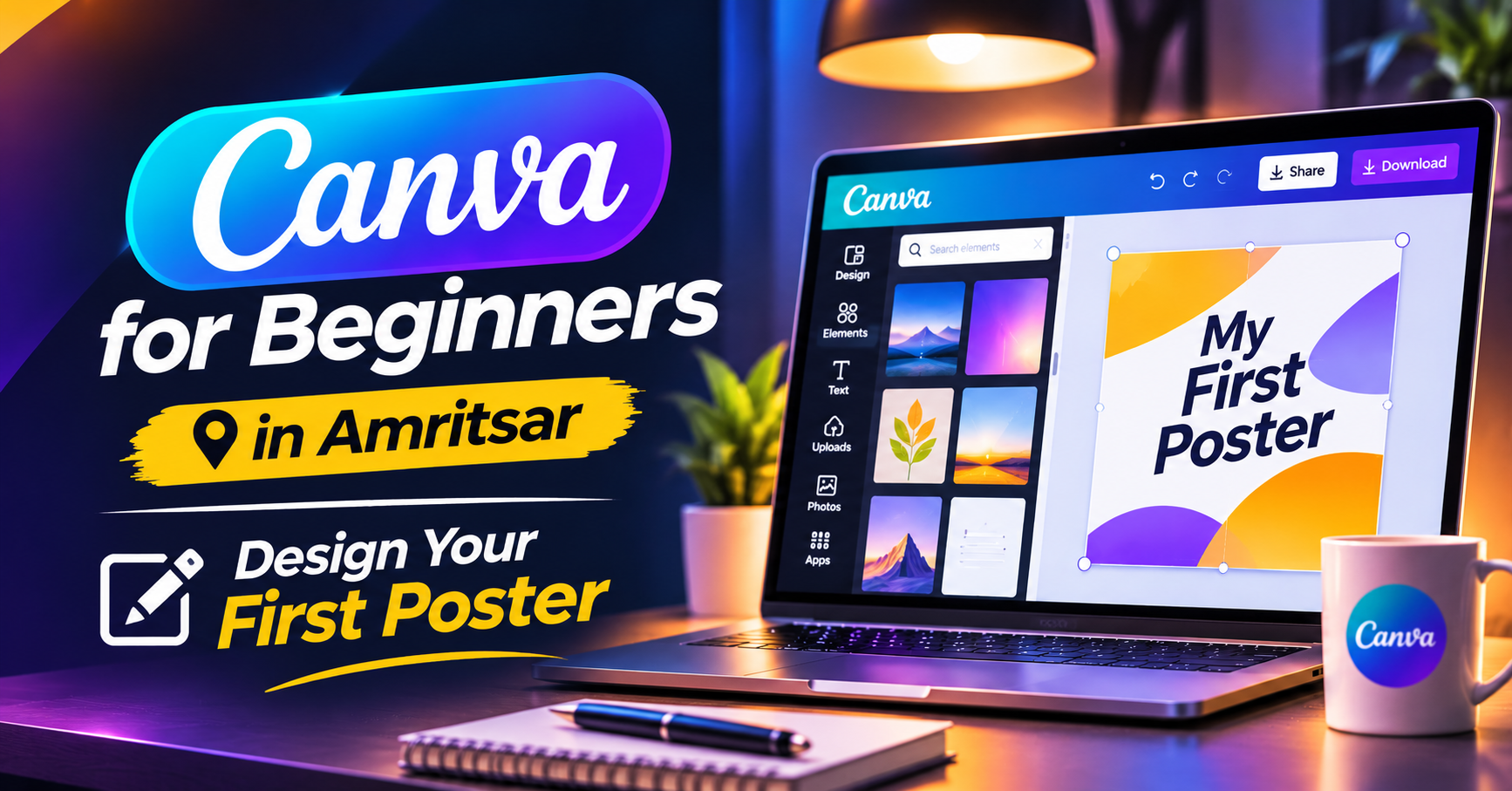
Canva for Beginners in Amritsar: Design Your First Poster
Design, AI & Marketing · Nandini · 27 November 2026
Learn Canva for beginners in Amritsar and discover how to create professional posters from scratch. Explore templates, typography, colours, images, layouts, alignment, and call-to-action elements while building practical graphic design skills for social media, events, and business promotions.
Canva for Beginners in Amritsar: Design Your First Poster
In today’s digital world, visual communication has become an essential skill for students, business owners, content creators, marketers, and professionals. Whether you want to create a social media post, business advertisement, event invitation, presentation, or promotional poster, having basic graphic design knowledge can help you communicate ideas more effectively.
For beginners, Canva is one of the easiest design platforms to start with. Its simple interface, ready-to-use templates, design elements, and editing tools allow beginners to create attractive graphics without needing advanced design experience.
If you are searching for a Canva course in Amritsar, learning how to create your first poster can be an excellent starting point. In this guide, we will explore the basic Canva workflow, from choosing a design size to adding text, images, colours, graphics, and finally exporting your completed poster.
What Is Canva?
Canva is an online graphic design platform that allows users to create different types of visual content. It provides templates, fonts, images, illustrations, icons, shapes, and other design resources that can be combined to create professional-looking designs.
Canva is commonly used for social media graphics, posters, flyers, presentations, resumes, invitations, advertisements, thumbnails, brochures, and other marketing materials.
One of its biggest advantages for beginners is its user-friendly interface. Instead of creating every design element from scratch, users can start with a blank canvas or customize an existing template.
Why Learn Canva in Amritsar?
Amritsar has a growing community of students, entrepreneurs, businesses, freelancers, content creators, and digital professionals. Many of them require visual content for advertising, social media, events, and business communication.
Learning Canva can be useful for people who want to create designs for:
Social media marketing
Local business promotions
College events
Workshops and seminars
Product advertisements
Festivals and celebrations
YouTube thumbnails
Instagram posts
Posters and flyers
Personal branding
A Canva course in Amritsar can help beginners understand basic design principles while gaining practical experience creating real-world graphics.
Step 1: Choose the Right Poster Size
The first step in creating a poster is selecting the correct dimensions.
Canva provides different preset design sizes for different purposes. You can search for “Poster” when starting a new design or enter custom dimensions according to your project requirements.
For example, a digital poster intended for social media may require a different size from a poster designed for printing.
Before starting your design, decide where the poster will be used. Ask yourself:
Is it for social media?
Will it be printed?
Is it for an event?
Is it an advertisement?
Is it for a business promotion?
Choosing the correct size at the beginning can prevent design problems later.
Step 2: Select a Template or Start from Scratch
After choosing the size, Canva gives you the option to work with a template or start with a blank design.
For beginners, templates can be useful because they demonstrate how different design elements can be arranged. You can replace the existing text, images, colours, and graphics with your own content.
However, beginners should avoid simply copying a template without understanding its structure.
Look at the template and identify:
Heading placement
Image position
Colour combination
Font hierarchy
Spacing
Alignment
Call-to-action placement
This helps you gradually understand basic graphic design principles.
Step 3: Add a Strong Poster Headline
The headline is usually the first thing people notice.
A good poster should communicate its main message quickly. Instead of filling the design with too much text, create one clear and noticeable headline.
For example, if you are creating a poster for a photography workshop, your headline could be:
“MASTER THE ART OF PHOTOGRAPHY”
Under the headline, you can add supporting information such as the workshop date, location, timing, and registration details.
Keep the headline larger than the supporting text so that viewers can immediately understand the purpose of the poster.
Step 4: Choose Fonts Carefully
Canva provides many fonts, but using too many fonts can make a design look confusing.
For a beginner poster, two or three font styles are generally enough. You can use one font for the main heading and another for supporting information.
When selecting fonts, consider the personality of your design.
For example:
Bold fonts can create a strong promotional look.
Clean sans-serif fonts can create a modern appearance.
Elegant fonts can work well for invitations.
Playful fonts can suit children's events.
The most important factor is readability. A creative font is not useful if people cannot easily read the message.
Step 5: Add Images and Graphics
Visual elements can make your poster more engaging.
Canva allows you to upload your own images or choose from available design resources. You can also add icons, illustrations, shapes, lines, frames, and other graphical elements.
When selecting images, make sure they support the message of the poster.
For example, a food promotion should focus on appetizing food photography, while an educational poster may use classroom, technology, or student-related visuals.
Avoid adding graphics simply because there is empty space. Every element should have a purpose.
Step 6: Understand Colour Combinations
Colour plays an important role in visual communication.
A poster should have a clear colour palette rather than using many unrelated colours. You can select a primary colour and combine it with one or two supporting colours.
For example, a technology poster may use a modern combination of blue, white, and a contrasting accent colour.
A festival poster may require brighter and more energetic colours.
When choosing colours, always consider contrast. Text should be clearly visible against its background.
Step 7: Use Alignment and Spacing
One of the easiest ways to make a beginner design look more professional is to improve alignment and spacing.
Make sure text boxes, images, icons, and other elements are positioned consistently.
Avoid placing everything too close together. Empty space, also known as negative space, can make a design easier to understand.
Canva provides guides and alignment tools that help users position elements more accurately.
Instead of filling every part of the poster, allow some breathing room between different sections.
Step 8: Add a Clear Call to Action
If your poster is promoting something, tell the viewer what to do next.
A call to action could be:
Register Now
Call Today
Book Your Seat
Join the Workshop
Enquire Now
Visit Us
Shop Now
A clear CTA can turn a simple informational poster into an effective promotional design.
Place the CTA where it can be noticed easily without competing with the main headline.
Step 9: Review Your Poster
Before downloading your design, review everything carefully.
Check the spelling, dates, phone numbers, website details, addresses, and other important information.
Then look at the overall design and ask:
Can someone understand this poster within a few seconds?
Also check whether the text is readable, the colours have enough contrast, and the important information stands out.
Removing unnecessary elements can often improve a design more than adding new ones.
Step 10: Download and Share Your Design
Once your poster is complete, Canva allows you to export it in different formats depending on your requirements.
For digital use, you may choose an appropriate image format. For printing, you should select suitable export settings and ensure the design dimensions and quality are appropriate for the intended output.
After exporting, your poster can be shared on social media, websites, messaging platforms, email, or used for printing.
What Can You Create After Learning Canva?
Once you understand the basics, you can move beyond simple posters.
With regular practice, beginners can create:
Social media posts
Instagram creatives
Business flyers
Event invitations
Presentations
YouTube thumbnails
Promotional banners
Certificates
Brochures
Business cards
Educational graphics
Digital advertisements
These skills can be especially useful for students, entrepreneurs, marketers, and freelancers.
Canva as a Starting Point for Graphic Design
Canva is a great entry point for beginners who want to understand visual design. It can help users learn basic concepts such as typography, colour combinations, layout, hierarchy, alignment, and visual communication.
However, students interested in professional graphic design can eventually expand their skills by learning industry-standard software such as Photoshop, Illustrator, and InDesign.
Combining Canva knowledge with fundamental design principles can give beginners a strong foundation for creating effective visual content.
Conclusion
Creating your first poster in Canva does not require years of design experience. By following a structured process—choosing the right size, selecting a suitable layout, adding a clear headline, choosing readable fonts, using relevant images, balancing colours, maintaining spacing, and adding a strong call to action—you can create an effective poster from scratch.
If you are looking for a Canva course in Amritsar, practical learning can help you move from simply using templates to understanding why a design works. With consistent practice, Canva can become a valuable skill for social media, marketing, business promotion, education, and creative projects.
Start with one simple poster, experiment with layouts and typography, and gradually build your confidence. Your first design does not need to be perfect—it needs to be the beginning of your design journey.
- Canva
- Canva Course
- Canva Design
- Graphic Design
- Poster Design
- Graphic Design Course Amritsar
- Social media design
- Canva for Beginners