
Blender Rigging, Animation and Cycles Rendering in Jalandhar
Animation & Gaming · Nidhi Jalandhar · 24 October 2026
Explore Blender rigging, animation, and Cycles rendering in Jalandhar at IAM. Learn essential 3D techniques for character movement, visual storytelling, and realistic rendering.
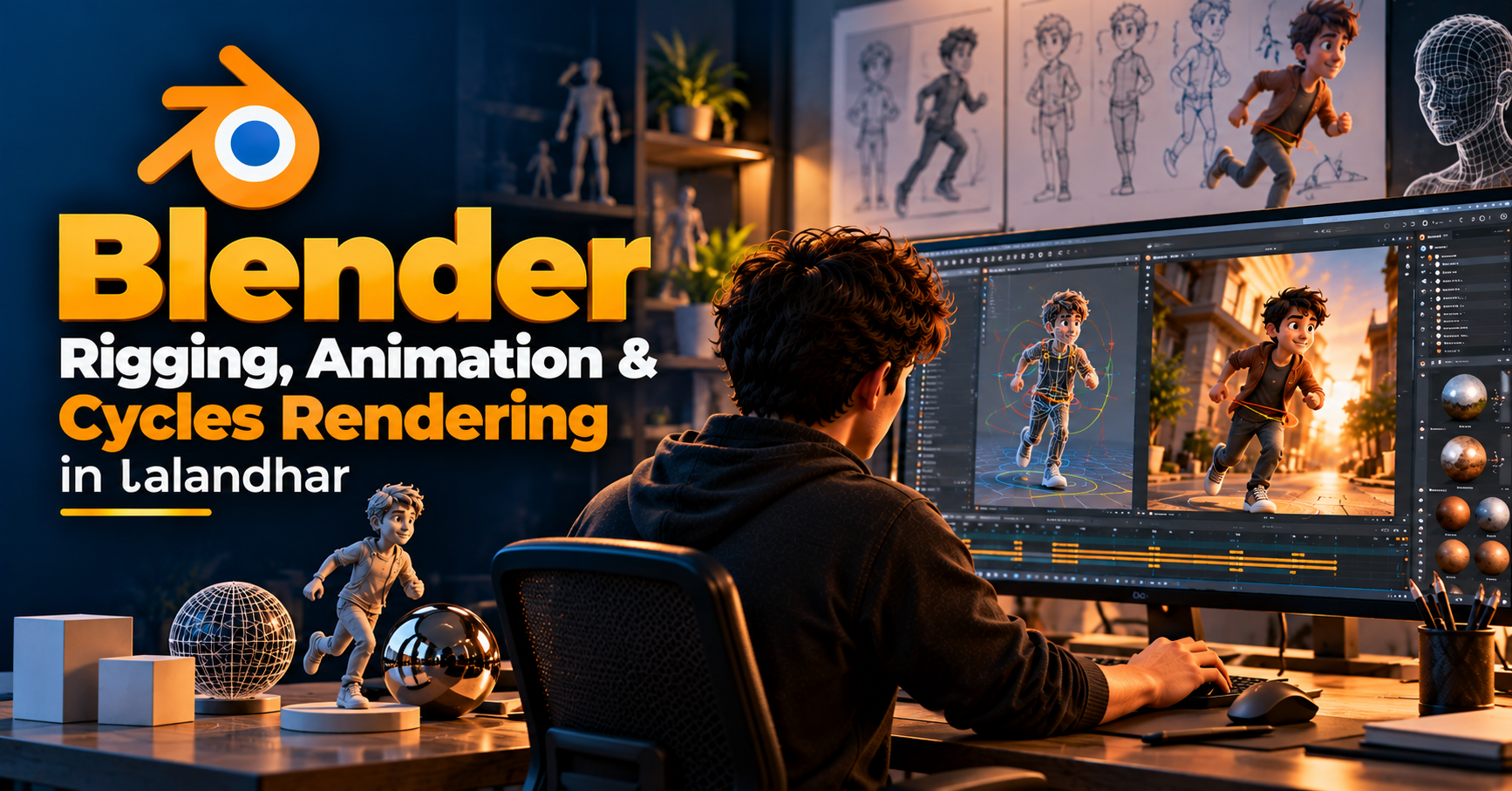
Blender Rigging, Animation and Cycles Rendering: Bringing 3D Creations to Life
3D animation is an exciting field that combines creativity, technology, and visual storytelling. From animated characters and cinematic scenes to product visualizations and digital environments, 3D artists use specialized tools to transform ideas into engaging visual experiences. Blender is one of the widely used 3D creation applications that supports modeling, rigging, animation, rendering, and many other creative processes.
At the Institute of Animation and Multimedia (IAM), Jalandhar, learners interested in 3D animation can explore important Blender techniques such as rigging, animation, and Cycles rendering. These skills help artists understand how 3D objects move, how scenes are brought to life, and how realistic images are produced from digital environments.
Understanding Blender for 3D Animation
Blender is a 3D creation software used for developing models, animated scenes, visual effects, and rendered images. Its wide range of tools allows artists to work through different stages of the 3D production process within one application.
Learning Blender involves understanding more than just its interface. Artists need to develop a foundation in 3D space, object structure, animation principles, materials, lighting, and rendering. These concepts help create visual content that looks appealing and communicates ideas effectively.
What Is Rigging in Blender?
Rigging is the process of creating a control structure for a 3D model so that it can move. In character animation, rigging typically involves building a skeleton, connecting it to the model, and setting up controls that allow the animator to pose and animate the character.
A well-designed rig makes it easier to create natural movements while maintaining the character’s shape and structure. Rigging is also useful for animating mechanical objects, props, and other 3D assets that require controlled movement.
Key Rigging Concepts
Armatures and Bones: Create the skeletal structure used to control a model.
Skinning and Weight Painting: Define how the model’s surface responds to bone movement.
IK and FK Controls: Support different approaches to posing and animating limbs.
Rig Controls: Make character movement easier to manage.
Pose Testing: Helps identify deformation issues and improve the rig.
Understanding these concepts allows learners to prepare 3D models for animation and develop a stronger understanding of character movement.
Exploring Animation in Blender
Animation gives movement and expression to 3D objects. In Blender, artists can animate characters, cameras, objects, and other elements by creating keyframes and adjusting their motion over time.
The animation process involves planning movement, setting poses, refining timing, and reviewing the final sequence. Knowledge of animation principles such as anticipation, spacing, timing, and follow-through can help make movements feel more natural and visually engaging.
Important Blender Animation Techniques
Keyframe Animation: Defines object or character properties at specific points in time.
Character Animation: Creates movement, actions, and expressions for rigged characters.
Object Animation: Adds motion to props, products, and other scene elements.
Camera Animation: Creates dynamic camera movements and visual sequences.
Graph Editor: Helps refine animation timing and motion curves.
Practicing these techniques helps artists understand how to create animation sequences that communicate movement and emotion.
What Is Cycles Rendering in Blender?
Rendering is the process of converting a 3D scene into a final image or animation. Blender’s Cycles is a physically based path-tracing rendering engine that simulates the behavior of light to produce realistic visual results.
Cycles can create detailed lighting, reflections, shadows, and material interactions. It is commonly used for architectural visualization, product rendering, character scenes, and other projects where visual realism is important.
Key Features of Cycles Rendering
Lighting and Shadows: Cycles helps produce realistic light interactions, soft shadows, and atmospheric effects.
Materials and Textures: Surface properties such as roughness, color, and reflectivity influence the final appearance of objects.
Global Illumination: Light can bounce between surfaces, contributing to more natural scene illumination.
Camera Composition: Camera placement and framing help guide the viewer’s attention.
Render Settings: Samples, denoising, resolution, and other settings influence image quality and rendering time.
Learning Cycles rendering helps artists understand how lighting, materials, and scene composition work together to create polished visual outputs.
How Rigging, Animation and Rendering Work Together
Rigging, animation, and rendering are connected stages in a 3D production workflow. Rigging prepares a model for movement, animation creates the motion, and rendering produces the final visual result.
For example, a character animation project may begin with a 3D model. The artist then creates a rig, develops poses and movement, arranges the scene, adds materials and lighting, and renders the animation using Cycles.
Each stage contributes to the final result. A properly rigged character supports smoother animation, while carefully designed lighting and rendering settings help present the animation with greater visual clarity.
Career Opportunities in 3D Animation
Developing Blender skills can support learners who are interested in creative and technical roles within the animation and digital content industries. Career paths may vary depending on an individual’s portfolio, experience, and specialization.
Potential areas include:
3D Animator
Character Rigger
3D Artist
Rendering Artist
Product Visualization Artist
Animation and Visual Effects Artist
3D Generalist
A strong portfolio showcasing modeling, rigging, animation, and rendered projects can help demonstrate practical abilities to studios and clients.
Learn Blender at IAM in Jalandhar
The Institute of Animation and Multimedia (IAM), Jalandhar, provides learning opportunities for students interested in animation and multimedia skills. Exploring Blender rigging, animation, and Cycles rendering can help learners understand essential stages of a 3D production workflow.
Whether you are beginning your journey in 3D animation or looking to strengthen your creative skills, developing practical knowledge of Blender can be a valuable step toward creating engaging digital content.
Interested in learning Blender in Jalandhar? Contact IAM to learn more about course details, curriculum, duration, and admission information.
- Blender Course Jalandhar
- 3D Animation Jalandhar
- Blender Rigging
- Blender Animation
- Cycles Rendering
- Institute of Animation and Multimedia
- IAM Jalandhar
- 3D Rendering Training