
Blender Character Modelling and Sculpting: Ludhiana Learning Path
Design, AI & Marketing · Jaspreet · 25 October 2026
Want to build 3D characters in Blender? This step-by-step Ludhiana learning path covers modelling, anatomy, sculpting, retopology, texturing and rendering, so you can build a job - ready portfolio in about six months, even on a budget.
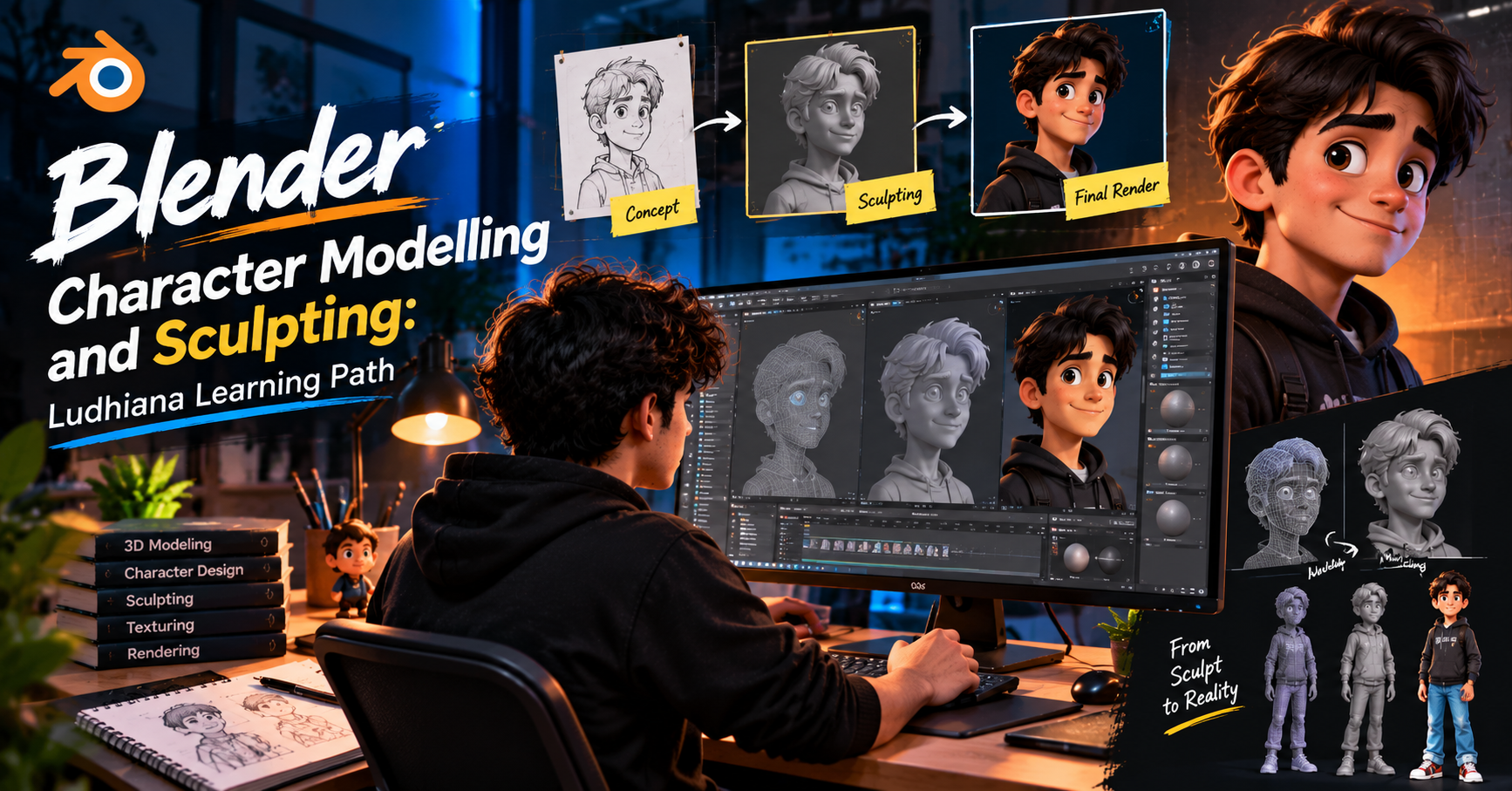
Blender Character Modelling and Sculpting: Ludhiana Learning Path, Step by Step
Every game, animated short and VFX shot starts with a character someone had to build. If you’re in Ludhiana and want to learn that craft, Blender is the best place to start. It’s free, it runs on a mid-range laptop, and it covers modelling, sculpting, texturing, rigging and rendering in one program.
This guide gives you a clear order to learn things in, so you don’t waste months jumping between random tutorials.
Why Blender for character artists?
It costs nothing. You don’t need a paid licence to build a professional portfolio.
It does everything. Sculpt in Sculpt Mode, clean up the mesh with retopology tools, unwrap UVs, paint textures, rig and render, all without leaving the software.
The community is huge. Tutorials, free brushes and add-ons are easy to find.
Studios use it. Blender skills are valued in indie game, animation and freelance work.
Step 1: Learn the interface and basic navigation (Week 1–2)
Don’t start with a character. Start by getting comfortable moving around.
Orbit, pan and zoom without thinking about it
Move, rotate and scale objects (G, R, S)
Understand Object Mode vs Edit Mode vs Sculpt Mode
Learn vertices, edges and faces
Use the viewport shading options and basic shortcuts
Practice task: Model a simple object like a mug or a chair using only basic tools.
Step 2: Master polygon modelling basics (Week 3–5)
Character modelling depends on clean geometry. Learn these tools well:
Extrude, Inset, Bevel, Loop Cut, Knife
The Mirror modifier (you’ll model half a character and let Blender copy the other half)
Subdivision Surface modifier for smooth surfaces
The basics of topology: how edge flow follows the shape of muscles and facial features
Practice task: Model a low-poly head from a simple cube using the Mirror and Subdivision modifiers.
Step 3: Study anatomy and proportion (Week 4–8, alongside modelling)
Software skill doesn’t help if the proportions are wrong. Spend time on:
The proportions of the human body (head-heights, limb lengths)
Major muscle groups and how they overlap
Facial structure: eye sockets, nose, mouth, jaw
Hands and feet, which most beginners find hardest
Use reference images (set up with Blender’s reference image feature) and draw quick studies on paper. Ludhiana has plenty of life drawing opportunities if you simply sketch the people around you, whether family, friends or a crowded market scene.
Step 4: Start digital sculpting (Week 8–12)
Sculpting is where characters get their personality. In Sculpt Mode you shape the model like clay.
Essential brushes to learn:
Draw / Clay Strips for building up forms
Grab for adjusting large shapes
Smooth for cleaning surfaces
Crease for wrinkles and sharp details
Inflate and Pinch for fine control
Key habits:
Work from big to small. Block out the full silhouette before touching details.
Use Dyntopo or Multires to add resolution only where you need it.
Rotate constantly. Check the character from every angle, not just the front.
Use symmetry early, then break it later for a natural look.
Practice task: Sculpt a bust (head and shoulders) from a sphere, following an anatomy reference.
Step 5: Build a full character (Week 12–18)
Now bring everything together.
Concept. Pick or draw a simple character design. Keep your first one realistic or lightly stylised, not overly complicated.
Blockout. Create the whole body in basic shapes to lock in proportion.
Primary forms. Refine the torso, limbs, head, hands and feet.
Secondary details. Add clothing folds, hair shapes, accessories.
Tertiary details. Skin pores, fabric texture and small wrinkles.
Step 6: Retopology and UV unwrapping (Week 18–22)
A high-resolution sculpt is too heavy for games or animation. You’ll create a clean, lighter version:
Retopologise using the Shrinkwrap modifier, snapping tools or the Poly Build tool
Keep loops around the eyes, mouth and joints so the character can deform properly
Unwrap UVs with seams placed in hidden areas
Bake normal maps from the high-res sculpt to the low-poly model
Step 7: Texturing, materials and rendering (Week 22–26)
Learn Blender’s Shader Editor and the Principled BSDF
Paint colour, roughness and detail in Texture Paint mode
Set up simple lighting: a three-point setup is a great start
Render with Eevee for speed or Cycles for realism
Tip: A clean turntable render of your character on a plain background looks far better in a portfolio than a messy screenshot.
Step 8: Basic rigging and posing (Optional, Week 26+)
If you want to animate or pose your character:
Create an armature (skeleton)
Parent the mesh using automatic weights, then fix problem areas
Pose your character to show off personality
Building a portfolio and getting work
Aim for 3–5 strong pieces rather than 20 average ones:
One realistic bust
One stylised full-body character
One game-ready character with textures
A wireframe and turntable showing clean topology
Post your work on ArtStation, Behance and Instagram. Join online Blender communities, share work-in-progress and take feedback seriously. Many Ludhiana learners find their first clients through freelance platforms or by working remotely for studios elsewhere.
Tips for learning in Ludhiana
Check your hardware. A computer with 16 GB RAM and a dedicated graphics card makes sculpting much smoother. 8 GB works for beginners if you keep poly counts low.
Get a graphics tablet. A basic pen tablet improves sculpting control a lot, and budget models are enough to start.
Be consistent. One hour every day beats ten hours once a week.
Find a community. Look for local art groups, college design clubs or classroom-based courses where you can get feedback in person and stay motivated.
Work on real projects. Local businesses, short films and game jams are great chances to apply your skills.
Common beginner mistakes
Sculpting details before the big shapes are right
Skipping anatomy study
Using too many subdivisions too early
Never finishing a project
Comparing your first model to a professional’s tenth
Final thoughts
Character modelling and sculpting take patience, but the path is straightforward: learn the tools, study anatomy, sculpt, retopologise, texture and show your work. Follow these steps, stay consistent, and in about six months you can have a portfolio that opens real doors.
Whether you want to work in games, animation, film or freelance, your journey can start right here in Ludhiana, with Blender and a good plan.
- Blender
- Blender Course in Ludhiana
- 3D Character Modelling
- 3D Sculpting
- Character Design
- Blender for Beginners
- 3D Animation
- Retopology