
Advanced AI Prompting and Workflows for Jalandhar Designers and Editors
Design, AI & Marketing · Nidhi Jalandhar · 21 October 2026
Discover how advanced AI prompting and structured creative workflows can help designers and editors in Jalandhar explore image generation, graphic design, video editing, and multimedia content creation. Learn prompt-writing techniques, practical workflow steps, common mistakes to avoid, and responsi
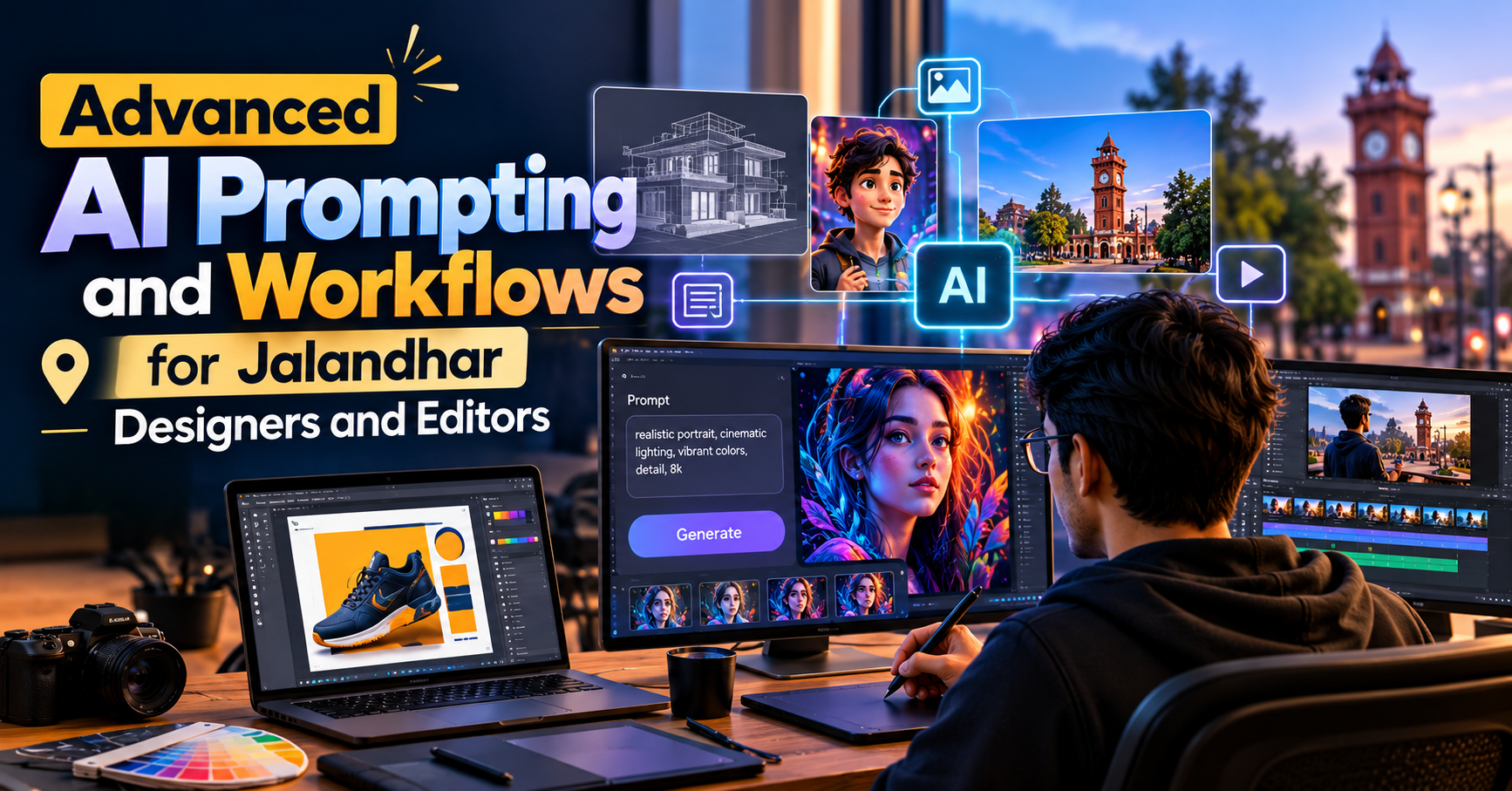
Advanced AI Prompting and Workflows for Jalandhar Designers and Editors
Artificial Intelligence is changing how designers, graphic artists, video editors, and multimedia creators approach their work. From generating visual concepts and exploring creative styles to assisting with video production and editing tasks, AI-powered tools are becoming part of modern creative workflows. For designers and editors in Jalandhar, understanding advanced AI prompting can open new ways to experiment, organise projects, and improve creative efficiency.
However, getting useful results from AI is not simply about entering a few words into a tool. The quality of the output often depends on how clearly the task is described, how the prompt is structured, how references are used, and how the generated content is reviewed and refined.
This guide explains advanced AI prompting techniques and practical workflows that designers and editors can explore to support their creative projects.
What Is Advanced AI Prompting?
AI prompting is the process of giving instructions to an AI system to produce a particular output. Depending on the tool, this could be an image, video concept, written script, design direction, editing plan, or collection of creative ideas.
Basic prompts usually describe a broad request. For example, a designer might ask an AI image generator to create a modern product advertisement. An advanced prompt provides more useful details about the subject, composition, visual style, lighting, colour palette, camera angle, aspect ratio, intended audience, and output requirements.
The goal is to reduce ambiguity and give the AI system a clearer understanding of the desired result.
Advanced prompting also involves testing different instructions, analysing outputs, correcting weaknesses, and refining the prompt through multiple iterations. This process is especially useful when a creative project requires consistency across several images, scenes, social media posts, or video sequences.
Why AI Prompting Matters for Designers and Editors in Jalandhar
Businesses, marketing teams, content creators, and creative professionals need visual content for social media, advertisements, websites, presentations, and promotional videos. Producing these assets can involve brainstorming, planning, designing, editing, reviewing, and making revisions.
AI tools can assist with selected parts of this process. For example, a graphic designer can explore several campaign concepts before developing the final artwork. A video editor can use AI to brainstorm opening hooks, organise a rough script, or create a shot-list draft. A content creator can generate alternative visual directions for a campaign.
For designers and editors in Jalandhar, these skills can be relevant to freelance assignments, agency projects, local business marketing, educational content, and personal portfolios.
AI should be treated as a creative assistant rather than a replacement for professional judgement. Design fundamentals, editing decisions, storytelling, brand understanding, and quality control remain important throughout the process.
1. Learn the Structure of a Strong AI Prompt
An effective prompt gives the AI tool enough information to understand the task. Although the best structure varies by platform, a useful starting point is to include the following elements.
Subject and Objective
Clearly explain what you want to create and why you need it.
Instead of writing “Create a poster,” specify whether the poster is intended for a product launch, educational campaign, event announcement, or social media advertisement.
Visual Style
Describe the desired appearance, such as photorealistic, minimal, editorial, cinematic, 3D-rendered, illustrative, or corporate.
Use visual descriptions that support the intended result rather than adding unrelated style terms.
Composition and Layout
Explain where the main subject should appear, how the visual elements should be arranged, and where text or empty space is required.
For example, a promotional banner may need a clear headline area on the left and the main visual on the right.
Lighting and Colour Palette
Specify lighting conditions, contrast, mood, and preferred colours. This is useful when producing visuals that need to follow a consistent brand identity.
Output Requirements
Include relevant requirements such as aspect ratio, intended platform, background treatment, resolution, or whether the design needs space for later typography.
Remember that mentioning a specific pixel size in a prompt does not guarantee that an image generator will return that exact size. Check and resize the final asset when necessary.
2. Advanced Prompting for Graphic Designers
Graphic designers can use AI tools to explore visual concepts, create reference imagery, develop moodboards, and generate alternative creative directions.
For example, a designer preparing a promotional campaign for a training institute could use AI to explore several visual approaches before building the final layout in a design application.
A practical workflow could include:
Define the campaign objective, target audience, and message.
Create a prompt describing the subject, visual style, composition, and colour palette.
Generate several concept variations.
Compare the variations against the brief and brand guidelines.
Select the strongest direction and refine the prompt.
Export or recreate the chosen concept in the appropriate design software.
Check typography, alignment, contrast, spelling, and brand consistency before publishing.
Example AI Prompt for a Promotional Design
“Create a professional promotional visual for a creative training programme in Jalandhar. Use a modern navy-blue and warm-yellow colour palette, a clean editorial composition, and a detailed 3D creative workstation on the right. Leave clear negative space on the left for a headline and supporting text. Use balanced lighting, realistic materials, crisp visual details, and a professional advertising aesthetic. Avoid clutter, unrelated decorative objects, and unnecessary logos.”
This prompt establishes the location, purpose, colour palette, composition, and visual direction. The designer can then refine the output according to the actual campaign requirements.
3. AI Prompting for Image Generation
Image-generation tools can help creators explore product visuals, backgrounds, campaign concepts, illustrations, and visual references. The results depend on the tool, prompt quality, available controls, and the complexity of the requested scene.
For more controlled results, separate the prompt into clear visual instructions.
For example, a product image prompt can describe the product, camera angle, surface material, background, lighting, shadows, colour palette, and advertising style. A character concept prompt can specify the character's appearance, pose, clothing, environment, and overall art direction.
Designers should also consider what the image generator may struggle with. Exact typography, complex logos, precise packaging details, and repeated characters can require manual correction or additional iterations.
A useful image workflow is to generate the visual concept first, inspect the result, refine the composition, and then finish the asset in a suitable editing or design application.
4. AI Workflows for Video Editors
Video editors can use AI-assisted tools at different stages of production, depending on the features available in their chosen software.
AI may assist with brainstorming, script development, subtitle generation, transcription, rough footage organisation, visual references, and certain repetitive editing tasks. Availability varies by platform, subscription, language, and media format.
A structured workflow can make these tools easier to use.
Step 1: Develop the Video Concept
Start by defining the audience, platform, objective, tone, and expected duration. For example, a short educational reel may require a strong opening hook, a concise explanation, supporting visuals, and a clear call to action.
Step 2: Prepare a Script and Shot List
Use an AI writing assistant to develop a draft script and suggest relevant shots. Review the language, timing, factual accuracy, and suitability for the intended audience before recording or editing.
Step 3: Organise the Footage
Sort clips according to scenes, topics, speakers, or intended use. Where supported, transcription and scene-detection tools may help reduce manual work.
Step 4: Build the Rough Cut
Arrange the footage around the story rather than relying entirely on automated suggestions. Keep the pacing appropriate for the platform and remove unnecessary repetition.
Step 5: Refine the Edit
Review transitions, sound levels, music, captions, colour, timing, and visual continuity. AI-generated suggestions should be checked rather than accepted automatically.
Step 6: Export and Review
Confirm the correct aspect ratio, resolution, frame rate, audio quality, caption accuracy, and platform requirements before publishing.
This approach combines AI assistance with the editor's storytelling and technical judgement.
5. Using AI for Social Media Content Workflows
Social media teams often need to create multiple assets from a single campaign idea. AI can help with brainstorming variations, drafting captions, developing creative directions, and organising content plans.
For example, a single course promotion could be adapted into a static post, a carousel, a short video, and a story. Each format should serve a clear purpose rather than simply repeating the same message.
A practical workflow might be:
Define the campaign message and audience.
Generate several headline and hook options.
Develop a visual direction for each format.
Draft captions and calls to action.
Adapt the creative for the appropriate aspect ratio.
Review brand consistency and platform requirements.
Check the final assets before scheduling or publishing.
For local businesses in Jalandhar, content can also reflect relevant local interests and audience needs. However, location references should be accurate, natural, and genuinely relevant to the campaign.
6. Build Repeatable AI Workflows
A workflow is a repeatable sequence of tasks that takes a project from an initial brief to a finished output. Instead of writing a new prompt from scratch every time, designers and editors can create reusable templates.
A design workflow template might contain:
Project objective
Target audience
Brand colours and visual style
Subject and composition
Output dimensions
Required text areas
Reference assets
Review checklist
An editing workflow template could include the video objective, script, shot list, footage categories, editing requirements, caption style, audio checks, export settings, and final approval steps.
Reusable templates make projects easier to organise and help teams maintain consistency. They should remain flexible enough to accommodate different briefs and creative requirements.
For more complex tasks, workflows can connect multiple tools. For example, a content workflow might use one tool to develop a script, another to generate visual references, a design application to prepare graphics, and a video editor to assemble the final content. Human review should remain part of each important stage.
7. Common AI Prompting Mistakes to Avoid
Even a detailed prompt can produce an unsuitable result. Understanding common problems helps make the process more effective.
Being too vague: A prompt such as “Make it attractive” does not communicate the intended style or layout. Add specific visual requirements.
Adding too many conflicting instructions: Asking for a minimal layout with numerous decorative elements can produce an inconsistent result. Prioritise the most important requirements.
Ignoring the audience: A design for a professional business presentation may need a different style from a youth-focused social media campaign.
Accepting the first output: Initial generations are often starting points. Review the output and refine the prompt when needed.
Trusting AI-generated text without checking it: AI-generated spelling, factual claims, statistics, and small text can be inaccurate. Verify the details before publishing.
Ignoring brand consistency: Check colours, typography, logos, spacing, and tone against the actual brand guidelines.
Using assets without checking permissions: Review the relevant tool's terms, licensing conditions, privacy implications, and any client requirements before using AI-generated or reference material commercially.
8. Responsible and Professional Use of AI
AI-assisted creative work requires more than technical knowledge. Designers and editors should understand the importance of originality, confidentiality, accuracy, and responsible asset use.
Avoid uploading confidential client files, private footage, personal information, or unreleased campaign materials to AI services unless you have appropriate permission and have reviewed the service's data-handling terms.
Check the rights and permitted uses of reference images, music, fonts, logos, and other assets. Do not assume that an AI-generated result is automatically free of copyright, trademark, or other legal concerns.
It is also important to disclose AI assistance when required by a client, employer, platform, or project agreement. A professional workflow includes human review, creative judgement, and accountability for the final output.
9. Skills Designers and Editors Should Develop Alongside AI
AI prompting is most useful when combined with established creative skills. Designers should continue developing layout, typography, colour theory, visual hierarchy, and brand communication. Video editors should strengthen storytelling, pacing, sound design, continuity, and colour correction.
Useful supporting skills include:
Writing clear creative briefs
Evaluating visual references
Understanding composition and lighting
Organising files and project versions
Reviewing generated content critically
Communicating with clients and teams
Using relevant design and editing software
Preparing assets for different platforms
These skills help creators decide when AI is useful, when a result needs refinement, and when a manual approach is more appropriate.
10. Explore Advanced AI Prompting and Workflows in Jalandhar
For designers and editors in Jalandhar, learning how to write effective prompts and organise AI-assisted workflows can be a useful step towards adapting to changing creative practices.
Whether your interests lie in graphic design, social media creatives, image generation, video editing, or multimedia production, begin with a small project. Define the objective, write a structured prompt, review the output, make improvements, and document what works.
Over time, this process can help you build a reusable collection of prompts and workflow templates for different creative tasks.
If you are exploring AI and multimedia learning opportunities in Jalandhar, contact IAM (Institute of Animation and Multimedia) to ask about relevant courses, current modules, practical projects, and training options. Confirm the available programme details directly with the institute before enrolling.
The goal is not simply to generate content faster. It is to use AI thoughtfully, strengthen your creative decision-making, and produce work that meets the needs of your audience.
- Advanced AI Prompting,
- AI Prompting in Jalandhar
- AI Tools for Designers
- AI Tools for Video Editors
- Generative AI for Graphic Design
- AI Image Generation
- AI Video Editing Workflow
- IAM Jalandhar