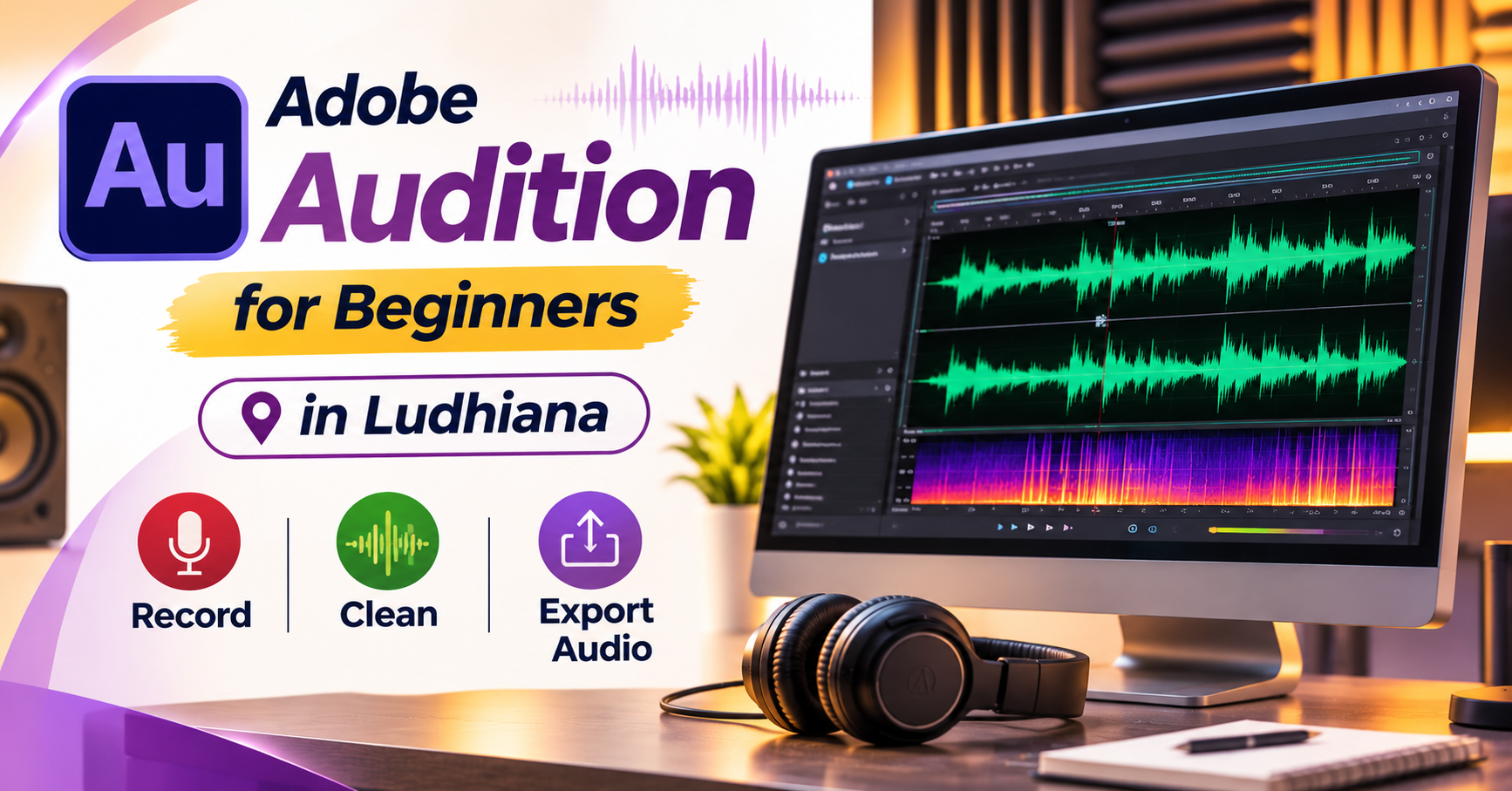
Adobe Audition for Beginners in Ludhiana: Record, Clean and Export Audio
Film & Editing · Nandini · 27 November 2026
Learn Adobe Audition for beginners in Ludhiana and master professional audio recording, editing, noise reduction, voice cleanup, mixing, sound effects, and exporting. Build practical audio skills for podcasts, videos, voiceovers, filmmaking, and creative media projects.
Adobe Audition for Beginners in Ludhiana: Record, Clean and Export Audio
In today’s digital world, high-quality audio is just as important as professional visuals. Whether you are creating YouTube videos, podcasts, advertisements, films, social media reels, voiceovers, or music projects, clean and clear audio can make a major difference. Adobe Audition is one of the most popular professional audio editing and post-production software used for recording, editing, cleaning, mixing, and exporting audio.
For beginners looking to build practical audio-editing skills, learning Adobe Audition can be a valuable step toward a career in video production, filmmaking, podcasting, content creation, and multimedia. If you are searching for an Adobe Audition course in Ludhiana, understanding the basic workflow of recording, cleaning, editing, and exporting audio can help you get started with confidence.
What Is Adobe Audition?
Adobe Audition is a professional digital audio workstation designed for recording, editing, mixing, restoration, and audio post-production. It provides tools for both beginners and experienced audio professionals.
The software can be used to record voiceovers, remove unwanted background noise, repair damaged audio, adjust volume, add effects, edit dialogue, create sound mixes, and prepare audio for videos and other digital platforms.
For students entering the creative industry, Adobe Audition can also complement software such as Premiere Pro, After Effects, Photoshop, and other multimedia tools.
Why Learn Adobe Audition in Ludhiana?
Ludhiana has a growing creative and digital-media ecosystem, with students, freelancers, businesses, creators, and production teams increasingly using video and audio content for communication and marketing.
Learning Adobe Audition can be useful if you want to work as a:
Audio Editor
Sound Editor
Video Editor
Podcast Editor
Voiceover Editor
Content Creator
Post-Production Artist
Multimedia Designer
YouTube Video Editor
Freelance Audio Specialist
An Adobe Audition course in Ludhiana can provide beginners with practical knowledge of audio recording and post-production rather than limiting learning to theoretical concepts.
Getting Started with Audio Recording
The first step in Adobe Audition is learning how to record clean audio.
Before recording, select a suitable microphone and make sure it is properly connected to your computer. Adobe Audition allows you to choose the appropriate input device and monitor the incoming audio signal.
For beginners, it is important to understand recording levels. If the input signal is too low, the recording may sound weak and require excessive amplification later. If the level is too high, the audio can become distorted or clipped.
A quiet recording environment is equally important. Even the best editing software cannot completely replace the benefits of a good recording setup.
Before starting your final recording, record a short test. Listen to it through headphones and check for background noise, distortion, microphone problems, or unwanted sounds.
Understanding Waveform Editing
After recording, Adobe Audition displays the audio as a waveform. This visual representation makes it easier to identify speech, pauses, unwanted sounds, and sections that need editing.
Beginners can use waveform editing to:
Cut unwanted sections
Remove long pauses
Rearrange audio
Trim the beginning and ending
Delete mistakes
Adjust audio levels
Create clean transitions
For example, if you are editing a voiceover and the speaker makes a mistake, you can select the unwanted portion and remove it without having to record the entire voiceover again.
This makes Adobe Audition especially useful for content creators and video editors.
Cleaning Background Noise
One of the most useful Adobe Audition skills for beginners is audio cleanup.
Recordings can contain unwanted sounds such as fans, air conditioners, computer noise, traffic, room ambience, or electrical hum. Adobe Audition includes several tools that can help reduce these problems.
The Noise Reduction process can be used to reduce consistent background noise. A useful workflow is to identify a portion containing only the unwanted noise and use it as a reference before applying noise reduction to the required audio.
However, beginners should avoid excessive noise reduction. Applying too much processing can make a voice sound unnatural or create metallic or robotic artifacts.
The goal should be cleaner audio, not artificial audio.
Removing Hiss, Hum and Unwanted Sounds
Different recordings can contain different types of audio problems.
A constant low-frequency hum may come from electrical equipment or recording hardware. High-frequency hiss can occur because of microphones, recording environments, or equipment settings.
Adobe Audition provides audio restoration and filtering tools that can help address these issues.
Learning to identify the type of audio problem before applying an effect is an important professional skill. Instead of randomly applying filters, beginners should listen carefully and determine what needs to be corrected.
Improving Voice Quality
After removing unwanted noise, you can improve the overall voice quality using tools such as equalization, compression, and volume adjustment.
Equalization (EQ) allows you to control different frequency ranges. It can help make dialogue clearer and reduce unwanted low-frequency sounds.
Compression helps control the difference between louder and quieter portions of a recording. This can make dialogue sound more consistent when used correctly.
Beginners should apply these effects carefully. Professional audio is not necessarily the loudest audio—it is audio that is clear, balanced, and comfortable to listen to.
Working with Multitrack Sessions
Adobe Audition offers both Waveform and Multitrack workflows.
The Waveform Editor is useful when you need to make direct changes to an audio file. Multitrack sessions are useful when working with multiple audio elements.
For example, a video project might contain:
Voiceover
Background music
Sound effects
Ambient sound
Dialogue
Intro and outro music
Using separate tracks makes it easier to control each element independently.
You can adjust volume, add effects, move clips, create transitions, and balance different sounds to create a professional audio mix.
Adding Music and Sound Effects
Audio editing is not only about removing noise. Creative sound design can also improve the quality of a project.
For a short promotional video, you might combine a voiceover with background music and sound effects. For a film project, you may need dialogue, environmental sounds, footsteps, transitions, and atmospheric effects.
The important skill is balance.
Background music should not overpower dialogue, while sound effects should support the scene rather than distract from it.
Exporting Your Final Audio
Once editing and mixing are complete, the final step is exporting the audio.
Adobe Audition provides different export options depending on the final purpose. Your settings may vary depending on whether the audio is intended for a video project, podcast, social media, website, or another platform.
Before exporting, always listen to the complete project from beginning to end. Check for:
Sudden volume changes
Unwanted background sounds
Clipping
Missing audio
Incorrect cuts
Excessive effects
Music overpowering dialogue
After checking the final mix, select the appropriate export format and settings for your project.
Practical Projects for Adobe Audition Beginners
The best way to learn Adobe Audition is through practical projects.
Beginners can start with simple exercises such as recording and cleaning a one-minute voiceover. The next project could involve editing a podcast introduction, removing background noise from dialogue, or creating a short advertisement with voiceover, music, and sound effects.
More advanced projects can include film dialogue cleanup, YouTube audio production, podcast editing, and complete audio post-production for short videos.
Practical assignments help students understand how different tools work together in real production situations.
Career Opportunities After Learning Adobe Audition
Audio skills can complement several creative careers. Video editors, filmmakers, YouTubers, advertising professionals, podcasters, social media creators, and multimedia designers all benefit from understanding audio post-production.
Learning Adobe Audition alongside video editing, filmmaking, animation, VFX, or digital content creation can give students a broader understanding of the creative production process.
For freelancers, audio editing can also become an additional service that can be offered to clients who need podcast editing, voiceover cleanup, promotional videos, or social media content.
Conclusion
Adobe Audition provides beginners with a powerful set of tools for recording, editing, cleaning, mixing, and exporting professional audio. From removing background noise to improving dialogue and creating multitrack mixes, the software can become an important part of a creative professional’s workflow.
If you are looking for an Adobe Audition course in Ludhiana, focus on learning through practical projects rather than simply memorizing tools. Start with recording, understand waveform editing, learn basic noise reduction, practice EQ and compression, explore multitrack sessions, and finish by learning how to export audio correctly.
With consistent practice, Adobe Audition can help you develop valuable audio-production skills that complement video editing, filmmaking, animation, VFX, and other creative careers.
- Adobe Audition
- Audio Editing
- Audio Recording
- Sound Editing
- Audio Production
- Voiceover Editing
- Podcast Editing
- Audio Post Production