
9 Free AI Tools Ludhiana Students Can Use for Design and Video
Design, AI & Marketing · Nandini · 21 October 2026
Discover 9 free AI tools that Ludhiana students can use for graphic design, video editing, AI image generation, and voiceovers. Explore beginner-friendly tools to boost creativity, create engaging content, build your portfolio, and develop future-ready digital skills.
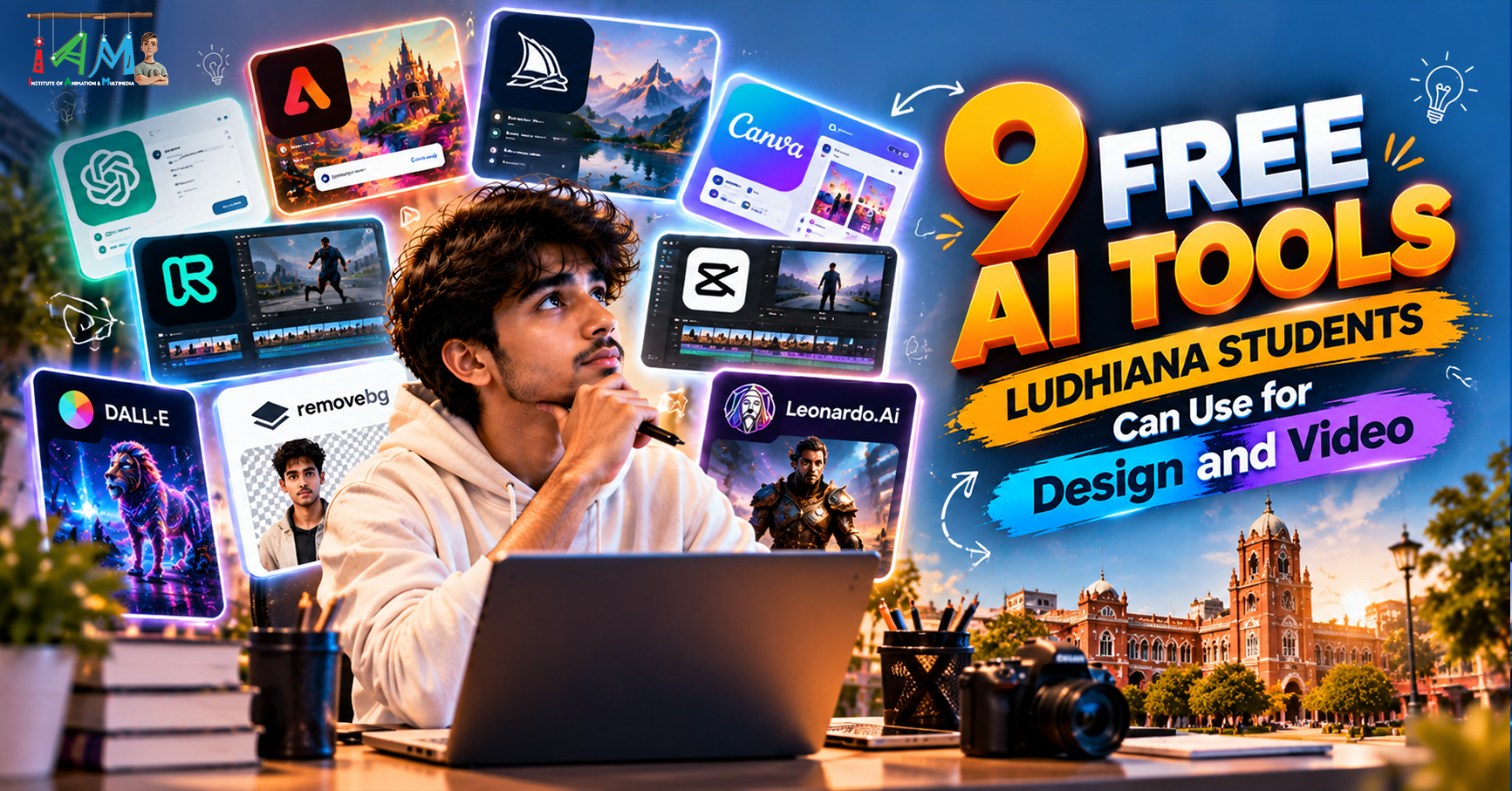
9 Free AI Tools Ludhiana Students Can Use for Design and Video
Artificial Intelligence is changing the way students learn, design, and create videos. From generating creative images to editing professional-looking videos, AI tools are making digital creativity more accessible than ever.
For students in Ludhiana who want to explore graphic designing, video editing, animation, or digital marketing, learning to use AI tools can be a great starting point. Many platforms offer free plans or free features that allow beginners to experiment, build projects, and develop practical skills without investing in expensive software immediately.
Whether you are a school student, college learner, aspiring designer, or content creator, here are nine free AI tools you can start using to improve your creative skills.
1. ChatGPT – For Creative Ideas and Design Concepts
ChatGPT can help students brainstorm design concepts, write video scripts, generate captions, develop storyboards, and create detailed prompts for AI image generators.
For example, if you are creating a poster for a college event, you can ask ChatGPT for headline ideas, colour combinations, layout suggestions, and catchy promotional text.
Best for:
Generating creative concepts and campaign ideas
Writing video scripts and voice-over content
Developing AI image-generation prompts
Creating social media captions and content plans
Free access: ChatGPT offers a free plan with usage limits.
2. Canva – For Quick Graphic Designing
Canva is a beginner-friendly design platform with AI-powered features that help users create posters, presentations, social media graphics, and promotional materials.
Students can use its templates and available free AI features to experiment with different layouts and visual styles. It is particularly useful for college projects, event posters, portfolios, and social media content.
Best for:
Instagram posts and promotional banners
College presentations and project designs
Posters, flyers, and thumbnails
Exploring AI-assisted design workflows
Free access: Canva offers a free plan, while some AI features and premium assets require payment.
3. Adobe Firefly – For AI Image Generation
Adobe Firefly helps users generate and transform visual content using text prompts and other AI-powered features. Students can explore creative concepts by describing the image they want to produce.
For example, you could generate a futuristic cityscape, a product-advertising concept, or a fantasy environment for a design project.
Best for:
Generating visual concepts
Exploring creative advertising ideas
Producing reference images for design projects
Experimenting with generative image editing
Free access: Adobe offers limited free access to selected Firefly features, subject to current usage limits.
4. Microsoft Designer – For AI-Assisted Visuals
Microsoft Designer helps users create visual content using AI-assisted design features. It can be useful when you need ideas for social media posts, invitations, promotional graphics, or other digital designs.
Students can experiment with different visual concepts and learn how text, imagery, and layouts work together.
Best for:
Social media graphics
Digital invitations and posters
Quick creative concepts
AI-assisted visual composition
Free access: Free access and feature availability depend on the current Microsoft offering and account eligibility.
5. CapCut – For AI-Powered Video Editing
CapCut is a popular video-editing platform for short-form content. Depending on the device, region, and current plan, its available features may include automatic captions, background removal, templates, and AI-assisted editing tools.
Students interested in Instagram Reels, YouTube Shorts, or promotional videos can use it to practise editing and storytelling.
Best for:
Short-form social media videos
Automatic captions and subtitles
Reels and YouTube Shorts
Basic editing, transitions, and effects
Free access: Many editing features are available free, but some AI tools and premium effects may require payment. Availability can vary by region.
6. Runway – For AI Video Creation
Runway offers AI-powered tools for generating and transforming video content. It can help students experiment with text-to-video, image-to-video, and other creative video workflows, depending on the features available in their account.
For example, a student can explore how a still image might be transformed into a moving cinematic scene.
Best for:
AI-generated video experiments
Turning images into animated clips
Visual storytelling concepts
Exploring creative video-production techniques
Free access: Runway may offer limited free usage, with additional credits and features available through paid plans.
7. Kling AI – For Image-to-Video Experiments
Kling AI is an AI video-generation platform that can help users create motion from images and text prompts. It is useful for exploring cinematic scenes, animated visuals, and creative concepts.
Students can experiment with camera movement, character actions, and scene descriptions to understand how AI interprets visual instructions.
Best for:
Image-to-video generation
Short cinematic clips
Creative scene visualisation
Exploring AI-assisted storytelling
Free access: Free credits or usage may be available depending on the current plan and regional availability.
8. ElevenLabs – For AI Voiceovers
ElevenLabs provides AI-powered text-to-speech and voice-generation tools. Students can use available features to experiment with narration for presentations, explainer videos, short films, and promotional content.
A clear voice-over can improve the quality of a video even when the visuals are simple.
Best for:
Video narration
Explainer videos
Voice-over experiments
Audio for creative presentations
Free access: A limited free plan may be available, subject to current usage limits and terms.
9. Adobe Express – For Quick Creative Content
Adobe Express combines accessible design tools with selected AI-powered features. It can help students create social media content, posters, presentations, and short promotional videos without needing an advanced design background.
It is a useful option for students who want to create polished visual content while learning basic principles of design and communication.
Best for:
Social media graphics
Promotional videos
Posters and digital flyers
Quick content creation
Free access: Adobe Express offers a free plan, although some premium assets and AI features may require a subscription or credits.
How Can Students in Ludhiana Use These AI Tools to Build Creative Skills?
Having access to AI tools is only the first step. To become a skilled designer or video editor, students need to understand how to use these tools effectively.
Here are five practical ways to get started:
Create a design project: Make a poster for a college event using Canva or Adobe Express.
Experiment with AI images: Generate visual concepts using Adobe Firefly and refine your prompts.
Edit a short video: Use CapCut to practise trimming, captions, transitions, and storytelling.
Create a narrated video: Write a script with ChatGPT and experiment with an AI voice-over.
Build a portfolio: Save your best designs, videos, and creative projects to showcase your progress.
Try to create original work rather than relying entirely on AI-generated output. Understanding typography, colour theory, composition, pacing, sound, and visual storytelling will help you produce better results.
Are Free AI Tools Enough to Learn Graphic Design and Video Editing?
Free AI tools are excellent for exploring creative ideas and learning the basics. However, professional design and video-editing careers require more than knowing which buttons to click.
A graphic designer should understand typography, layout, colour theory, branding, and tools such as Photoshop and Illustrator. A video editor should learn editing techniques, timeline management, colour correction, sound design, and professional software such as Adobe Premiere Pro and After Effects.
AI can speed up parts of the creative process, but human creativity, technical knowledge, and practical experience remain essential.
Learn Graphic Designing and Video Editing in Ludhiana
If you are a student in Ludhiana who wants to turn creative interests into career opportunities, consider combining AI tools with structured learning and hands-on practice.
A practical graphic design course can help you understand design fundamentals and professional software. Similarly, video-editing training can teach you how to transform raw footage into engaging, polished content.
Focus on building real projects, developing a portfolio, and learning how to use AI responsibly as part of your creative workflow.
Final Thoughts
The nine AI tools covered in this blog—ChatGPT, Canva, Adobe Firefly, Microsoft Designer, CapCut, Runway, Kling AI, ElevenLabs, and Adobe Express—give students different ways to explore graphic design and video creation.
Start with the free features, practise consistently, and experiment with your own ideas. As your skills grow, combine AI assistance with professional software and creative problem-solving to prepare for opportunities in graphic design, video editing, animation, and digital content creation.
Remember: AI tools can help you create faster, but your creativity and skills are what make your work stand out.
- AI Tools
- Graphic Designing
- Video Editing
- Artificial Intelligence
- Free AI Tools
- Digital Creativity
- AI Image Generation
- Students in Ludhiana