
3ds Max Lighting, Materials and Walkthrough Animation in Jalandhar
Animation & Gaming · Nidhi Jalandhar · 24 October 2026
Discover how 3ds Max lighting, materials, and walkthrough animation help create realistic architectural and interior visualizations. Explore lighting setups, surface properties, camera movement, and rendering workflows in this guide for learners interested in 3D visualization in Jalandhar.
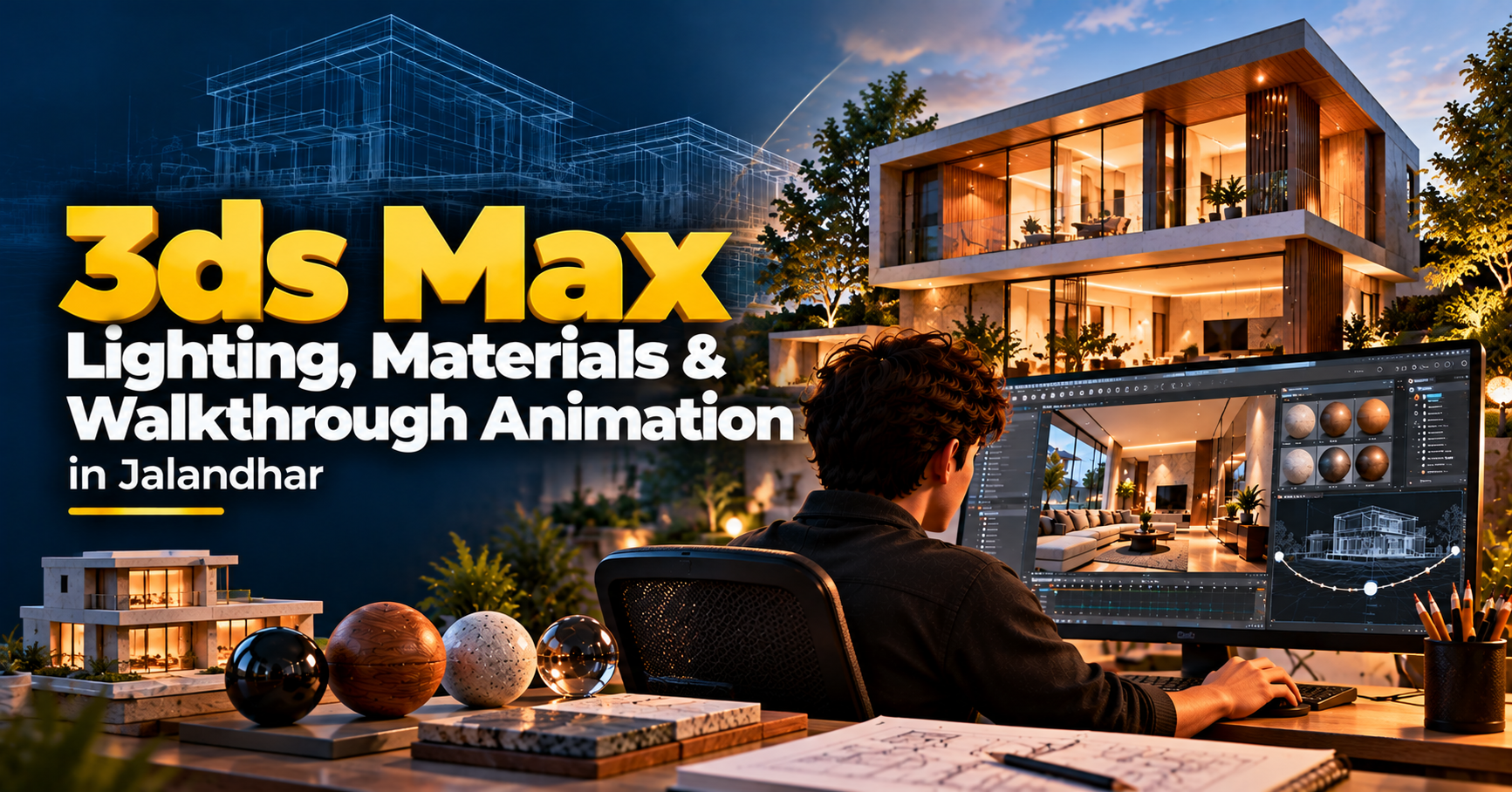
Bring 3D Spaces to Life with Lighting, Materials and Walkthrough Animation
A well-designed 3D space is more than a collection of walls, furniture, and architectural elements. The way light enters a room, the texture of a surface, the reflection on a glass panel, and the movement of a camera through an environment can transform a basic model into a compelling visual experience.
In architectural visualization and interior design, 3ds Max lighting, materials, and walkthrough animation play an important role in presenting design concepts. These techniques help designers communicate how a space may look, feel, and function before construction or installation begins.
For learners and creative professionals exploring 3D visualization in Jalandhar, understanding these workflows can be a valuable step toward developing realistic architectural presentations.
What Is 3ds Max Used for in Architectural Visualization?
3ds Max is a 3D modeling, rendering, and animation application used across architectural visualization, interior design, product visualization, and entertainment.
In architectural and interior projects, it can be used to create digital representations of spaces, apply materials, set up lighting, position cameras, and produce still images or animated walkthroughs.
A visualization project may include:
Interior and exterior 3D scenes
Furniture and architectural models
Realistic surface materials
Natural and artificial lighting
Camera composition
Still-image rendering
Walkthrough animation
These elements work together to help communicate a design visually.
3ds Max Lighting: Creating Mood, Depth and Realism
Lighting can dramatically change the appearance of a 3D scene. A room with soft daylight may feel calm and spacious, while a scene with warm artificial lighting may appear inviting and comfortable.
In 3D visualization, lighting is used to reveal forms, establish atmosphere, create shadows, and guide the viewer’s attention.
Natural Lighting
Natural lighting represents sunlight and daylight entering a space through windows, doors, skylights, and other openings.
Lighting workflows may involve:
Understanding light direction
Creating daylight conditions
Adjusting light intensity
Managing shadows
Exploring different times of day
Balancing interior and exterior exposure
For example, a living room visualization may use morning daylight to create a soft and welcoming atmosphere, while an evening scene may focus on warm interior illumination.
Artificial Lighting
Artificial lighting helps represent the lights used within an interior or exterior environment.
Common lighting elements include:
Ceiling lights
Recessed lights
Pendant lights
Wall lights
Table lamps
Decorative lighting
Exterior landscape lights
Understanding how different light sources interact with materials can help create more convincing scenes.
Light, Shadow and Composition
Shadows help communicate depth and the relationship between objects. Lighting also influences the visual hierarchy of a scene by making certain areas more prominent.
A lighting setup may consider:
Shadow softness
Light placement
Contrast
Reflections
Exposure
Visual balance
The objective is not simply to make a scene bright. It is to create lighting that supports the design and communicates its intended mood.
3ds Max Materials: Adding Detail to Every Surface
Materials define how surfaces appear in a 3D scene. They influence colour, reflectivity, roughness, transparency, and other visual properties.
A material can help a surface appear like polished marble, natural wood, brushed metal, glass, fabric, or concrete.
In architectural visualization, materials are important because they help viewers understand the intended finishes of a space.
Understanding Material Properties
A material’s appearance depends on several properties, including:
Colour: The base visual colour of a surface.
Roughness: Influences whether a surface appears smooth or rough and how reflections are spread.
Reflectivity: Controls how strongly a surface reflects its surroundings.
Transparency: Helps represent materials such as glass and other translucent surfaces.
Texture: Adds surface detail, such as wood grain, stone patterns, fabric weave, or concrete variation.
Learning how these properties interact can help produce more convincing visual results.
Applying Materials to Interior and Exterior Scenes
Different spaces require different material choices. A modern interior may feature glass, metal, wood, and stone, while an exterior architectural scene may include concrete, brick, landscape elements, and façade finishes.
Material workflows may include:
Assigning materials to objects
Adjusting material properties
Using texture maps
Managing texture scale
Creating surface variation
Reviewing materials under different lighting conditions
Correct texture scale and appropriate material settings can make a significant difference to the final visualization.
Why Material and Lighting Work Together
Materials and lighting are closely connected. A glossy surface may reflect nearby lights, while a rough surface may scatter light more broadly.
A material that looks convincing under one lighting setup may appear different under another. For this reason, materials are often refined alongside lighting rather than treated as separate steps.
This relationship is especially important when creating realistic interiors, product visualizations, and architectural presentations.
What Is Walkthrough Animation in 3ds Max?
A walkthrough animation is a moving visual presentation of a 3D environment. It allows viewers to experience a space from a camera’s perspective as it moves through the scene.
Instead of viewing a single rendered image, the audience can follow a planned route through an interior or exterior environment.
Walkthrough animation is commonly used for:
Residential interiors
Commercial spaces
Offices
Hotels
Retail environments
Architectural projects
Property presentations
A walkthrough can help communicate spatial relationships, room layouts, circulation, and design details.
How to Create a 3D Walkthrough Animation
A walkthrough animation typically involves several connected stages.
1. Prepare the 3D Environment
The first step is to organize the model and ensure that the space is ready for visualization.
This may involve checking:
Model geometry
Object placement
Scene organization
Furniture and architectural elements
Materials and textures
Camera access through the environment
A clean and organized scene can make the later stages easier to manage.
2. Plan the Camera Path
The camera path determines how viewers move through the space.
A well-planned walkthrough should guide the audience naturally, helping them understand the layout without unnecessary movement.
Camera planning may consider:
Starting and ending positions
Camera height
Movement speed
Turning points
Room transitions
Areas of visual interest
For example, an interior walkthrough may begin at the entrance, move through the living area, and continue toward the kitchen or bedrooms.
3. Animate the Camera
In 3ds Max, camera movement can be created using animation controls and keyframes. The camera’s position and orientation can be adjusted over time to produce a planned sequence.
Important considerations include:
Smooth movement
Consistent speed
Appropriate camera height
Controlled turns
Avoiding abrupt transitions
Maintaining a comfortable viewing experience
A smooth walkthrough can make the space easier to understand and more visually engaging.
4. Set Up Lighting and Materials
Before rendering the animation, the scene’s lighting and materials need to be reviewed.
This stage may involve checking how the environment looks from different camera positions, adjusting exposure, refining reflections, and ensuring that important design details remain visible.
5. Render and Review the Animation
Rendering generates the final frames of the animation. These frames are combined into a video sequence.
The final review may include:
Checking camera movement
Reviewing lighting consistency
Inspecting materials
Checking for visual errors
Confirming output settings
Reviewing the completed sequence
Rendering an animation can require significant computing resources, depending on scene complexity, image quality, and frame count.
Why Lighting, Materials and Walkthrough Animation Matter
Lighting, materials, and walkthrough animation work together to transform a basic 3D model into a realistic and engaging visual presentation. Each element contributes to how a space looks, feels, and is experienced by the viewer.
Lighting adds depth, highlights important details, and creates the atmosphere of a scene. The direction, intensity, and colour of light can make an interior feel warm, spacious, dramatic, or calm.
Materials define the appearance of surfaces. Whether it is polished marble, natural wood, glass, metal, or fabric, carefully applied materials help communicate the design’s finishes and textures.
Camera composition determines how the viewer sees the space. Camera angles, framing, and perspective can highlight architectural features and guide attention toward important design elements.
Walkthrough animation allows viewers to experience a 3D environment through a moving camera. It helps communicate room layouts, spatial relationships, and the flow between different areas.
Rendering brings these elements together by generating the final images or animation frames. It combines the scene’s models, materials, lighting, and camera settings into a finished visual output.
When these techniques are used effectively, they help designers present architectural and interior concepts with greater clarity, realism, and visual impact.
Who Can Benefit from Learning These 3ds Max Techniques?
Lighting, materials, and walkthrough animation can be useful for learners and professionals interested in:
Interior design
Architecture
Architectural visualization
3D modeling
Interior rendering
Real estate presentations
Product visualization
Digital design
Students who already understand basic 3D modeling may find these topics especially useful when developing more detailed visual presentations.
Explore 3ds Max Training in Jalandhar at IAM
Learning 3ds Max visualization techniques can help you understand how digital spaces are transformed into polished visual presentations. Lighting, materials, and camera animation each contribute to the final result.
At IAM – Institute of Animation and Multimedia, Jalandhar, learners can enquire about 3D visualization and related training options.
Before enrolling, ask about the current syllabus, software and rendering tools covered, practical projects, course duration, fees, and batch timings.
Create More Immersive 3D Visual Experiences
A realistic 3D visualization is created through the thoughtful combination of modeling, lighting, materials, camera movement, and rendering.
Lighting establishes the atmosphere. Materials communicate the surfaces. Walkthrough animation gives viewers a way to experience the space.
Explore the possibilities of 3ds Max Lighting, Materials and Walkthrough Animation in Jalandhar and discover how architectural and interior concepts can be presented through compelling 3D visuals.
Contact IAM to learn more about related courses, training details, and admission information.
- 3ds Max
- 3ds Max Lighting
- 3ds Max Materials
- Walkthrough Animation
- 3D Visualization
- Architectural Visualization
- Interior Rendering
- IAM Jalandhar