2D Animation for Beginners in Ludhiana: Frames, Timing and Tools
Animation & Gaming · Nandini · 27 November 2026
Learn 2D animation in Ludhiana and understand the fundamentals of frames, timing, spacing, keyframes, key poses, squash and stretch, onion skinning, and animation tools. This beginner-friendly guide explains how these concepts work together to create smooth, expressive digital animations.
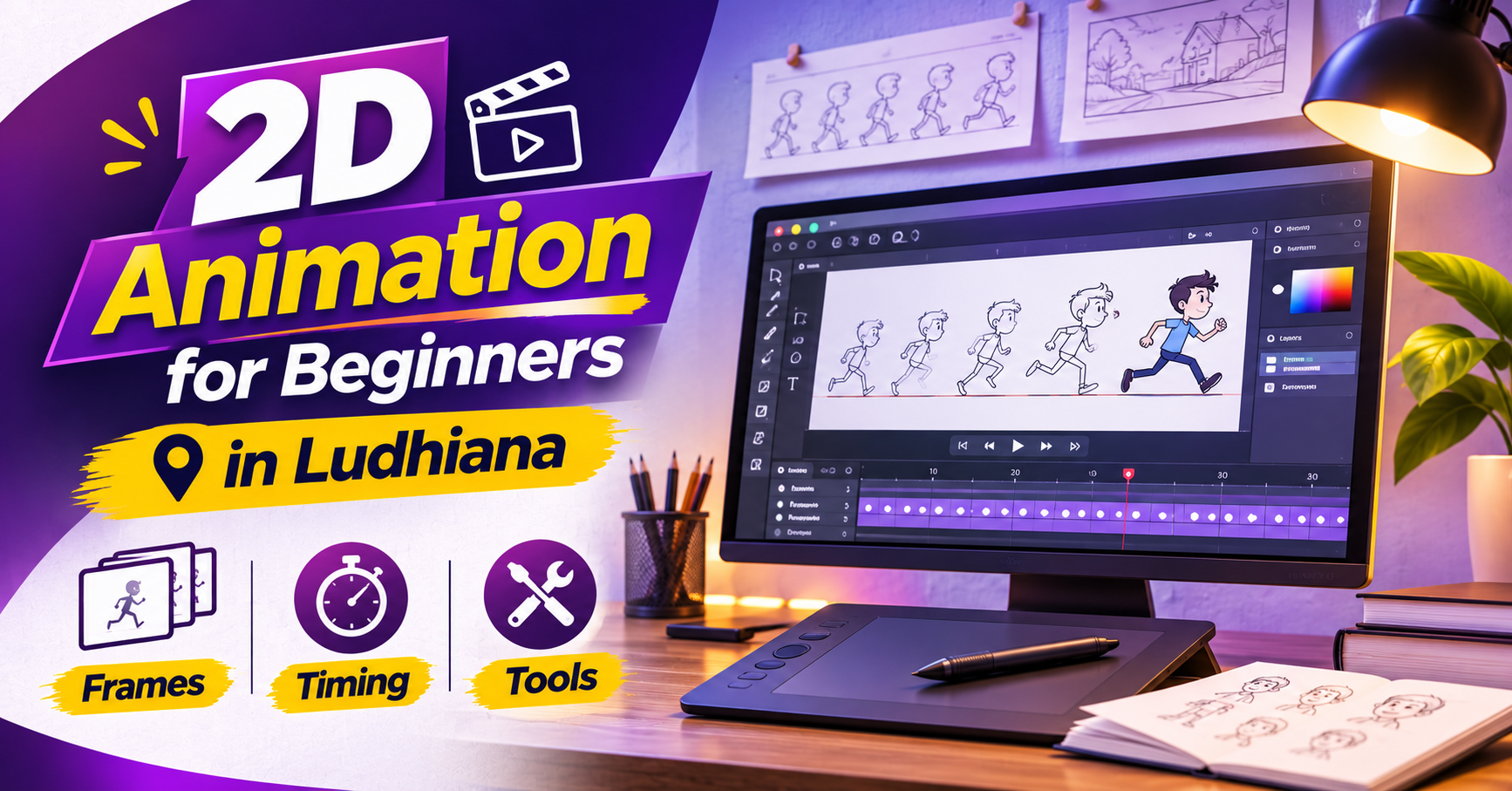
2D Animation for Beginners in Ludhiana: Frames, Timing and Tools
Animation brings drawings, illustrations, characters, and ideas to life by creating the illusion of movement. From animated films and advertisements to explainer videos, games, educational content, and social media reels, 2D animation continues to be an important part of the creative industry.
For beginners, learning 2D animation can seem challenging at first. Terms such as frames, keyframes, timing, spacing, squash and stretch, and onion skinning may sound complicated. However, once these concepts are understood through practice, animation becomes much easier to approach.
If you are searching for a 2D animation course in Ludhiana, learning the fundamentals of frames, timing, movement, and animation software can provide a strong foundation for your creative journey.
What Is 2D Animation?
2D animation is the process of creating movement within a two-dimensional environment. Unlike 3D animation, where objects are created and manipulated in a three-dimensional space, 2D animation primarily works with height and width.
Traditional 2D animation was created by drawing individual images or frames and displaying them rapidly one after another. Today, digital software has made the process faster and more flexible.
Modern 2D animators can draw digitally, create vector-based artwork, use digital brushes, manipulate characters, and edit animation timelines using specialized software.
2D animation is commonly used for:
Animated films
Cartoon series
Advertisements
Explainer videos
Educational videos
Motion graphics
Social media content
Mobile games
Web animations
Character animation
Understanding Frames
Frames are the foundation of animation.
A frame is essentially one individual image or moment in an animation sequence. When multiple frames are played one after another, the viewer perceives continuous movement.
For example, imagine a ball moving from the left side of the screen to the right. The first frame may show the ball on the left, while later frames gradually show it moving toward the right.
The more carefully these frames are created and arranged, the smoother and more convincing the movement can appear.
Beginners should understand that animation is not simply about drawing many pictures. It is about creating the right visual changes between frames.
What Is Frame Rate?
Frame rate refers to the number of frames displayed every second.
It is commonly expressed as FPS, or frames per second.
For example, an animation running at 24 FPS displays 24 frames every second.
Different animation projects may use different frame rates depending on the style and production requirements. Beginners should understand the relationship between frame rate and perceived movement rather than focusing only on a specific number.
A higher frame rate can provide more opportunities for smooth motion, while fewer drawings or frames can sometimes create a deliberately stylized look.
Keyframes and In-Between Frames
Two important concepts in animation are keyframes and in-betweens.
Keyframes represent important moments in an action.
For example, when animating a character waving, one keyframe may show the character's hand down, another may show the hand raised, and another may show the hand returning.
The frames between these important poses are called in-betweens.
In traditional animation, animators manually create these drawings. In some digital workflows, software can assist with interpolation between keyframes.
Understanding key poses is important because strong animation starts with clear movement and storytelling rather than simply adding more frames.
Timing in Animation
Timing determines how long an action takes.
Consider a character picking up a cup. If the action happens very quickly, it may feel energetic or surprising. If it happens slowly, it may feel careful, dramatic, or heavy.
The same movement can communicate completely different emotions depending on timing.
Beginners should experiment with different timings for actions such as:
Walking
Running
Jumping
Waving
Throwing
Falling
Turning
Talking
Timing is one of the most important skills to develop when learning animation.
Understanding Spacing
Timing and spacing work together.
Timing tells you how long an action takes, while spacing describes where an object is positioned between frames.
Imagine a ball moving across the screen.
If the ball moves the same distance in every frame, the movement may appear constant.
If the spacing changes, the movement can accelerate or slow down.
For example, when a ball starts moving, the drawings may be close together. As it speeds up, the distance between drawings may increase.
This simple concept helps animators create more natural movement.
The Importance of Key Poses
Before creating detailed animation, beginners should first focus on key poses.
A key pose clearly communicates what the character is doing.
For example, when animating a jump, you might create:
Standing pose
Preparation pose
Take-off pose
Highest point
Falling pose
Landing pose
Once these poses work visually, additional frames can be added to make the movement smoother.
This approach prevents beginners from spending too much time drawing details before understanding the action.
Squash and Stretch
Squash and stretch is one of the most recognizable principles of animation.
It helps communicate weight, flexibility, speed, and impact.
For example, when a cartoon ball hits the ground, it can squash slightly. When it jumps upward, it can stretch vertically.
The overall volume of the object should generally remain visually consistent while the shape changes.
This principle can make animation feel more lively and expressive.
Onion Skinning
Onion skinning is a useful feature found in many animation programs.
It allows animators to see previous and/or upcoming frames while working on the current frame.
This can make it easier to judge movement and maintain consistency between drawings.
For beginners, onion skinning is especially helpful when creating hand-drawn animation because it provides a visual reference for where the character or object was previously positioned.
Popular Tools for 2D Animation
Several software options are available for learning and creating 2D animation.
Some commonly used tools include:
Adobe Animate
Adobe Animate is widely used for 2D animation, interactive content, character animation, and web-based creative projects.
It supports timeline-based animation and provides tools for creating vector artwork and animated scenes.
Adobe Photoshop
Photoshop can also be used for frame-by-frame animation. It is particularly useful for artists who already enjoy digital painting and illustration.
Toon Boom Harmony
Toon Boom Harmony is a professional animation platform used in many traditional and digital 2D animation workflows.
It provides advanced tools for drawing, rigging, compositing, and production.
Blender
Although Blender is widely known for 3D animation, it also provides tools for 2D animation through its Grease Pencil system.
It can be useful for artists interested in combining 2D and 3D techniques.
OpenToonz
OpenToonz is another option for users interested in digital 2D animation workflows.
The best software for a beginner depends on their goals, learning style, and preferred animation technique.
A Simple Beginner Animation Exercise
A great first project is a bouncing ball.
Start by drawing a ball at its highest position. Create another keyframe showing the ball approaching the ground. Then create a squash pose when it contacts the ground and a stretched pose as it moves upward.
After creating the main poses, add in-between frames.
Now experiment with timing.
Make the ball fall quickly and stay in the air for a shorter period. Then try a slower version. Compare both animations and observe how timing changes the feeling of movement.
This simple exercise can teach you about frames, timing, spacing, squash and stretch, and key poses.
Career Opportunities in 2D Animation
Learning 2D animation can open opportunities across multiple creative industries.
Depending on their skills and specialization, animators may work as:
2D Animators
Character Animators
Motion Graphics Artists
Storyboard Artists
Visual Development Artists
Explainer Video Artists
Game Artists
Multimedia Designers
Freelance Animators
Advertising Animation Artists
Animation skills can also complement graphic design, video editing, VFX, filmmaking, and motion graphics.
Learning 2D Animation in Ludhiana
For beginners in Ludhiana, structured training can make the learning process easier by providing a clear progression from basic drawing and animation principles to software-based projects.
A practical 2D animation course in Ludhiana can introduce students to fundamental concepts such as frames, timing, spacing, keyframes, character movement, storytelling, and digital animation tools.
The most important part of learning animation is regular practice. Watching tutorials can help you understand concepts, but creating your own animation projects is what develops actual skill.
Conclusion
2D animation is a creative combination of drawing, movement, timing, storytelling, and technology. Beginners who understand the fundamentals of frames, keyframes, timing, spacing, and animation principles can gradually create more convincing and expressive animations.
Whether your goal is to create cartoons, advertisements, explainer videos, social media content, games, or professional animation projects, starting with simple exercises can build confidence.
If you are looking for a 2D animation course in Ludhiana, focus on developing strong fundamentals alongside software skills. Start with simple projects such as a bouncing ball, gradually move toward character movement, and continue experimenting with timing and poses.
With consistent practice and the right learning approach, your first few frames can become the beginning of a complete animation career.
- 2D Animation
- 2D Animation Course
- Animation for Beginners
- Animation Tools
- Animation Timing
- Character Animation
- animation course Ludhiana
- Frame by Frame Animation